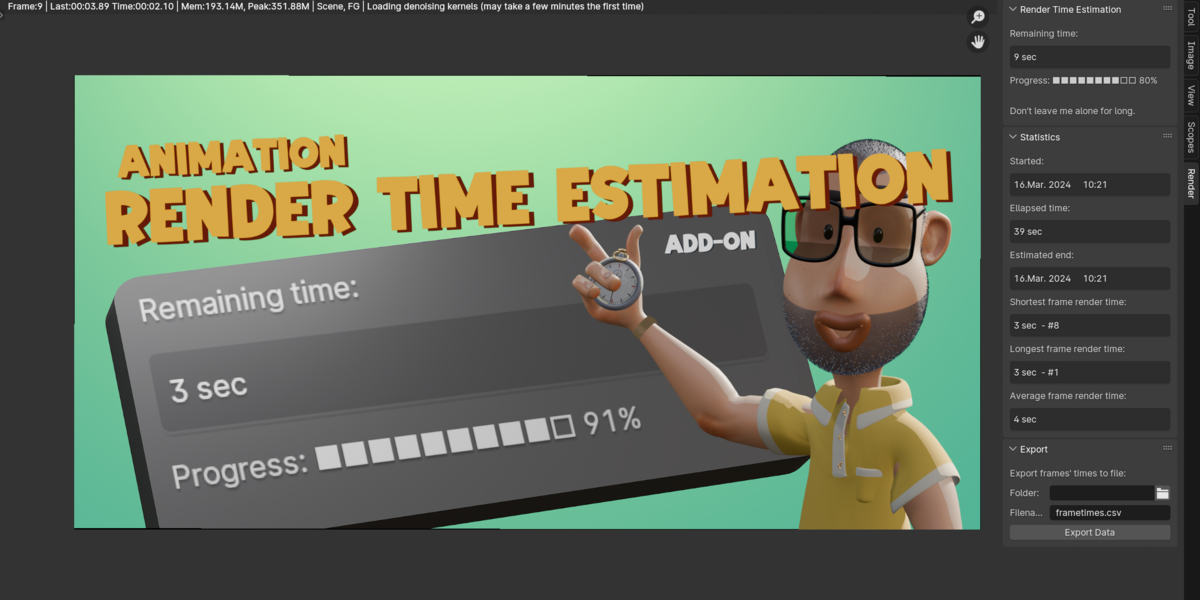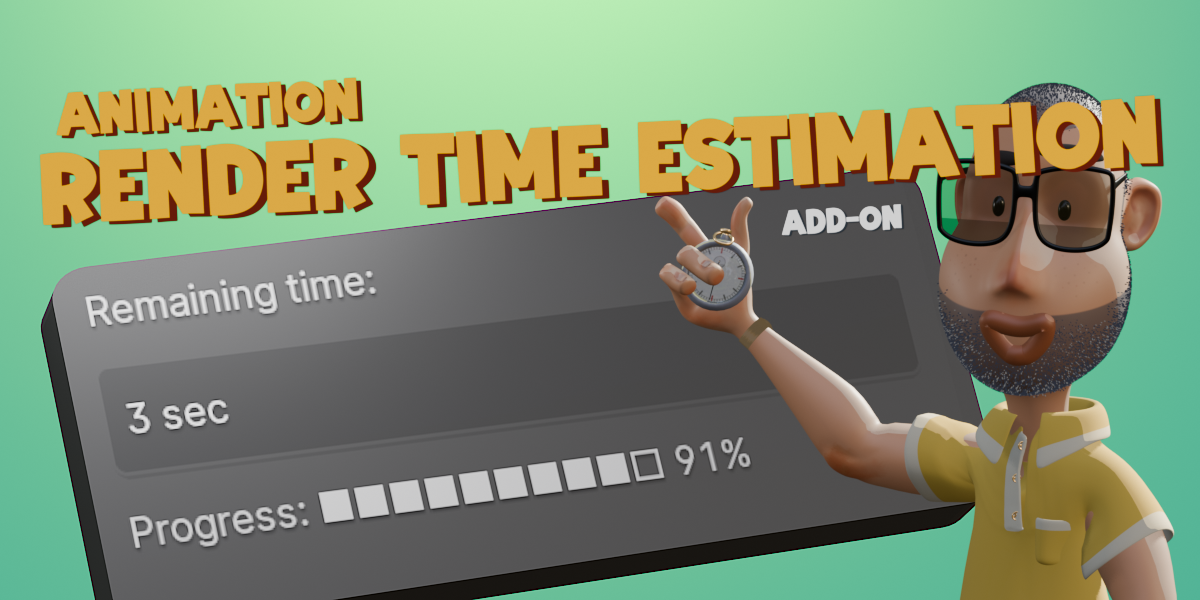
Render Time Estimation Add-On by Zym-Zym Studio estimates the remaining time for Blender renders and video sequences. It shows the estimate in the N-panel and status bar, alongside render progress and frame-time statistics. The product listing identifies it as a Blender add-on under the GPL license.
Progress and render statistics
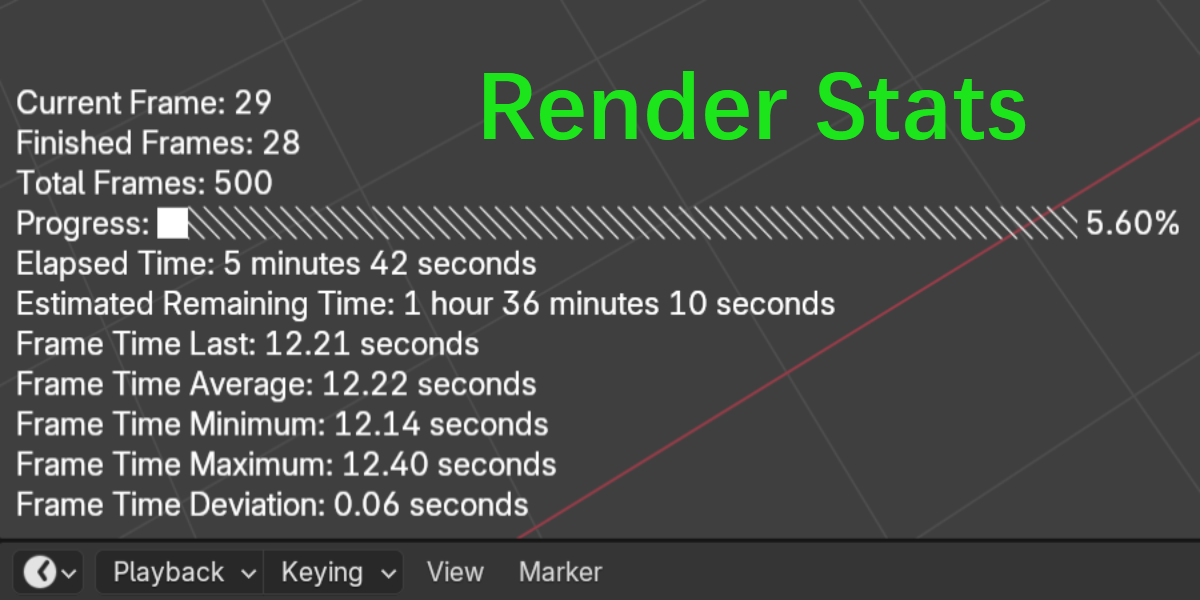
During an animation render, the add-on displays a progress bar in the N-panel and status bar. A status-bar message also shows the estimated remaining time. The panel includes the shortest, longest, and average frame render times, as well as an estimated finishing time. A tip area offers Blender suggestions and occasional silly comments while the job runs.
How the estimate changes
The first estimate is rough. Zym-Zym Studio's documentation says the add-on recalculates after each completed frame, so the estimate can become more precise after a couple of frames.
The add-on does not support Viewport Render Animation. The developer explains that Blender manages viewport-render animation data separately from normal render data, which the add-on uses.
Exporting frame times
You can export the rendered frames and their render times, in seconds, to a CSV file. Choose a folder and filename for the export; if you leave the folder unspecified, the add-on uses the output folder for the rendered frames. This lets you keep a per-frame timing record for review outside Blender.
Compatibility and setup
The product listing reports support for Blender versions 3.2 through 5.1. The developer's documentation covers installing a downloaded Python file or an unzipped rendertime.zip package. It places the main panel in the N-panel of the Image Editor in Blender's Rendering layout. Check the developer documentation for installation details, and the listing for the current compatibility and license information.