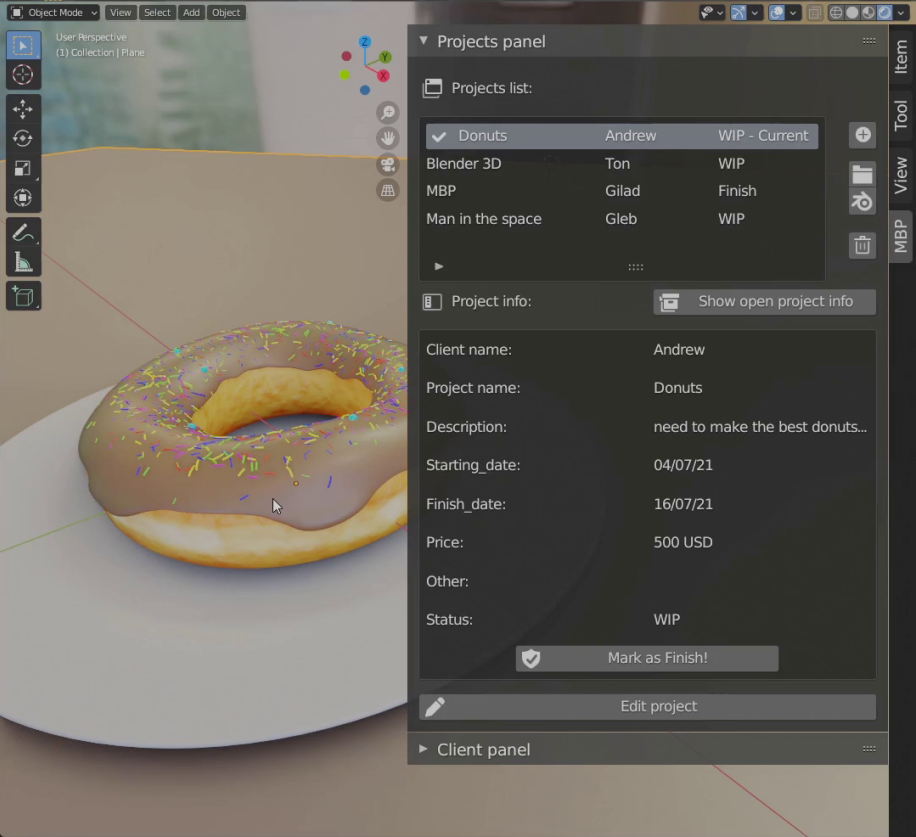
Manage Blender Projects (MBP) is a Blender add-on for keeping project and client records in Blender's N-Panel. The full version records project status, start and finish dates, income and client names. From its project list, you can open a project's Blender file or folder.
Organize project files from Blender
When you create a project, MBP can make the folders you choose and save the Blender file in the appropriate folder. From the project list, you can reopen the file or its folder without searching through your computer. These features suit Blender freelancers who want project details and file access together in their workspace.
Track time and export project data
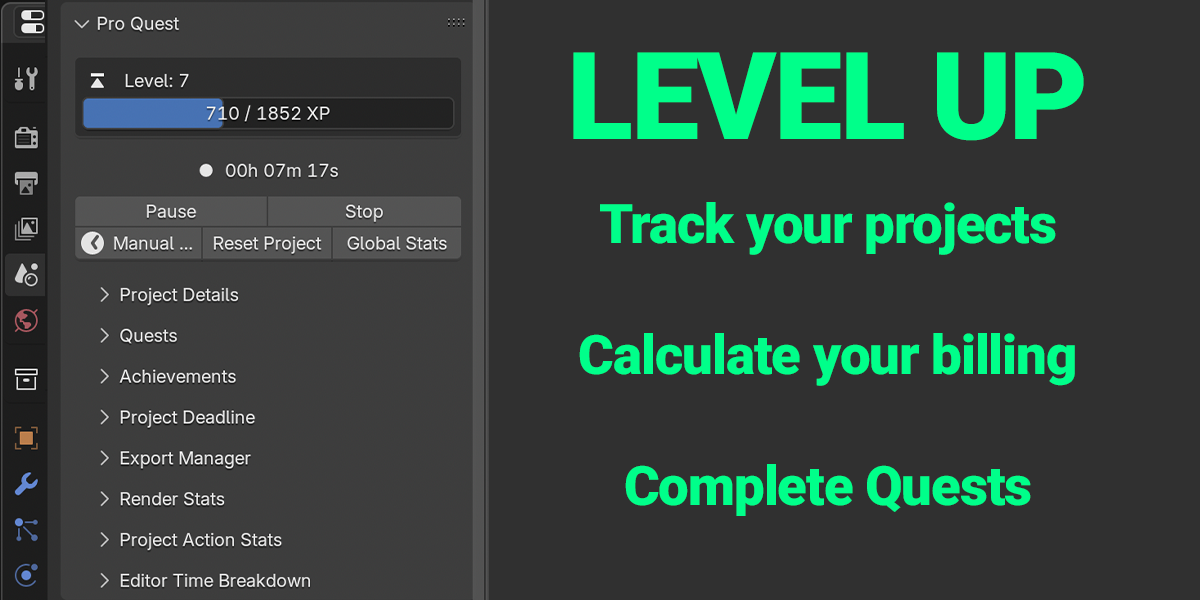
MBP includes a timer for tracking work time and can export project data to CSV for review or summaries outside Blender.
Choose between MBP and MBP Lite
The full version includes project and client management. MBP Lite is a simpler project list without a client list; its listed fields are project name, status and notes. Lite may suit someone who needs a basic list, while the full version covers client records and the additional project features described above.
Compatibility and license
The Superhive listing gives Blender compatibility as versions 3.6 through 5.2. Its version 4.0 changelog says compatibility was updated for Blender 5.2. The listing says all versions have been tested only on Windows, so it does not confirm testing on macOS or Linux. MBP is released under the GPL license. Check the Superhive product listing for current details before installing.