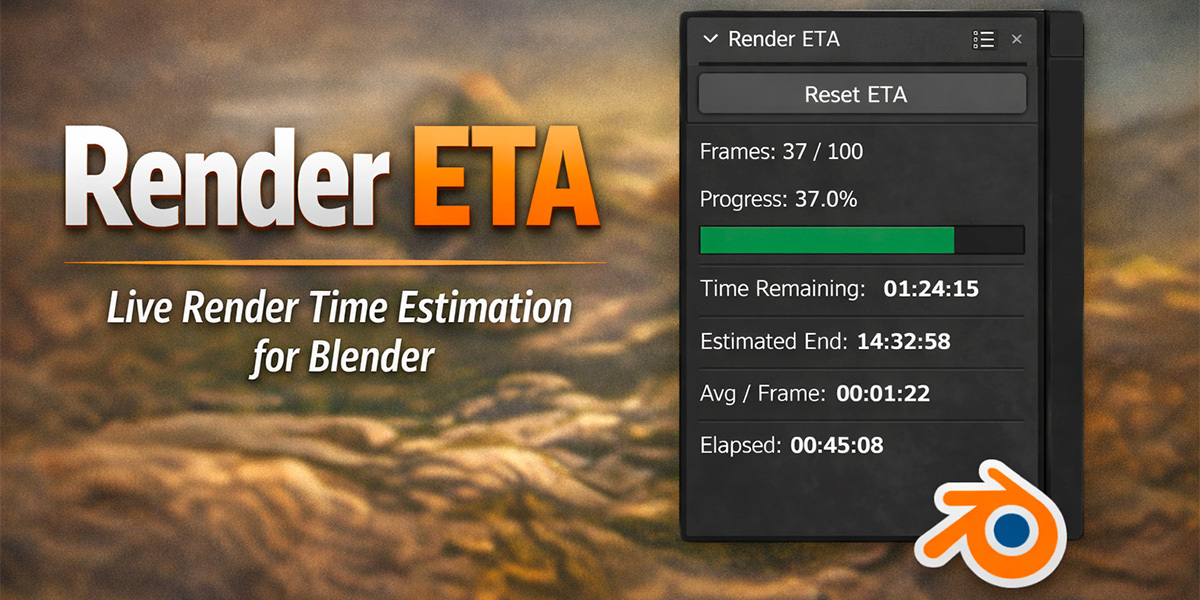
Render ETA in Image Editor is a Blender add-on that shows an estimated remaining time while an animation renders. It tracks the duration of completed frames and updates the estimate in the Image Editor sidebar, so you can check render progress without leaving Blender's interface.
What the panel shows
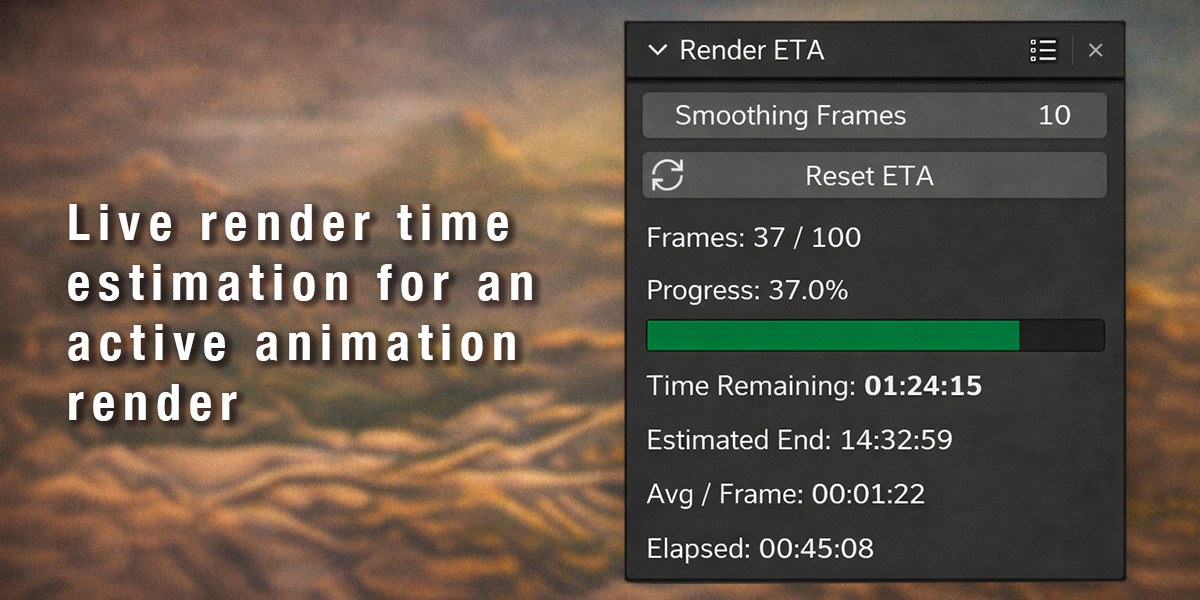
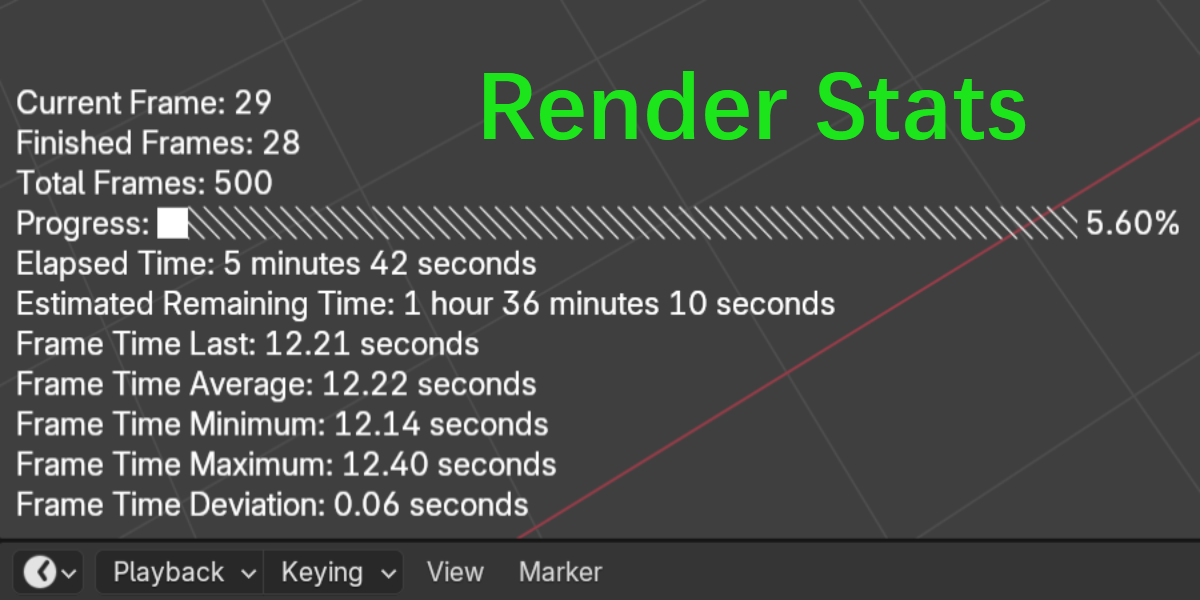
The Render ETA panel reports rendered frames against the total, completion percentage and a progress bar. It also shows estimated time remaining, an estimated finish time, average render time per frame and total elapsed time.
Install and open the panel
- Download the add-on ZIP file.
- In Blender, go to Edit > Preferences > Add-ons and select Install.
- Choose the ZIP file, then enable Render ETA in Image Editor.
- Start an animation render, open the Image Editor and press N to show its sidebar. Select the Render ETA tab.
The add-on has no external dependencies.
Adjust the smoothing window
Smoothing Frames sets how many recent completed frames are used to calculate the average render time. The documented default is 10. A lower value reacts faster when frame times change, but the estimate may be less stable. A higher value smooths the estimate but takes longer to reflect changes in frame complexity.
Estimate behavior and compatibility
The estimate becomes more useful after a few frames have completed. Frames with widely different render times can make it fluctuate, so treat the finish time as an estimate rather than a guaranteed completion time. The add-on also supports single-frame renders; for an F12 render, it displays timing information for that render.
The Superhive product listing identifies version 1.1.3 and a GPL license. Its compatibility text says Blender 4.0 and newer, while the detailed compatibility field lists Blender 4.0 to 5.0. Check the documentation and current listing before installing on a newer release.