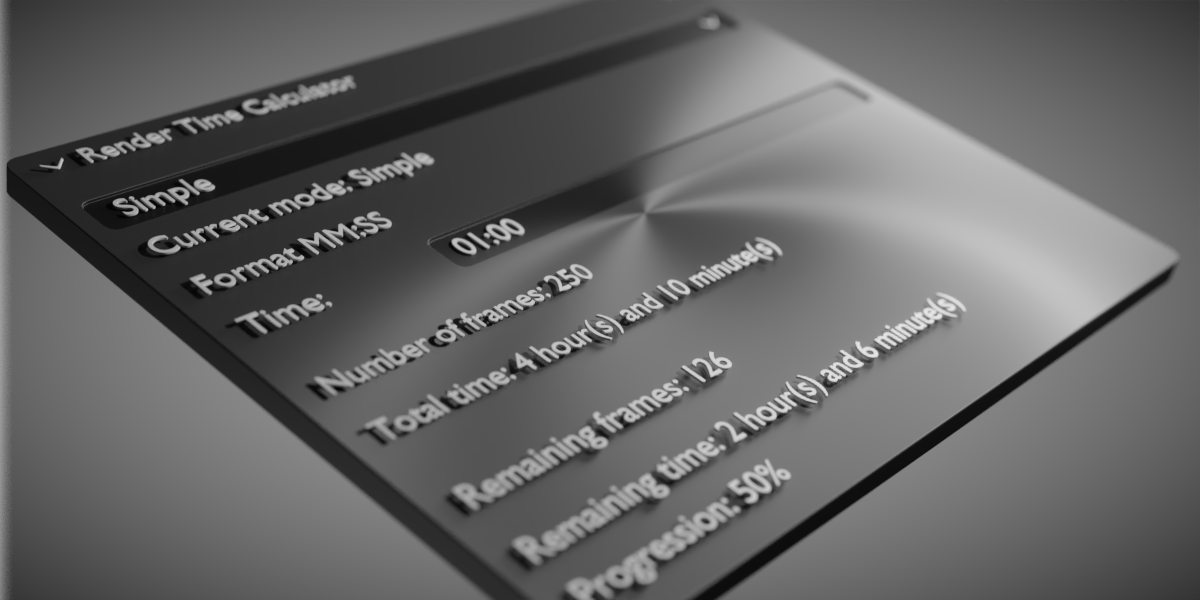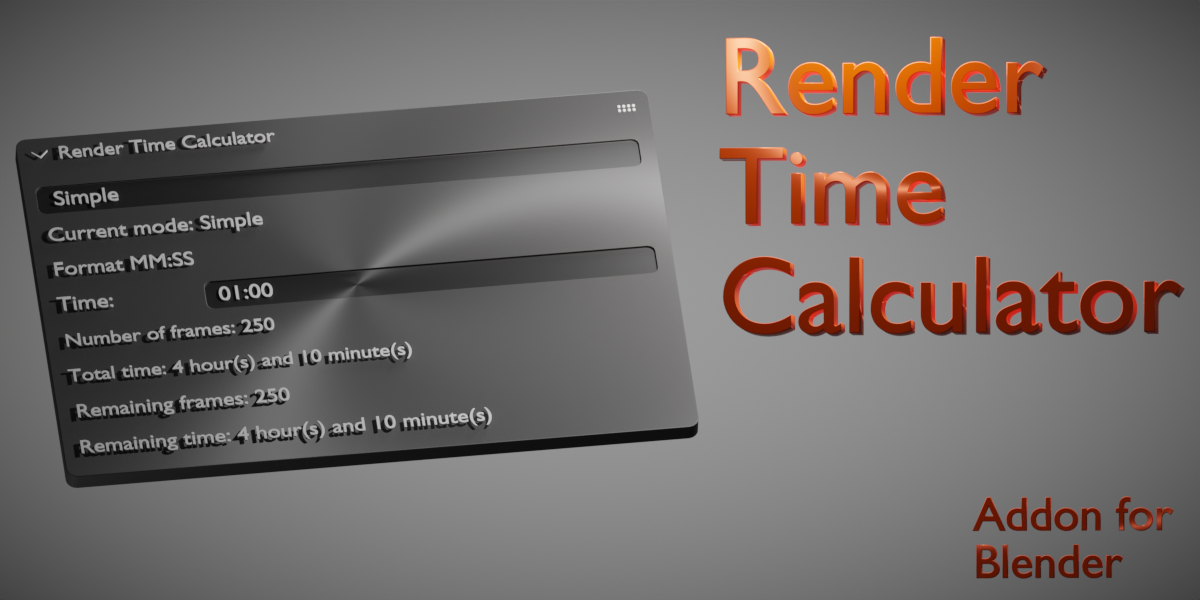
Render Time Calculator is a Blender add-on by Flame_Python for estimating how long an animation will take to render. Enter the time for one frame in simple mode, or several frame times in advanced mode. The add-on reports the total estimate and, as rendering progresses, shows how much work remains.
How the estimate works
The estimate depends on the frame times you enter. Simple mode uses one input and is less accurate. For example, if 120 frames each take about 30 seconds, a straight estimate is 60 minutes. That example assumes similar render times across the sequence. Advanced mode accepts multiple inputs and can give a more accurate estimate when different parts of an animation take different amounts of time.
What it shows
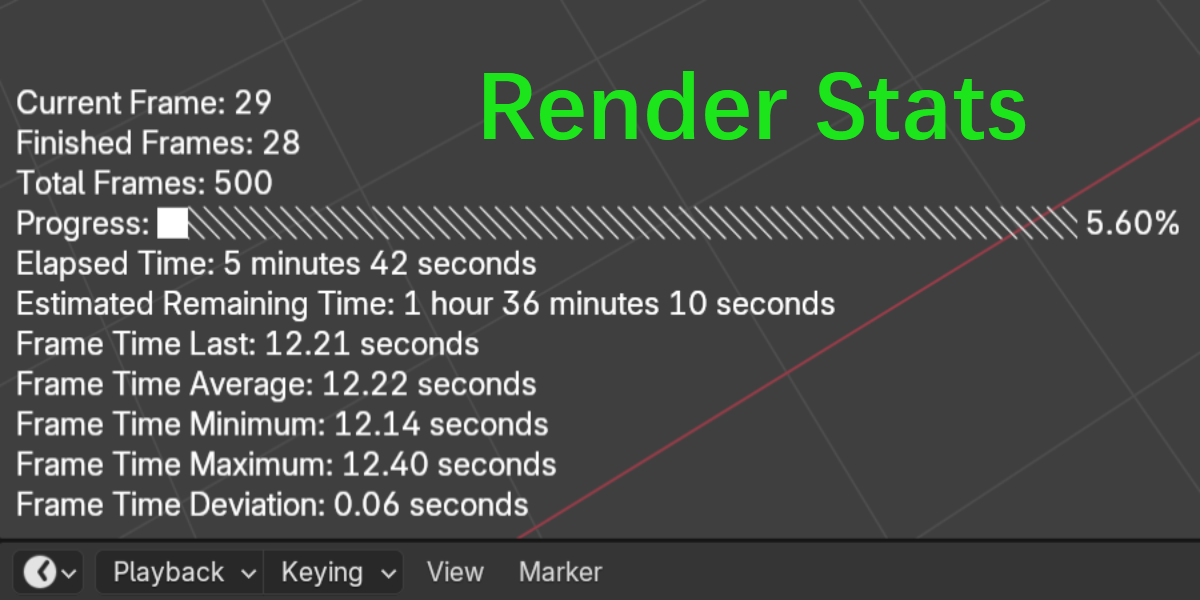
Render Time Calculator displays the total time, remaining frames, remaining time, estimated finishing time, and progress. These figures help you check a render's expected duration and track its progress, but the estimate remains tied to the frame times you provide.
Choosing a mode and working safely
Use simple mode for a quick estimate when one frame is representative. Choose advanced mode when render times vary across the animation; several inputs can reduce the effect of that variation. The estimate may still be off if the frames you enter do not reflect slower or faster sections.
The creator warns that changing the time input while a complex scene is rendering may cause Blender to freeze. Where possible, enter your frame times before starting a complex render.
Version and licensing details
Flame_Python's listing identifies version 1.3.1, Blender compatibility from 2.6x through 5.1, and a GPL license. It names Cycles, Eevee, Arnold, Octane, V-Ray, and other engines in its render-engine details, without describing engine-specific setup. Check the product listing for the current compatibility and license information.