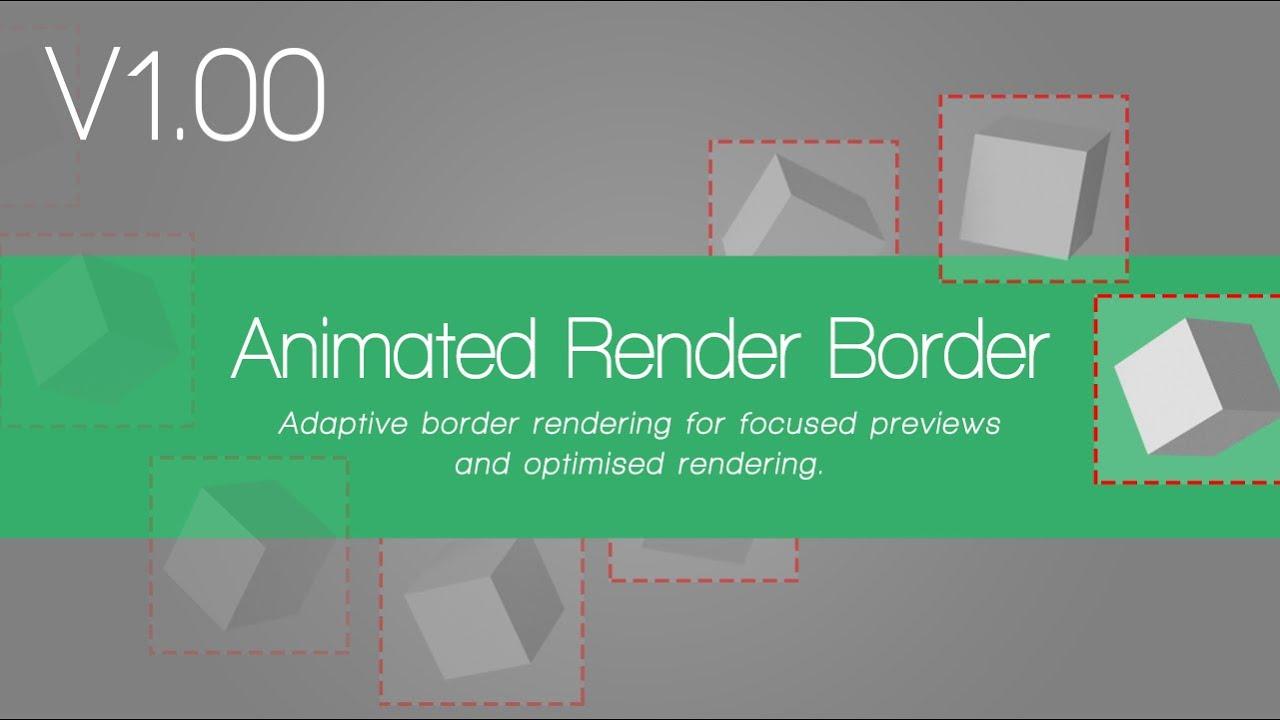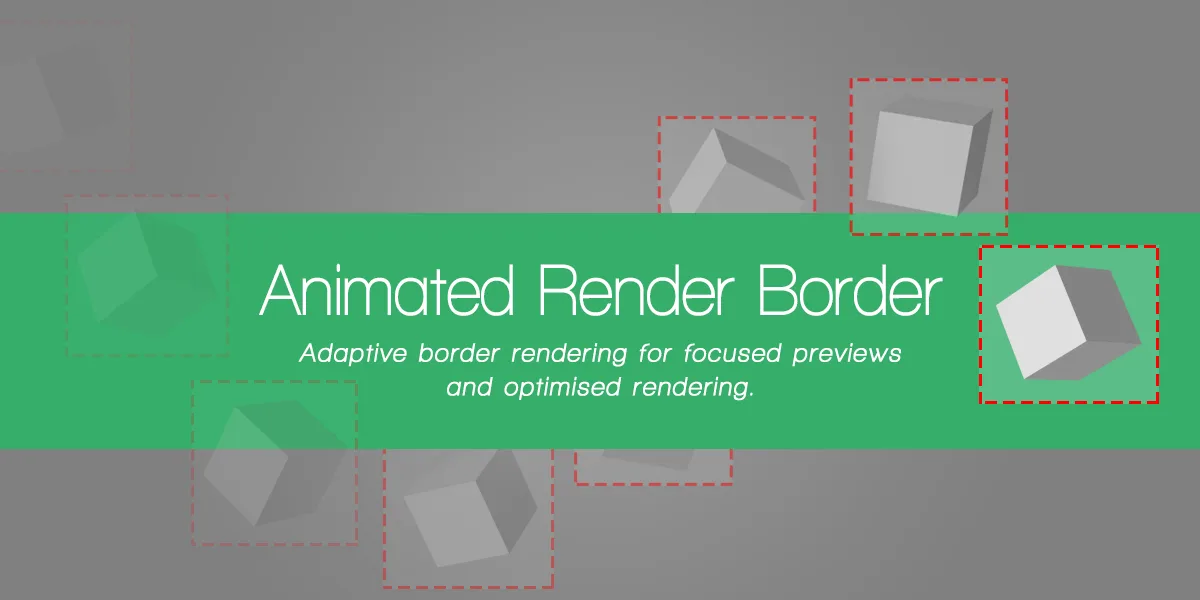
Animated Render Border is a Blender add-on that moves the render region with a selected object or collection as an animation plays. Blender's built-in region rendering can limit a still render to part of the camera view, but a fixed region may miss a subject that moves across the frame. This add-on updates the region for each frame, helping you focus previews on the moving subject or skip empty areas around renders with transparent backgrounds.
How the render region follows a subject
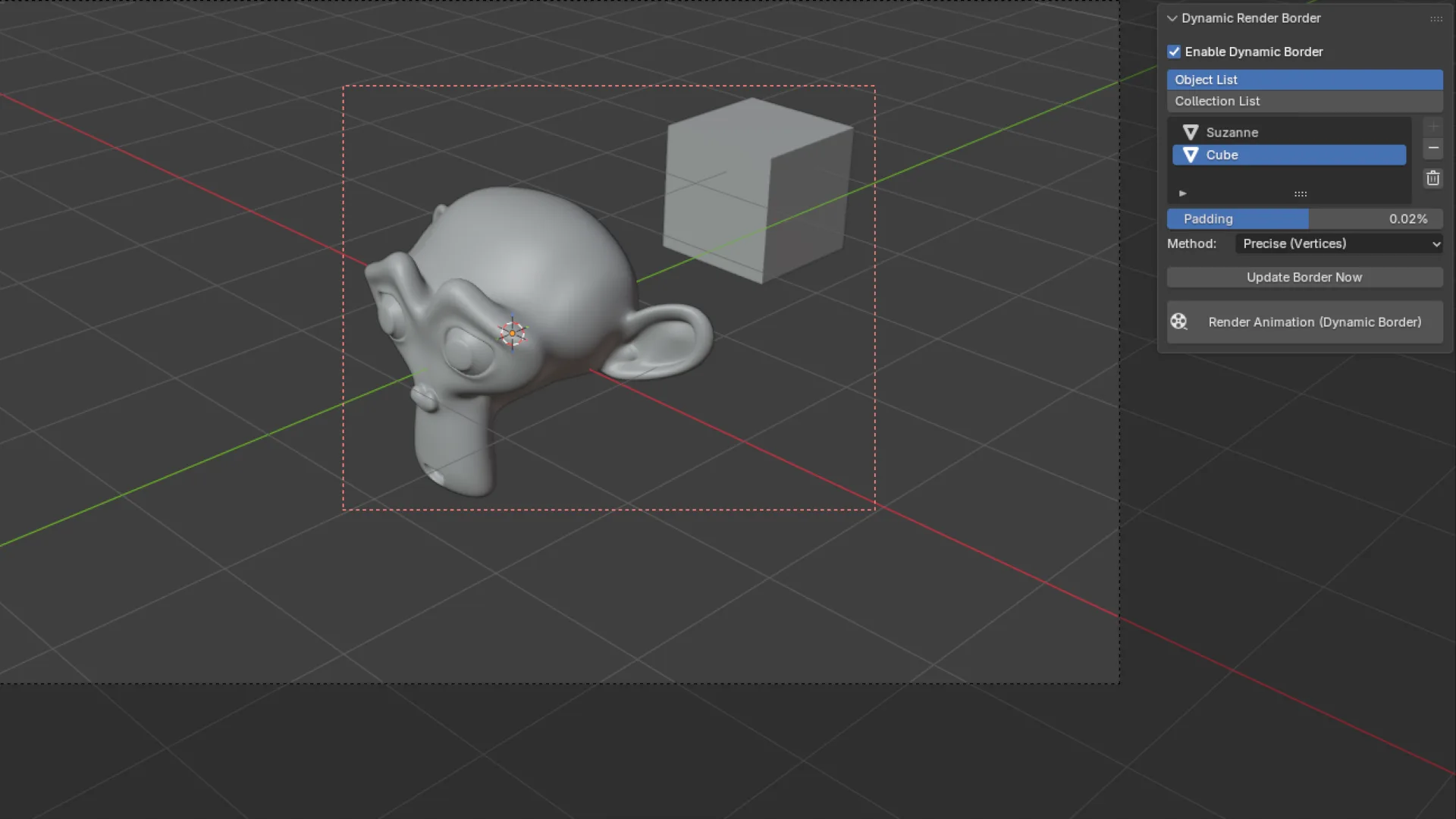
You can choose between two tracking modes. Bounding box tracking is faster and less precise; precise tracking analyzes an object's inner points, such as vertices or curve points, and can take longer on complex objects. An adjustable margin adds padding around the tracked area.
If you prefer to set the region yourself, Keyframe mode lets you position and keyframe it manually. You can also scroll through the timeline to see the adaptive region change with the animation before rendering.
Objects and animation renders
The add-on can track meshes, text, curves, lattices, armatures, bones, surfaces and meta objects. Geometry created by modifiers can be tracked in bounding box mode. For test renders, the moving region can keep the subject inside the rendered area as it travels through the camera view.
Animated Render Border outputs image formats, such as a JPG image sequence. The product page says it does not render directly to a video format such as MP4.
Limits to check before using it
- Cameras, empties, lights, instances, particle systems and speakers cannot be tracked directly. The creator notes that you can parent a trackable object to an untrackable one and track the child.
- Tracking does not work with panoramic camera lenses, including Equirectangular and Mirror Ball.
- Each view layer cannot have a different render region size. The product page says to render view layers separately if you need different render region sizes.
- The render region may not work reliably with the compositor. The creator advises rendering passes separately, or as a Multilayer EXR, and using those renders in the compositor.
Command-line rendering is supported; the included documentation has an example command. Superhive lists Blender versions 2.77 to 5.3 and says the download includes 2.79 and 2.8+ variants. Check the product page for compatibility details, and consult the included documentation for usage guidance.