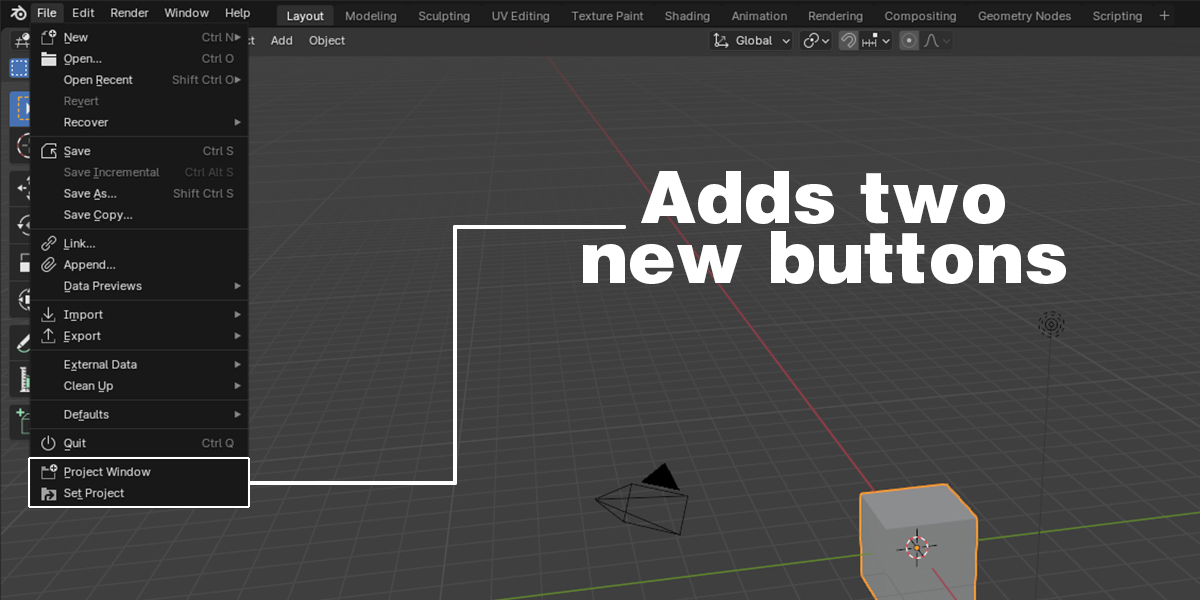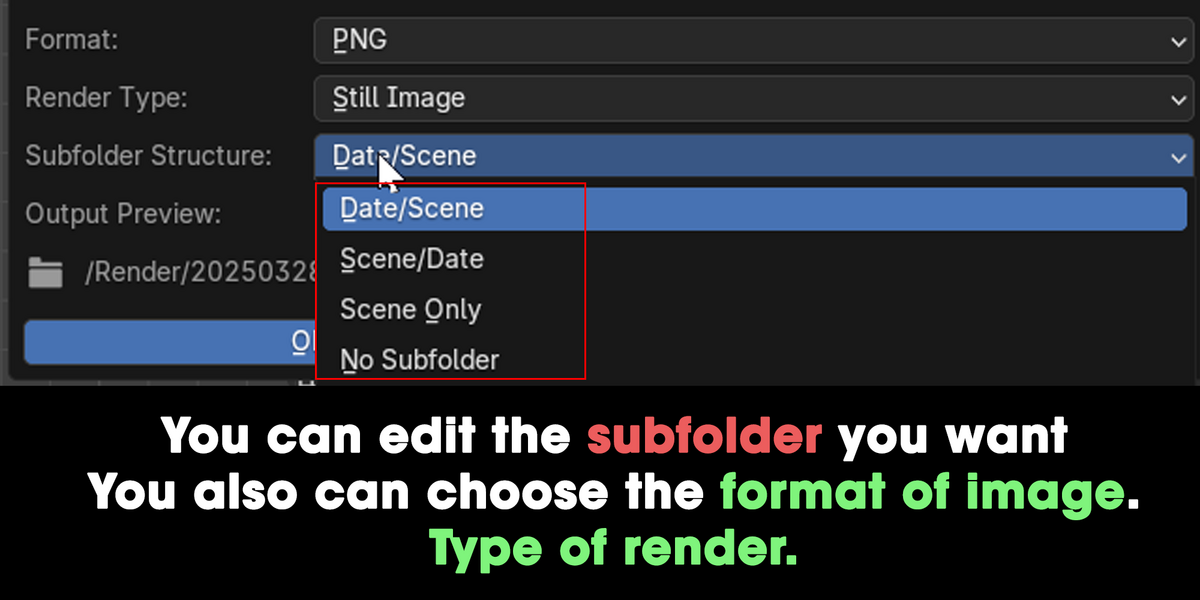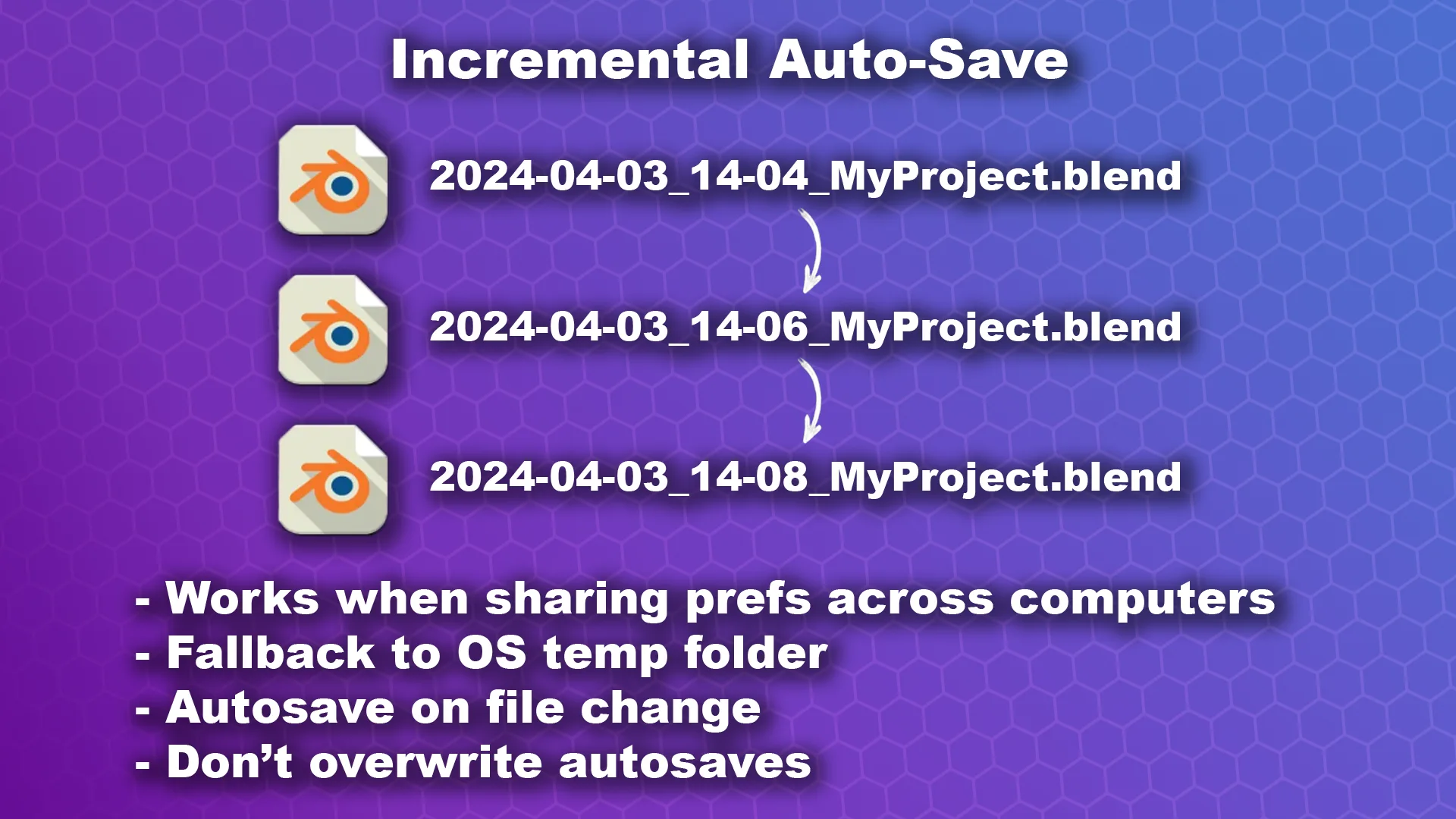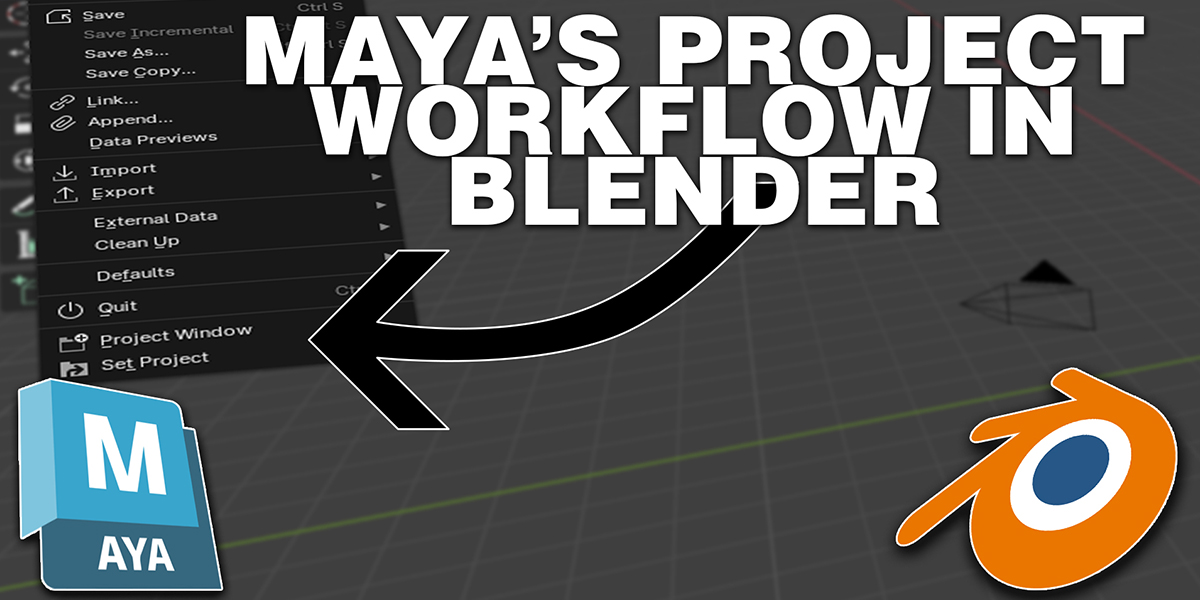
Maya Project Workflow brings Maya's Project Window approach to Blender as a project-folder utility. It adds Project Window and Set Project to Blender's File menu: one creates a folder structure at a location you choose, and the other links that folder to Blender for auto-save, renders, and file lookup. The product listing describes this workflow. The product FAQ clarifies that the add-on recreates Maya's project functionality in Blender rather than connecting Maya and Blender.
Set up a Blender project
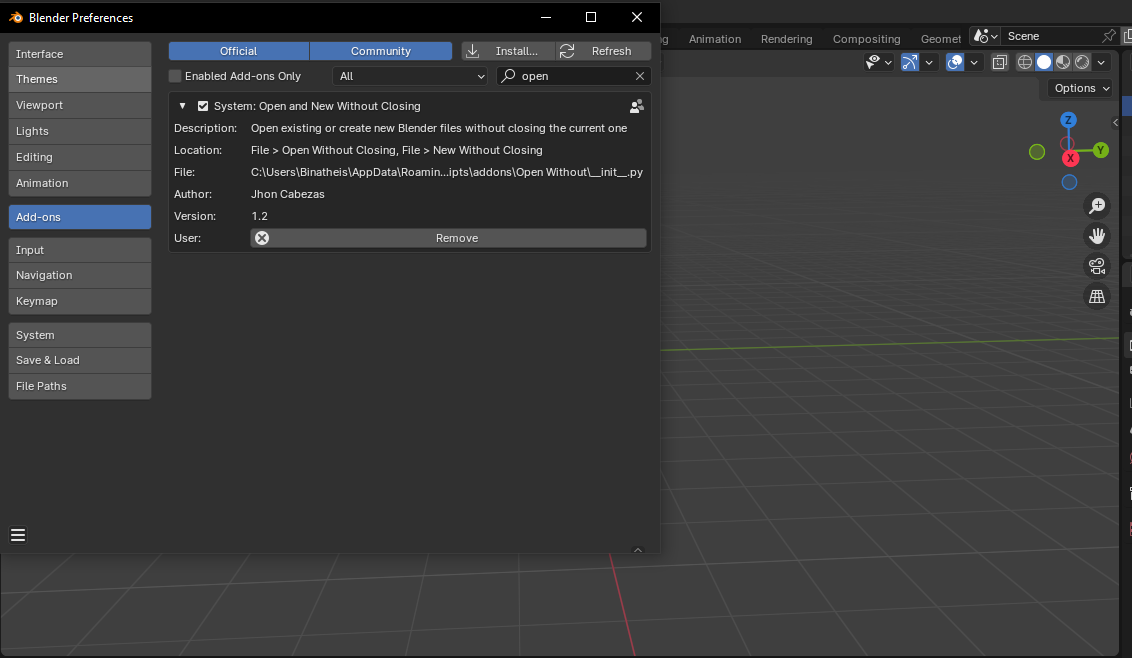
- Install the add-on from its ZIP file. The published documentation gives this route:
Edit > Preferences > Add-ons > Install, then select the ZIP file and chooseInstall Add-on. - Choose
File > Project Windowand select a location. Maya Project Workflow creates a new project folder with subfolders there. - Choose
File > Set Projectto link the folder created in the previous step to Blender. The listing says Blender then uses the associated folders for auto-save, renders, and file lookup.
Compatibility and scope
The Superhive listing names Blender 4.3 and 4.0 under Blender Version. Its documentation records a 1.0 release for Blender 4.0, and the listing identifies the license as GPL. Check the listing and documentation for current details if you use another Blender version.
the supplied product documents do not describe scene conversion or file transfer between the applications.