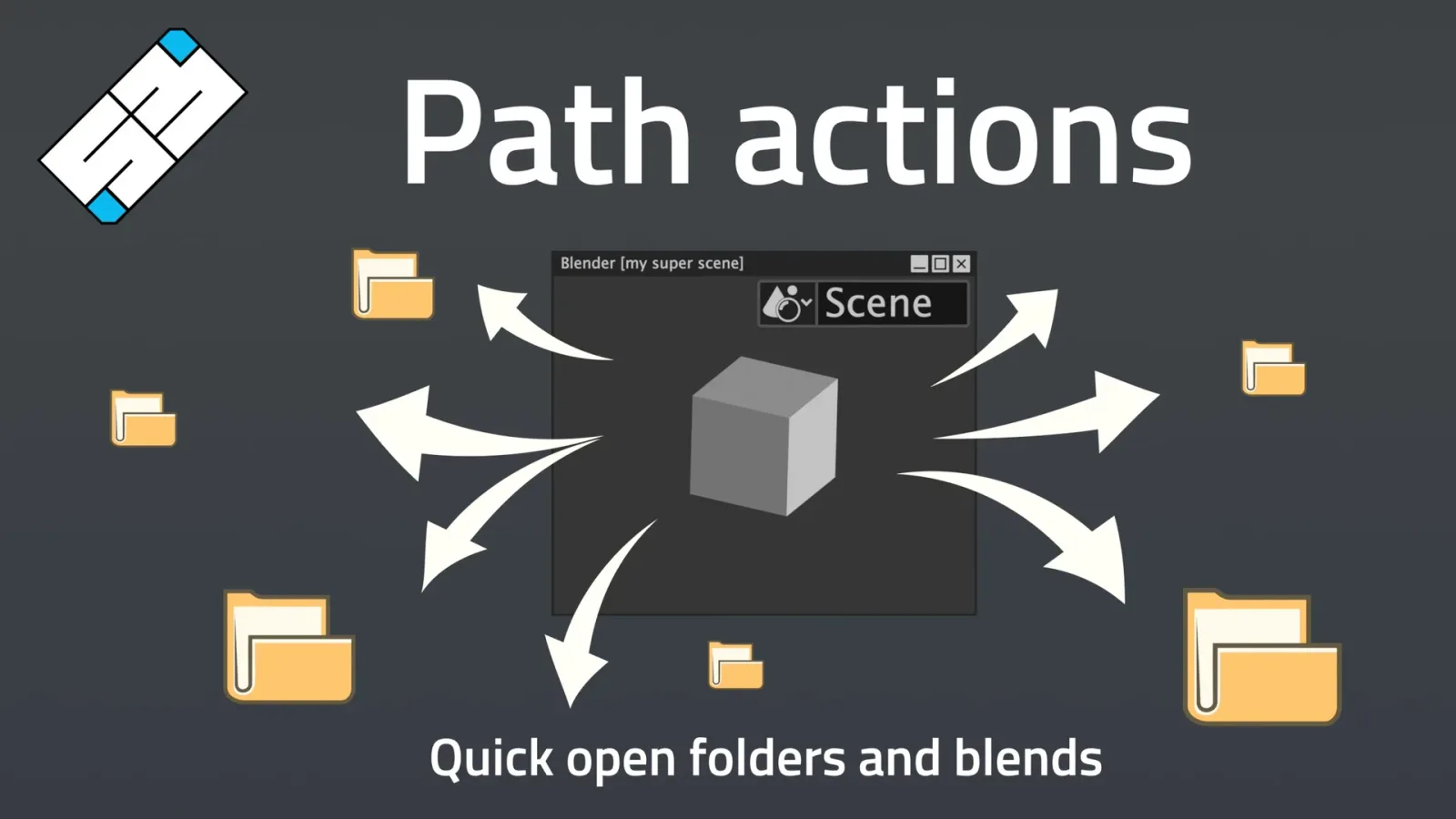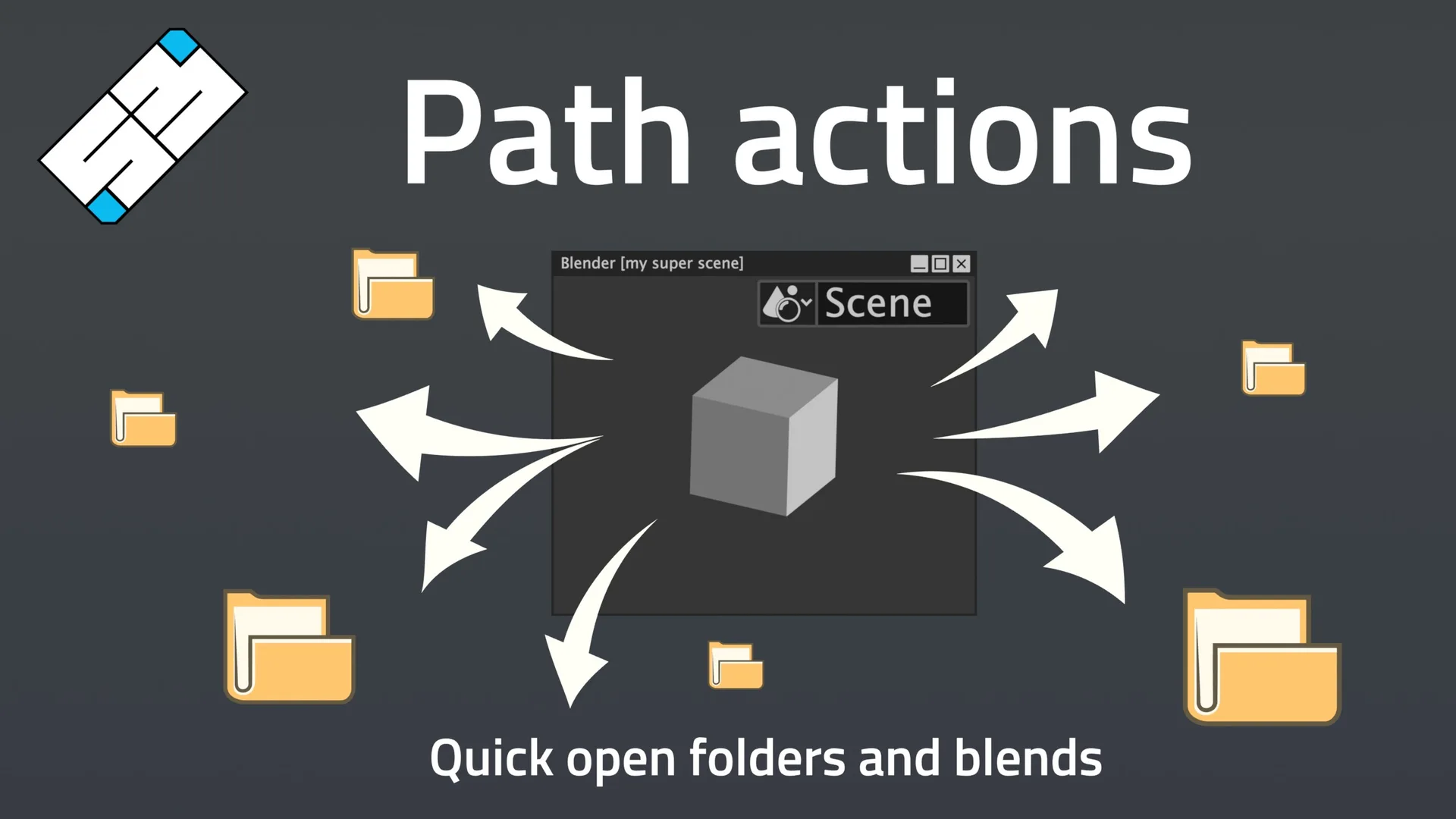
Path Actions adds a folder button to Blender’s header for working with the folder and paths around the current blend file. Click it to open that folder in your operating system’s file browser, or use modifier keys for other actions.
Use the header button
Ctrl-clickcopies the current blend file’s path.Shift-clickopens the Side Blend menu, which lists other blend files in the same folder. You can open a file in the current Blender instance or another instance, or copy its path.Alt-clickopens alternative actions, including file history and shortcuts to Blender-related folders and paths.Ctrl+Alt-clickopens a popup for copying a formatted path.
The add-on also provides a searchable recent-file history with the Ctrl+Alt+Shift+O shortcut. In Blender’s file browser, its buttons can open the browsed folder in your operating system’s file browser or navigate to the current blend file’s location if it has been saved. With Developer Extras enabled in Blender’s interface preferences, search operators switch the output path between relative and absolute.
File and developer tools
The alternative actions include paths to the Blender application folder and executable, plus Blender’s configuration, temporary and script directories. They also provide shortcuts to open or search the add-on folder.
Enable Developer mode in the add-on preferences to add a blend reload button and Check File Links. The checker lists external files used by a blend and lets you edit library file paths.
Compatibility and details
The Blender Extensions listing sets Blender 4.2.0 as the minimum version and identifies the license as GNU GPL v3 or later. It describes file access for opening folders and listing blend files, and clipboard access for copying file paths.