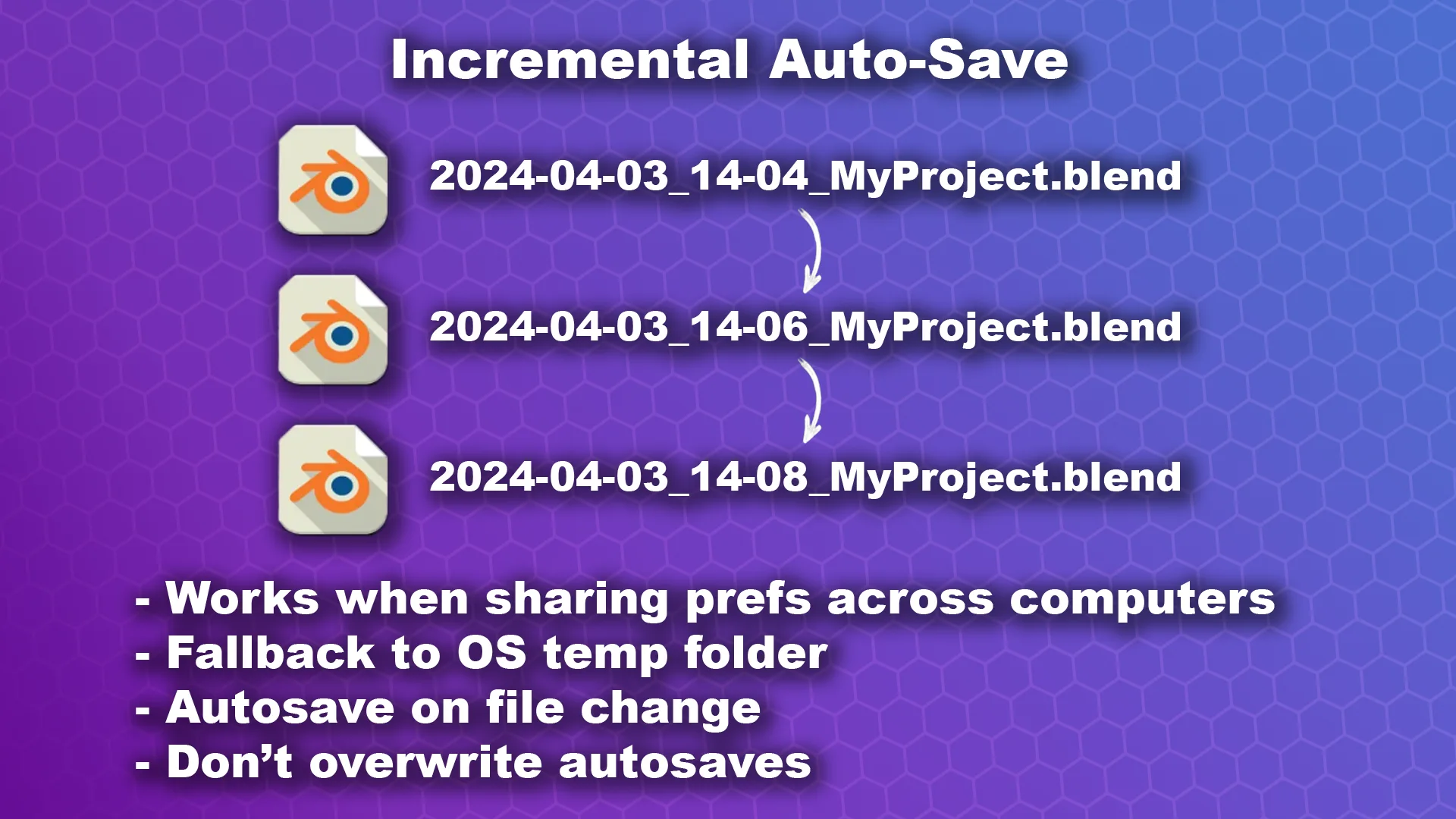
Incremental Auto-Save is a Blender add-on by Mets for creating a series of project backups. You can set how often it saves and how many backups to retain. It can also save projects that do not have a filename yet, save while a mesh is in Edit or Sculpt Mode, and autosave packed or unpacked images. You can disable the mode autosave if it causes noticeable lag, or disable image autosaving.
Keep earlier save points
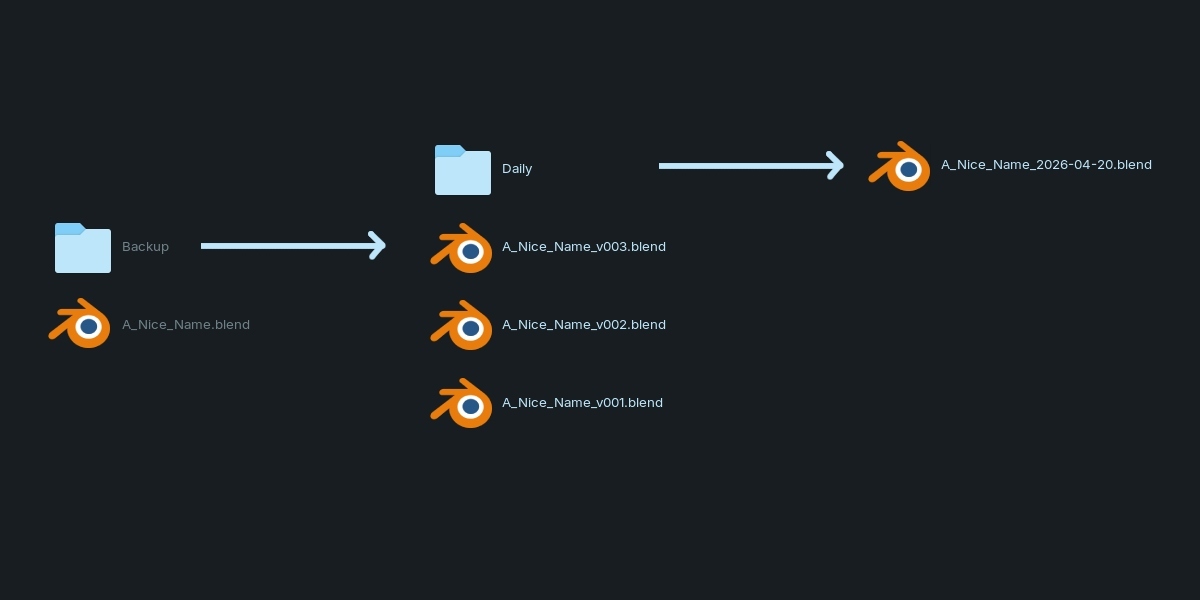
The add-on keeps existing autosaves instead of overwriting them. Choose a save interval and backup count that suit your work. More frequent saves create closer checkpoints; retaining more backups gives you more earlier versions to return to.
Set backup paths
You can specify more than one autosave path. Incremental Auto-Save uses the first valid path, which can help when the same preferences are used on computers with different folder layouts. If a configured path is invalid, the add-on falls back to your operating system's temporary folder. Check how your system retains temporary files before relying on that fallback as your only recovery copy.
Save unnamed projects and switch files
Incremental Auto-Save can create a backup for a project that has not been saved under a filename yet. It also has an optional autosave-on-file-switch setting, which can write a backup when you move to another file, even if you choose “Don't Save.” Test the setting with a sample project and confirm where the resulting files are stored.
Compatibility and permissions
The Blender Extensions catalogue lists version 1.1.2 as compatible with Blender 4.2 LTS and newer, while its 1.1.2 changelog says the add-on's minimum is Blender 3.5; the catalogue API record lists 4.2.0 as the minimum, and the listing does not explain the discrepancy. It names maintainer Mets and the GPL-3.0-or-later license. Its listed file permission covers saving preferences and .blend files in the directories you choose. Check the listing for updates before installing. Blender's Install from Disk instructions explain how to install an extension archive.