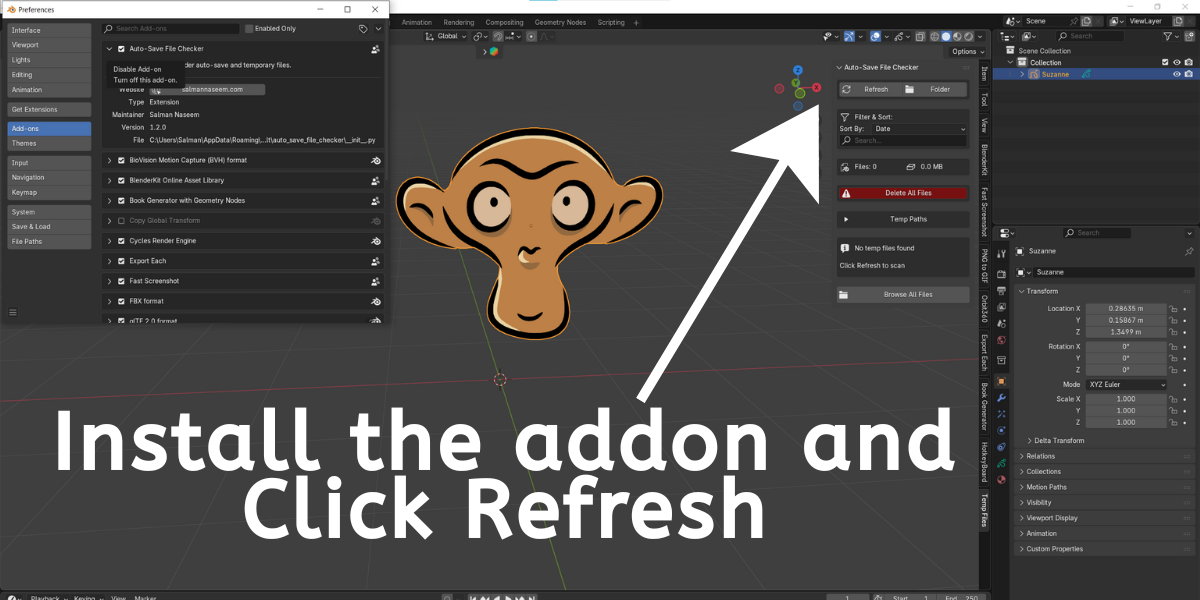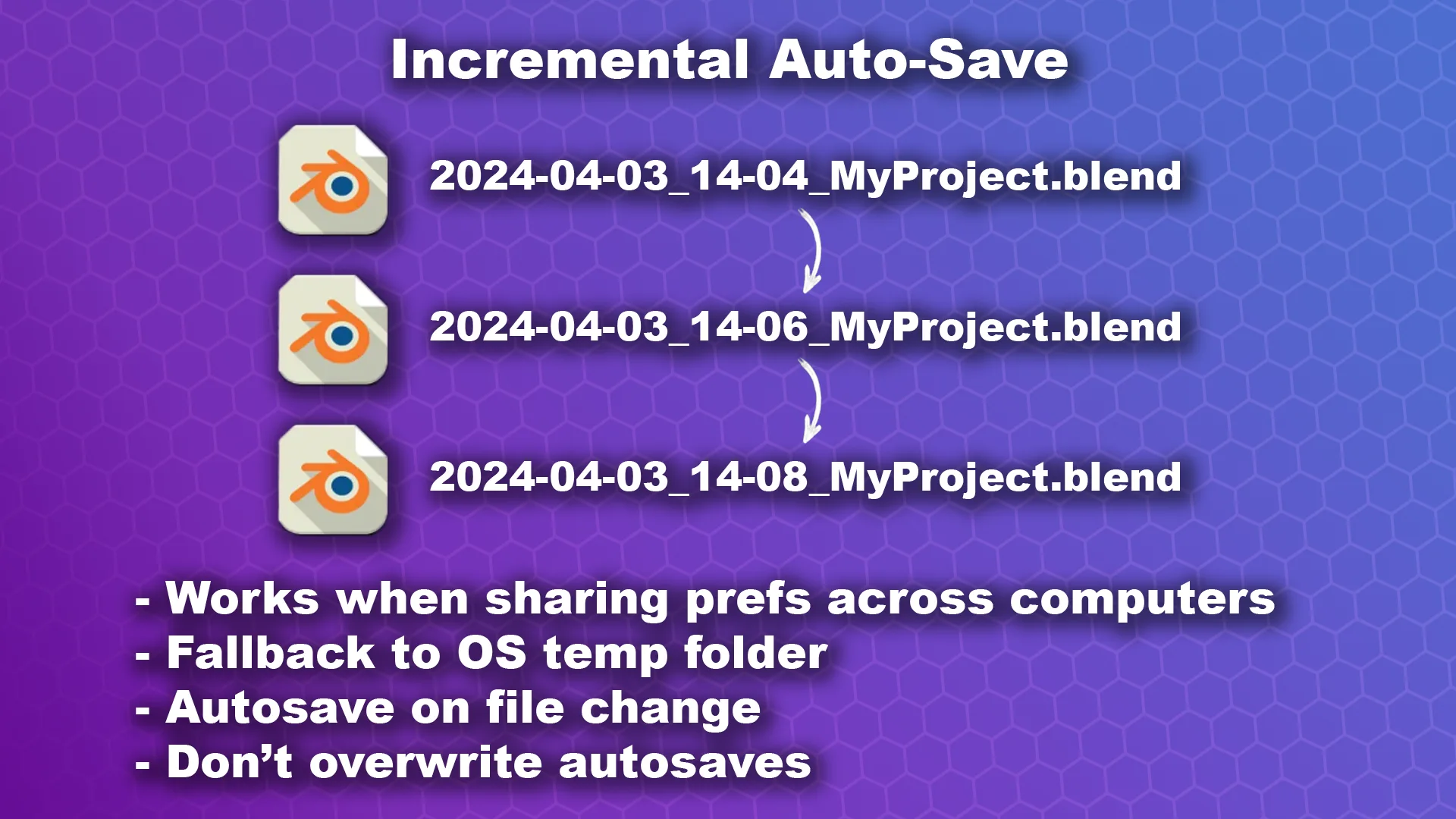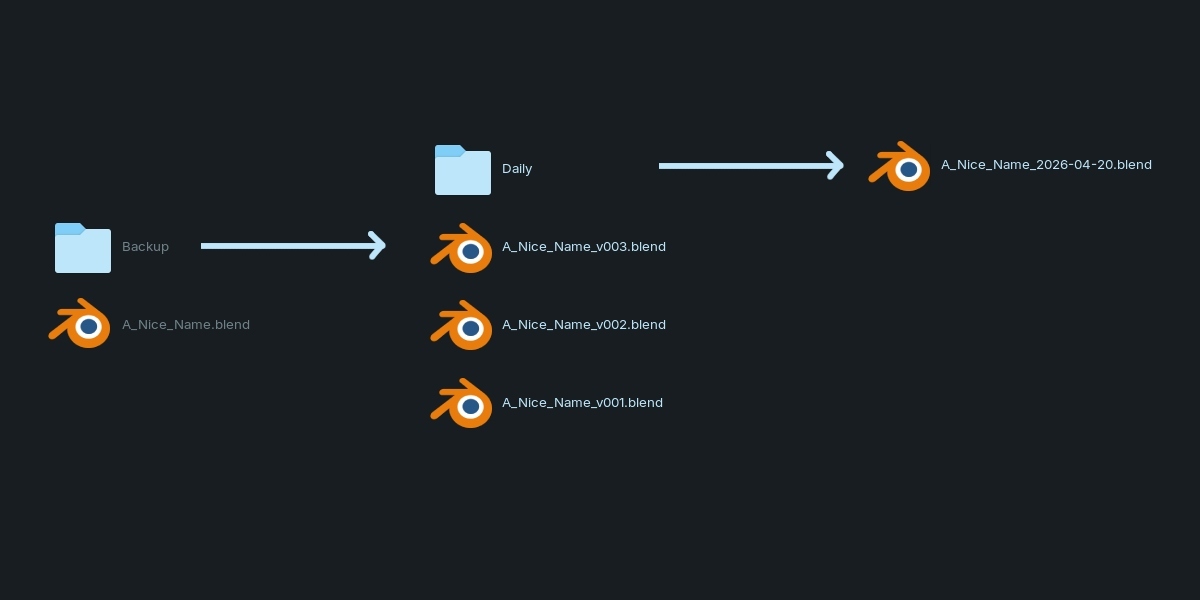
Auto-Save File Checker - Browse All The Temp Files is a Blender add-on for finding auto-saved and temporary project files in one interface. It scans Blender temp and auto-save directories as well as system temp folders, and detects both .blend files and .blend1 backups. That gives you a place to look for a usable save after a crash or review older files before cleaning up.
Browse recent saves and temp files
A quick access panel shows the five most recent files. The full browser lets you search by filename, sort by date, size, or name, and filter results as you work. Choose Detailed View to see file information and paths, or Compact View when you want to scan a longer list.
Review storage before cleanup
The add-on reports the total number of detected temp files and their combined size. When you select files, it also shows the selection count and size. Sorting by size can help you find larger files to inspect first.
You can select several files with checkboxes and delete them together. There is also an option to clear all temp files, which asks for confirmation. Review the file list and selection details before removing anything you may want to keep.
Compatibility and listing details
The Superhive product listing marks the add-on as Blender Extension compatible and lists Blender versions 2.93 through 5.2. It gives the license as GPL and identifies Salman Naseem as the creator.