B- Saved & Backuped is a Blender add-on by RobertRoss_VFX for managing iterative backups, daily snapshots, and timed saves. It is aimed at freelancers and studio professionals who want backup files kept separate from working project files. The product listing summarizes its features, and the documentation explains installation and settings.
Numbered backups and rotation
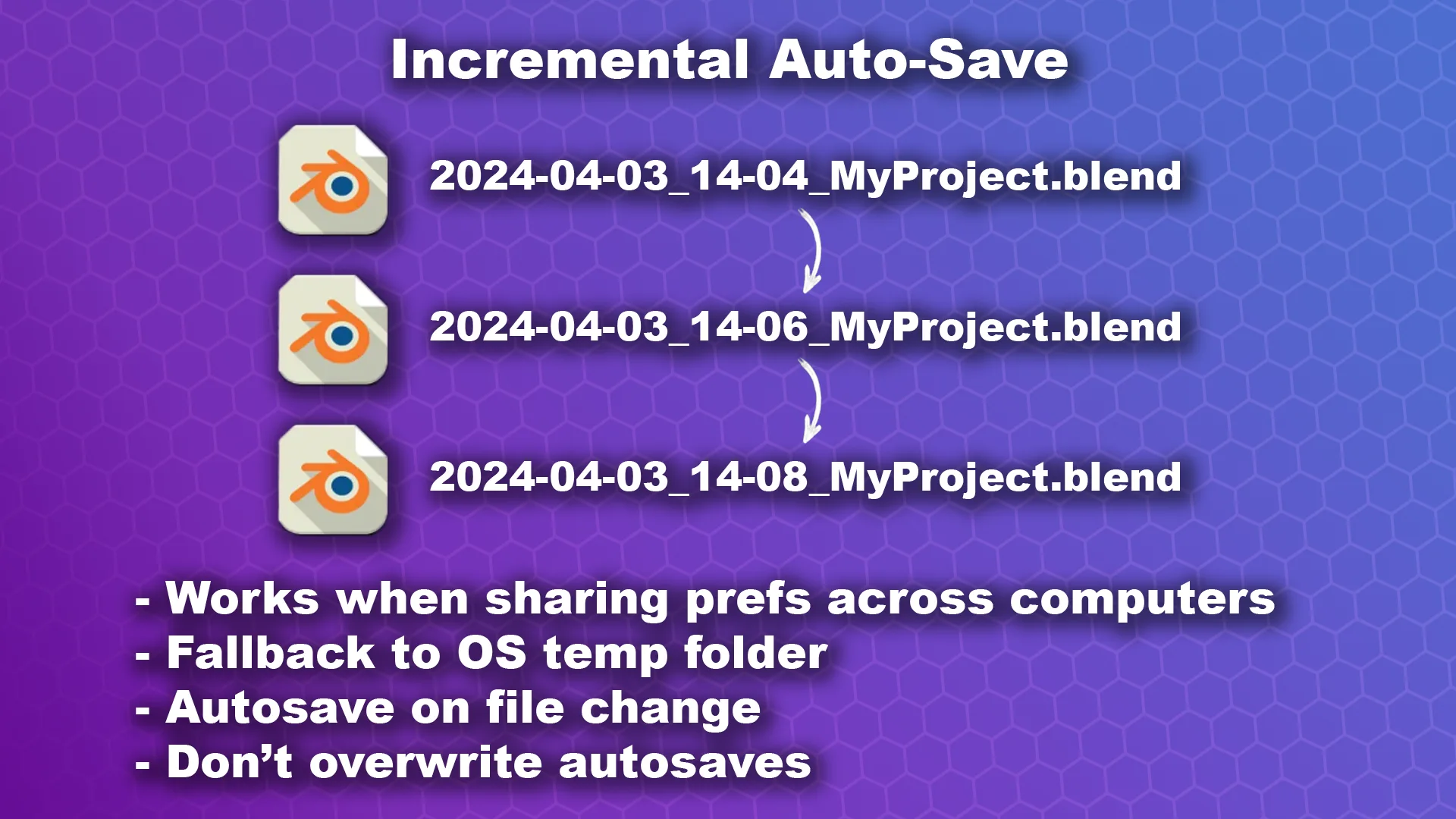
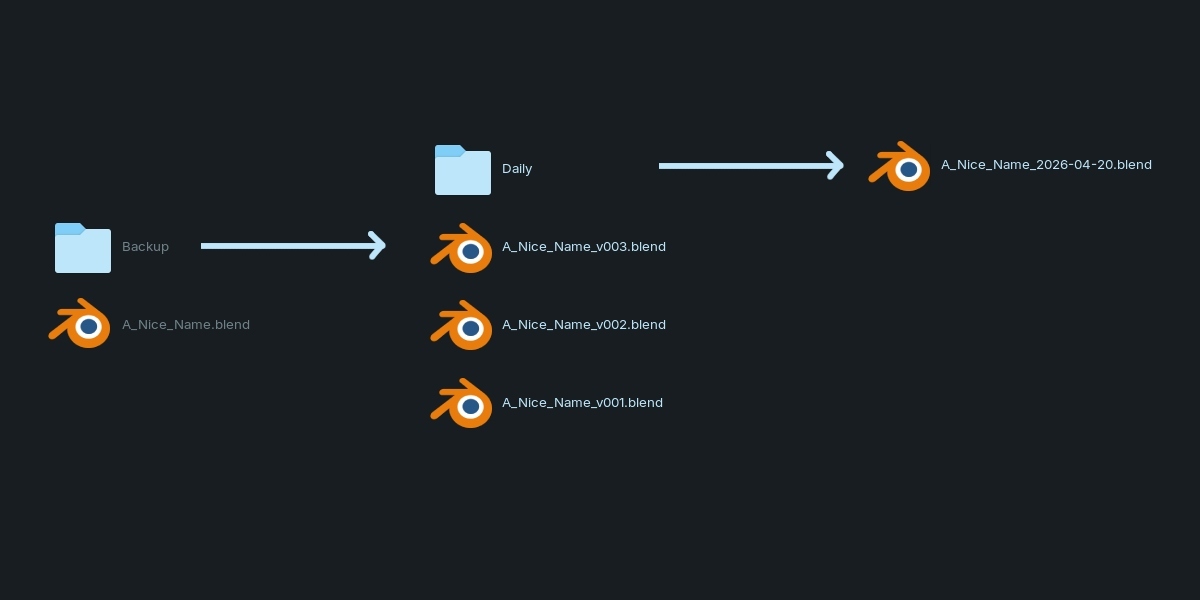
When you save with Ctrl+S, the add-on creates sequential copies such as _v001 and _v002 in a dedicated Backup folder. It is designed to replace Blender's usual .blend1 files beside the working project. A configurable rotation limit removes the oldest iterative copies when the limit is reached; the listed default is 50 files per scene.
Daily snapshots and timed saves
A separate Daily folder holds one snapshot per day. The product documentation says these copies are excluded from the iterative cleanup rotation. An independent timer, set to 15 minutes by default, uses Activity Detection and makes a backup only when the scene has unsaved changes. Folder names, limits, timers, and toggles can be changed in Add-on Preferences.
Version-controlled projects
The product listing names Helix Core and SVN; for Perforce or SVN workflows, the product's FAQ says the add-on skips locked or read-only files during auto-cleanup and shows a UI warning. Its documented version-control behavior covers backup-file cleanup; repository history and syncing are not described.
Compatibility and installation
The listing states support for Blender 4.2 through 5.1 and identifies the license as GPL. To install, download the ZIP, open Edit > Preferences > Add-ons, choose Install..., select the ZIP, and enable the add-on. Check the developer's listing for compatibility details before installing it on a Blender version outside the stated range.