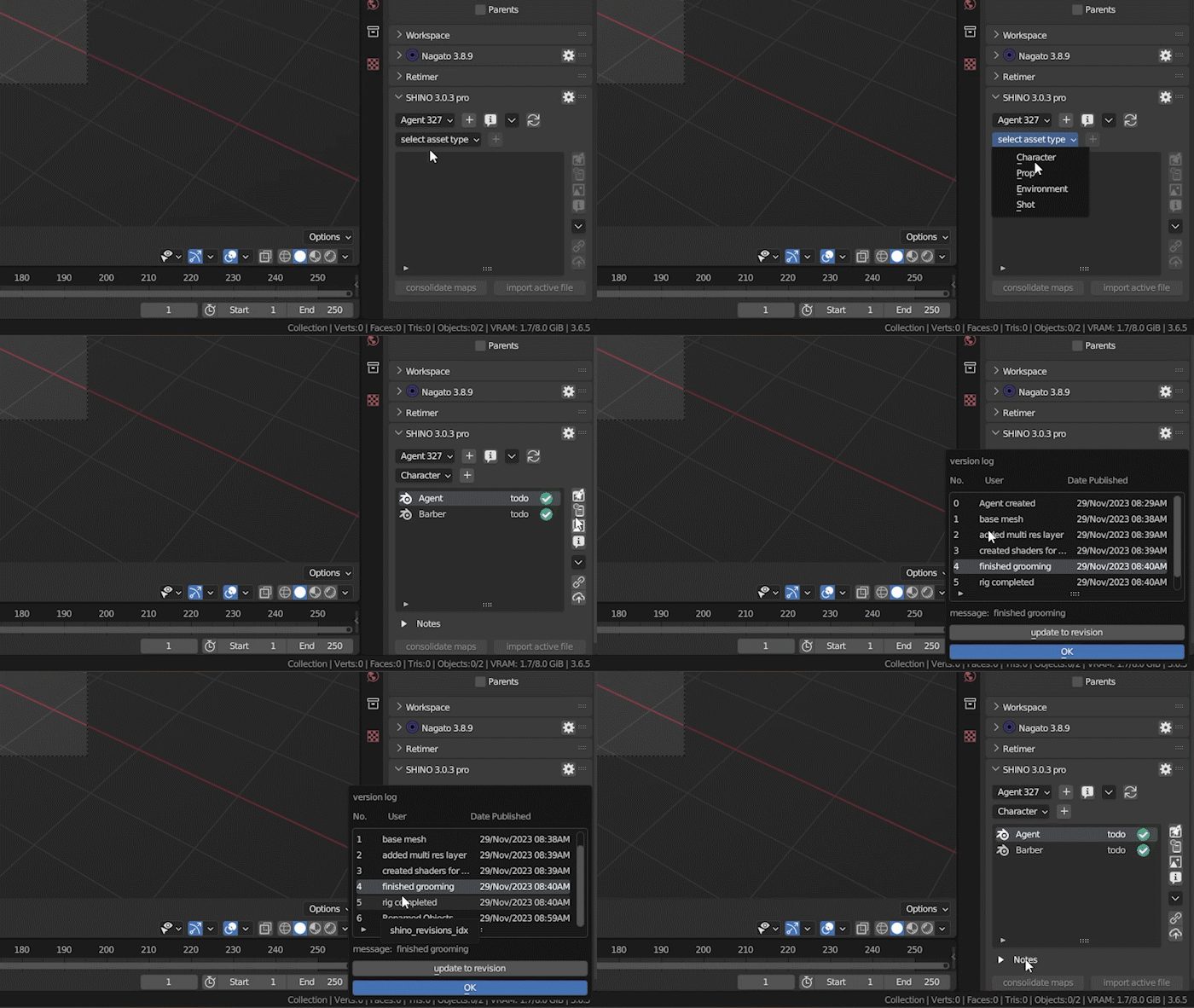
Shino is a Windows-only project management add-on for Blender, aimed at 3D artists and animators. It brings project organization, file access, version history, and time and cost estimation into a workflow built around each project's assets and shots. The Superhive listing describes Pro as having unlimited projects and version history; Lite is limited to 10 assets and 25 versions across all projects. The Superhive listing identifies the add-on as GPL licensed.
Project organization and version history
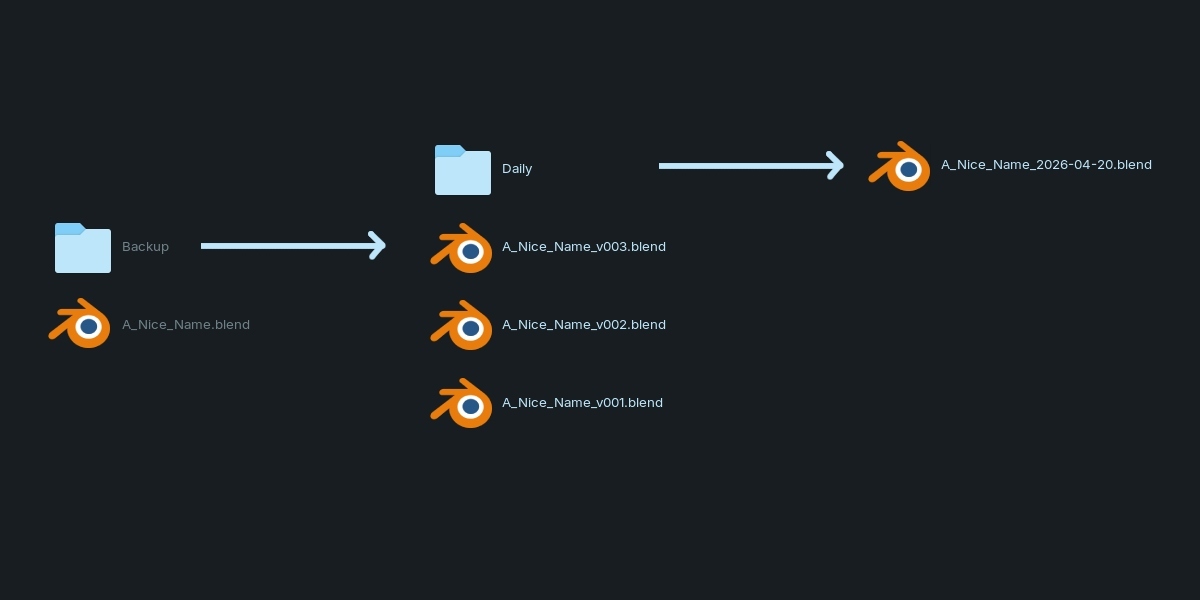
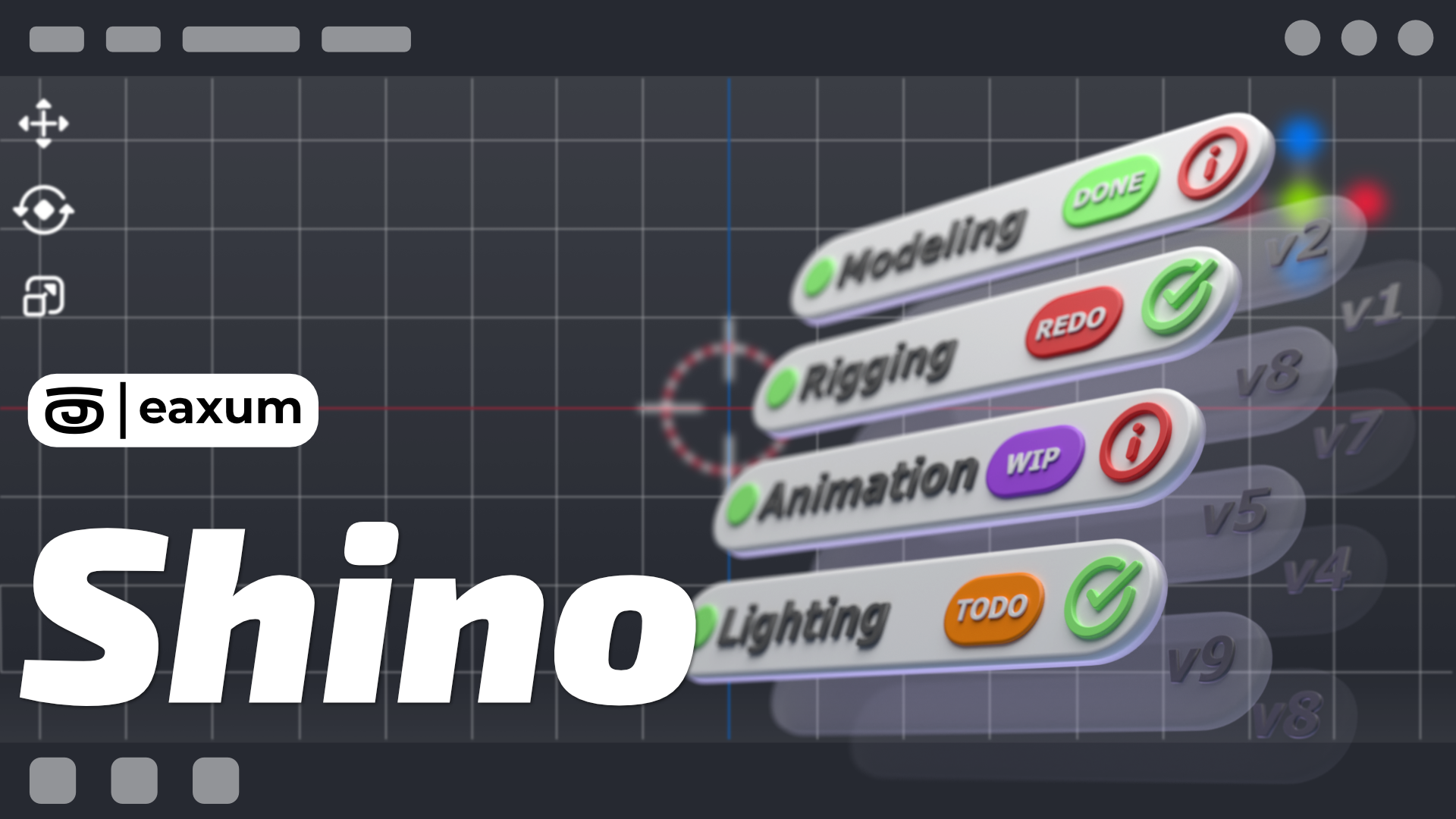
Shino keeps a project's assets and shots in one central location and can manage multiple projects. The Superhive listing describes Pro as having unlimited projects and version history, with full library linking from other project assets. Lite is limited to 10 assets and 25 versions across all projects and does not support cross-file library linking. Users can track project-file versions and revert to an earlier one. It says saved versions are not duplicate Blender files, which is useful context for artists who keep many iterations.
File handling, maps, and textures
Shino can open any file in a project from within Blender. It also helps manage maps and textures by consolidating them into a common folder relative to the project. Together, these features cover project access and asset organization alongside version history.
Time tracking and production estimates
The add-on tracks time spent on files and helps estimate production costs. The listing also says Shino works with the Resources Manager add-on.
Windows and Blender compatibility
Shino is identified as Windows-only. The Superhive listing names Blender 2.8, 2.81, 2.82, 2.83, 2.9, 2.91, 2.92, 2.93, 3.0, 3.1, 3.2, 3.3, and 3.4. Shino's 3.0 installation guide gives Blender 2.8+ as a requirement, while the Superhive listing names releases through 3.4. Neither source confirms support for later releases.
See the Superhive product listing for the listed features and license, and the Shino documentation for installation and feature guides.