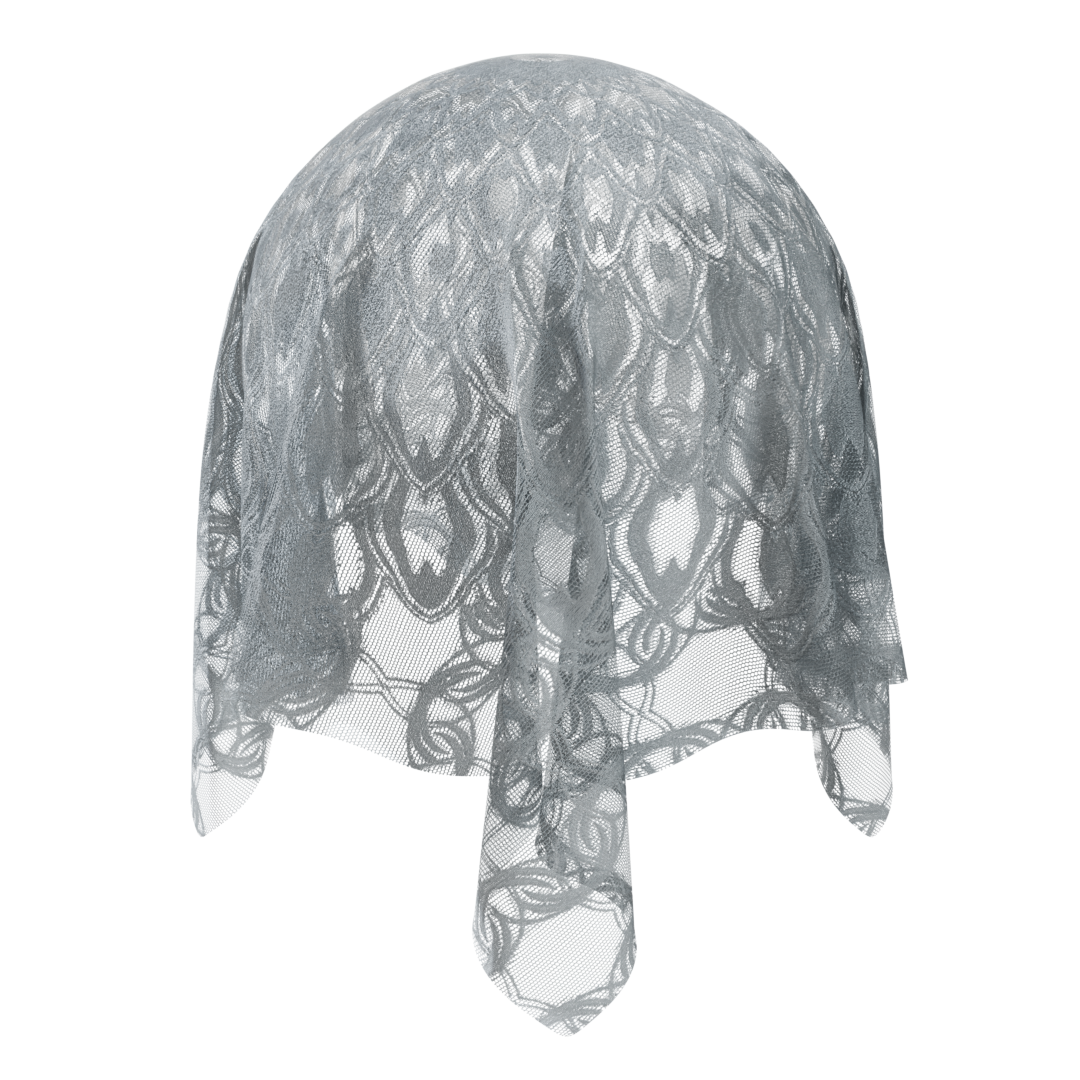
Zbundle - Zcloth & Zsmoke combines two Blender add-ons for cloth and smoke work. zCloth provides pre-built cloth setups and surfacing tools; zSmoke creates smoke without Blender's volume system and offers live previews. The product listing identifies Blender 4.2 through 4.4 as the compatible versions and lists Cycles and Eevee as render engines.
Cloth setups and surfacing with zCloth
zCloth uses Geometry Nodes for non-destructive cloth simulations, with mesh density adjustable during setup. You can use another scene object as a pin and set how strongly it influences the cloth. Subdivision splits mesh faces into smaller faces for a smoother appearance.
The fuzz tool has controls for density, strand scale, rotation, noise, and seeds. zCloth also includes a growing library of ready-to-use cloth setups and cloth textures in 2K, 4K, and 8K resolutions for EEVEE and Cycles.
Smoke controls in zSmoke
The live previews suit wide shots, motion graphics, and stylized effects where quick iteration matters. zSmoke is not physically accurate like full volume simulations.
The product documentation describes controls for emission, temperature, cooling, diffusion, pressure, gravity, wind, buoyancy, and noise. You can also set a collider and collision subframes, adjust particle size and rotation, and make particles face a selected camera.
Compatibility and installation
The bundle is listed as a Blender add-on compatible with Blender's extension system under the GPL, with Blender 4.2 through 4.4 as its stated version range. The listing does not establish compatibility outside that range; compare your Blender version with the creator's product listing before installing.
The documentation describes installing the supplied zCloth and zSmoke ZIP files from Blender's Get Extensions preferences. Use the Extensions Settings menu beside Repositories, choose Install from disk, select a ZIP file, and restart Blender after installation.