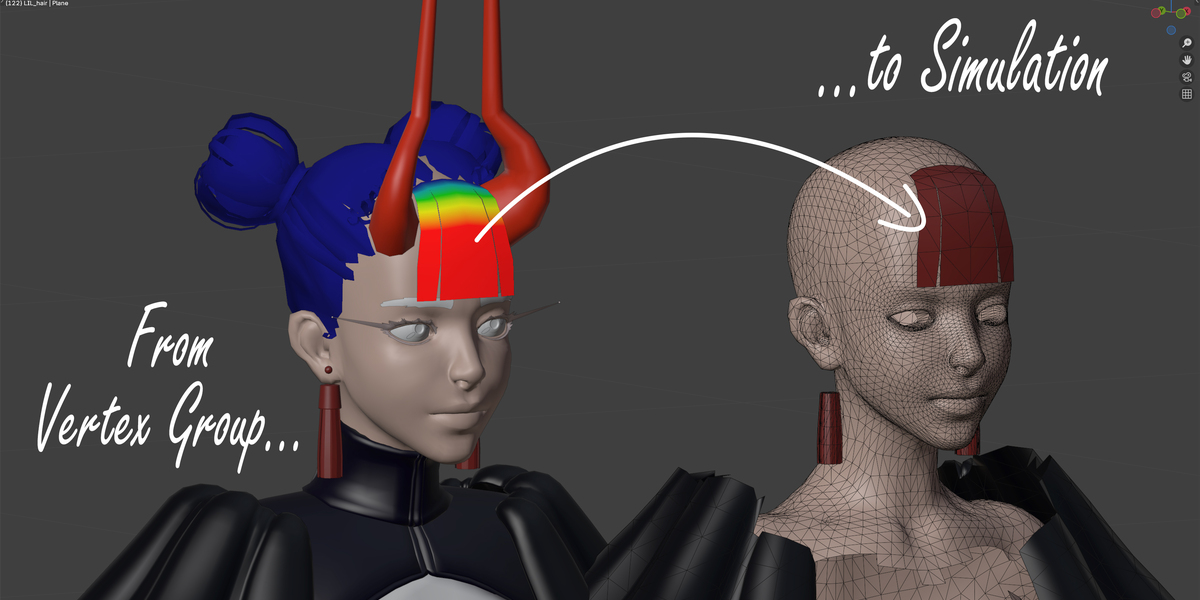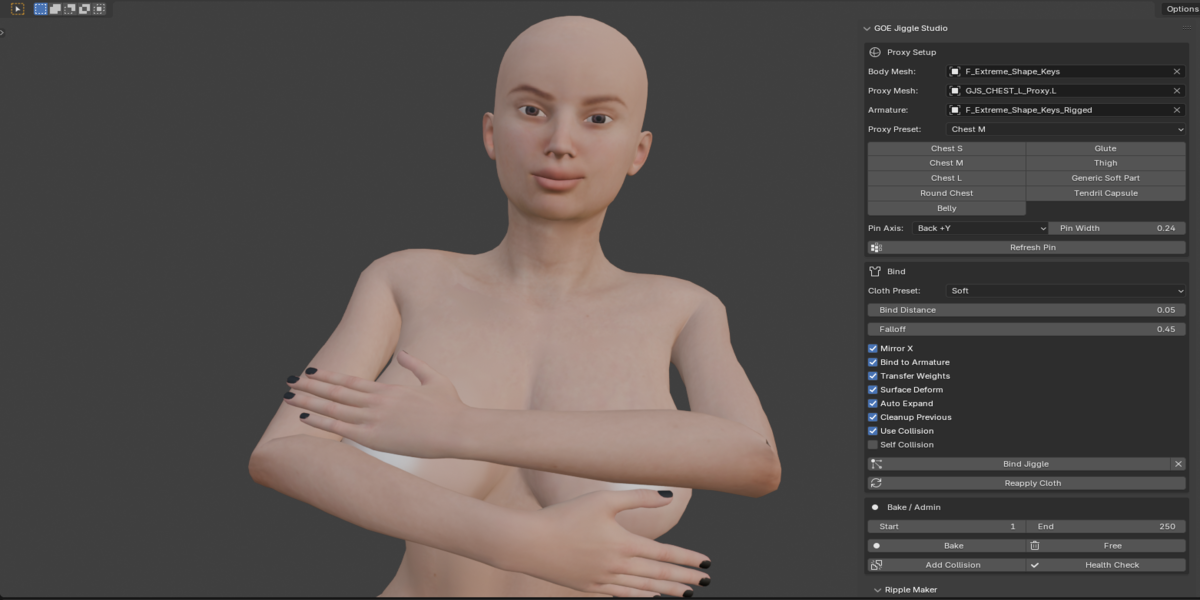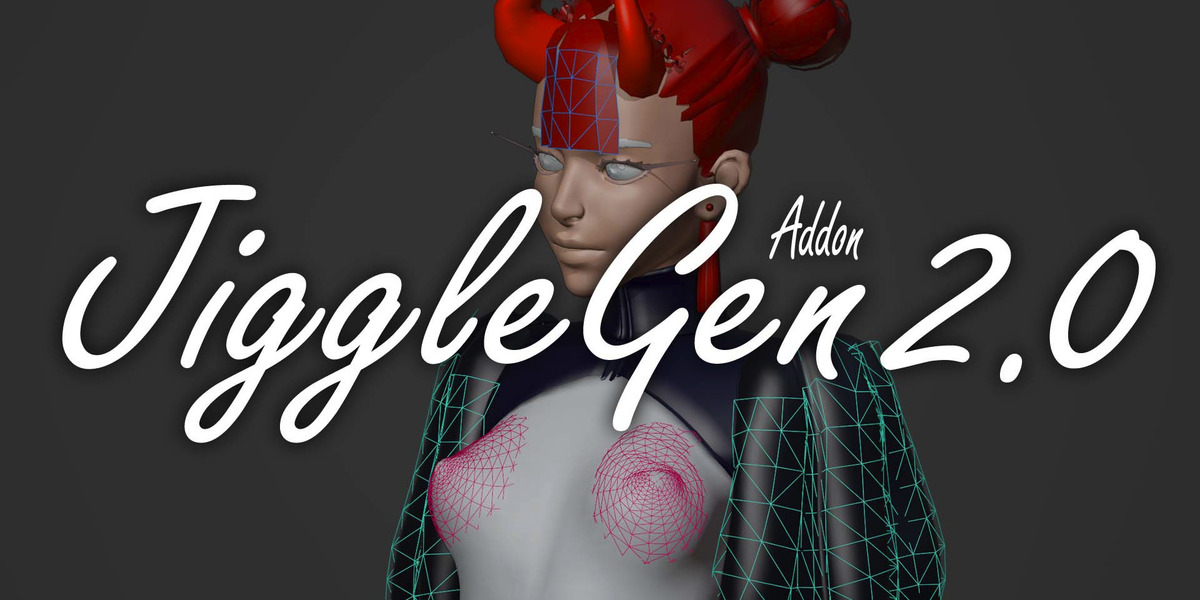
JiggleGen is a Blender add-on for creating cloth-based proxy cages for secondary motion. Choose a vertex group on a target mesh, generate a simulation cage, and JiggleGen binds it back to the original mesh with a Surface Deform modifier. The vertex-group workflow covers character or prop regions, clothing, and tissue; the separate experimental Hair Cage handles Curves-based hair. The product documentation says the original mesh data, shape keys, materials, UVs, and vertex-group weights are not altered.
Set up a region from a vertex group
Add a target mesh to the batch, select a vertex group for the area that should move, choose an optional preset, then generate the jiggle setup. Each vertex-group task gets its own cage and settings, so different regions on one character can be tuned separately. You can run Generate again to replace JiggleGen's previous result for that task.
The product FAQ recommends a low-resolution, one-sided target mesh with outward-facing normals and no separate geometry islands. Those mesh conditions help the generated proxy bind and simulate as intended. See the JiggleGen FAQ for these requirements.
Batch regions and collision meshes
The batch panel can manage several objects and vertex-group tasks together. You can enable or disable entries, copy settings between tasks, and export or import a batch setup for another object or file. Collision is a separate task: JiggleGen builds a collision mesh from everything outside that object's other active jiggle regions. Exclusion Margin adjusts the collision region in whole vertex rings: positive values widen the opening around a jiggle region; negative values shrink it.
Adjust cloth settings and presets
Cloth settings follow Blender's Cloth Physics controls. Each task can use the current panel settings or its own preset. JiggleGen uses Blender's native preset system, so saved settings can also appear in Blender's Cloth panel. A custom preset folder is available in Preferences.
Per-cage controls include Gain to adjust how strongly vertex-group weights affect the simulation, Threshold to exclude low-weight vertices, and Decimate Iterations to reduce proxy geometry. Smooth Repeat adds smoothing after simulation, while Parent to Target makes a generated proxy follow the target object's transform.
Choose a simulation backend
The classic Cloth Modifier is the default backend and the documented choice for broad compatibility. An experimental Geometry Nodes Cloth backend uses Blender's Cloth Dynamics node group and requires Blender 5.2 or newer. The two backends keep separate preset values for each task.
Hair Cage is a separate experimental workflow for Curves-based hair. Add the hair curves object to the batch and JiggleGen builds a ribbon-shaped proxy that drives the original curves; strand roots stay anchored. The Geometry Nodes Cloth backend and Hair Cage are distinct options.
Review generation and troubleshoot safely
After a run, the report lists successful tasks and explains skipped or failed ones. A failure in one region does not stop the rest of the batch. If a required object name already belongs to something outside JiggleGen, that task fails rather than overwriting the existing object. Remove Jiggle previews what it will delete before confirmation and leaves the original objects, batch setup, and presets in place.
For an exploding cloth simulation, the product FAQ points to Pressure being active and probably set too high for the mesh size. Lower Pressure Value or Pressure Scale. If the region also fails to bind, the generation report gives the specific reason. For installation steps and the full settings reference, see the JiggleGen documentation. It lists Blender 3.2 or newer for the core add-on; the experimental Geometry Nodes Cloth backend requires Blender 5.2 or newer.