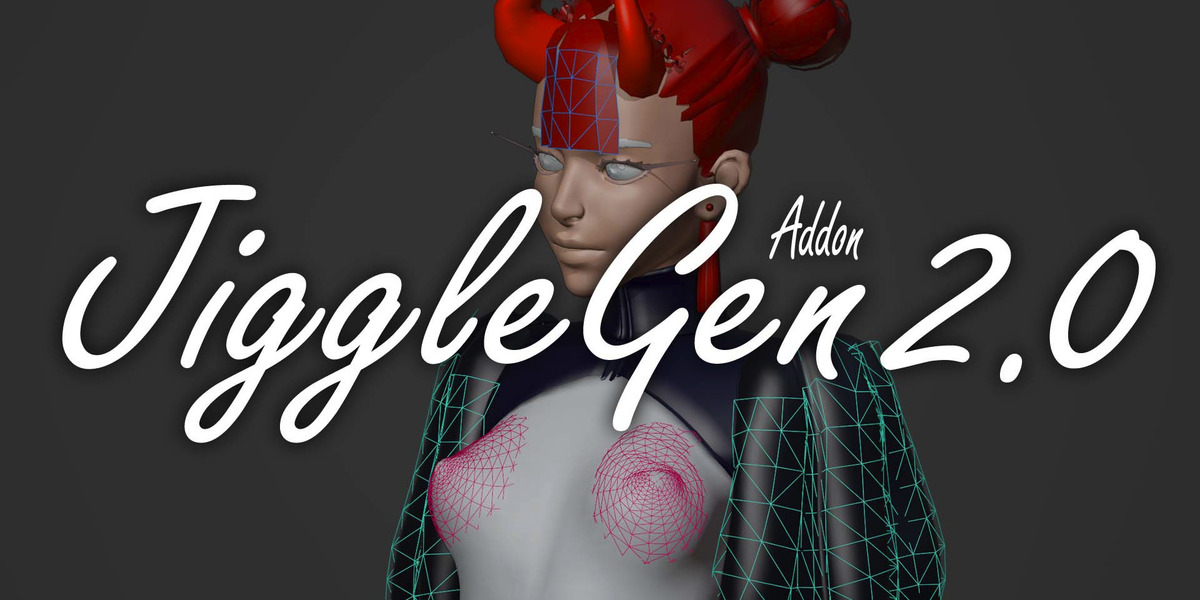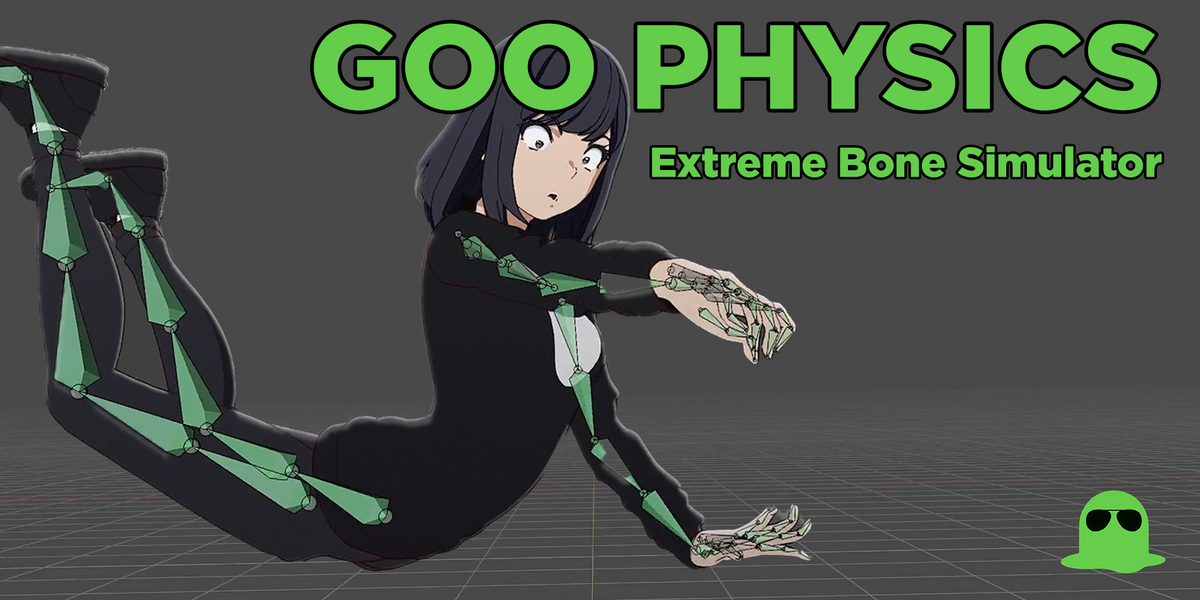
Goo Physics is a physics add-on from DillonGoo Studios for animators who want stylized movement they can adjust after simulation. It handles hair, cloth, props and soft bodies, with controls intended to help preserve a character’s design while adding motion. For example, its geometry nodes setup targets anime-style movement, where a hairstyle may need to move without losing its recognizable shape.
The add-on installation file is listed as compatible with Blender and Goo Engine. You can use it with Blender without Goo Engine. AnyPlugins lists Goo Physics as free; check the Superhive product listing for current download details and terms. The listing identifies the license as GPL and includes a local tutorial file, tool support and access to future updates.
Simulation methods for different rigs
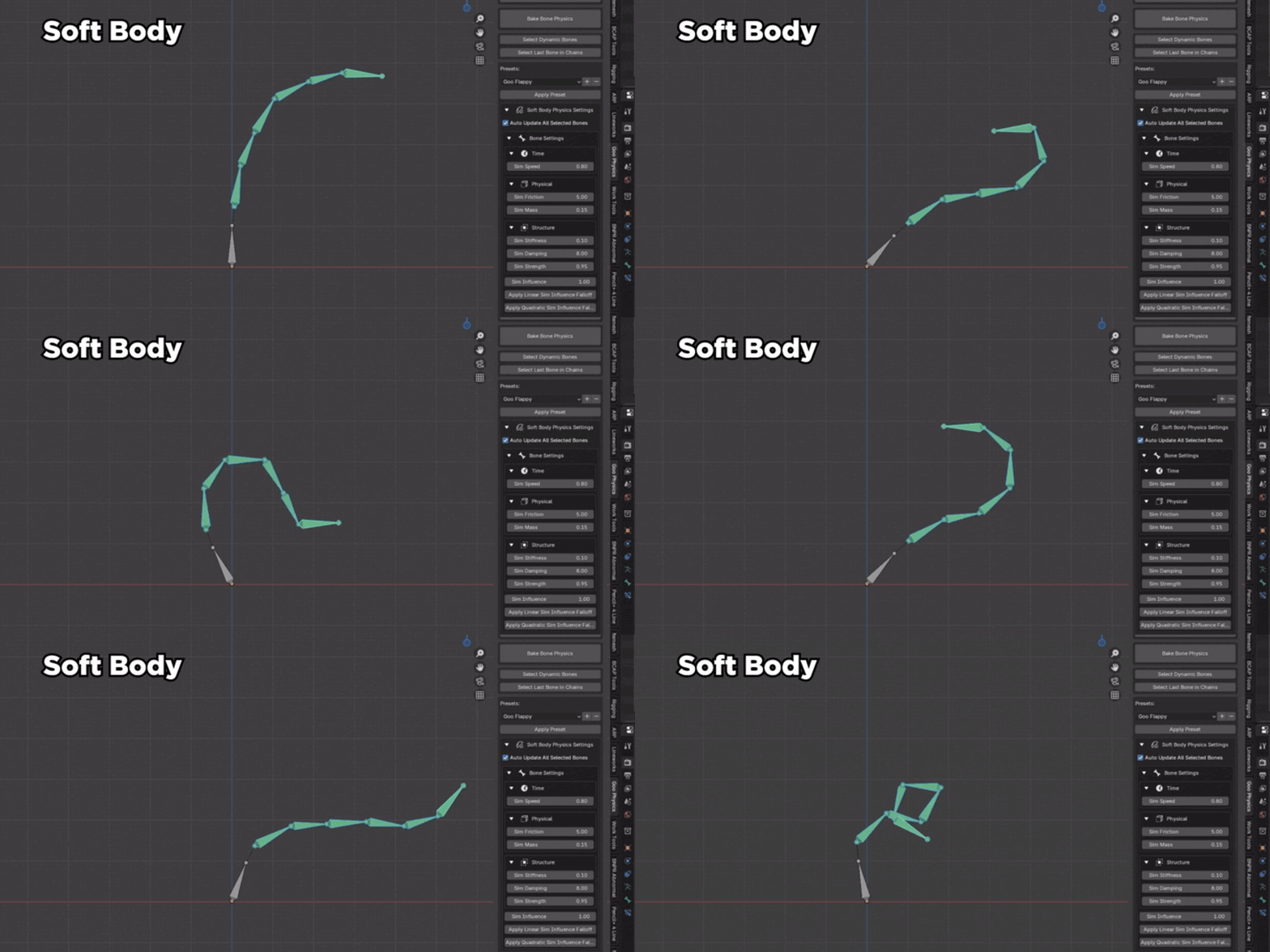
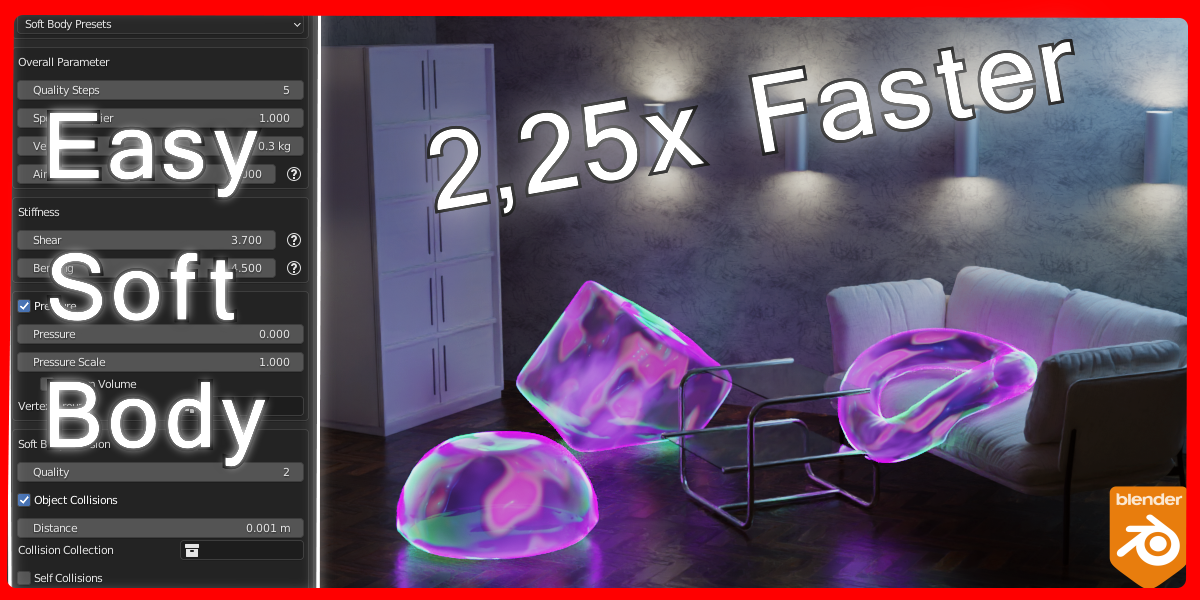
Goo Physics combines several approaches, so the method can match the kind of motion you need. Its custom geometry nodes setup includes wind and collision features for stylized movement. Native Blender cloth simulation is suited to longer bone chains such as ponytails, braids and tails, especially when gravity should have more influence. Native soft body simulation is described as the fastest option and is intended for basic drag.
Jiggle physics can be added to a bone for weighty follow-through on parts such as mechanical components. The wind tool adds directional noise, including for treadmill scenes where the background moves while the character stays in place. Collision can use simplified meshes generated from selected objects.
Presets, baking and export
Included presets cover soft body and geometry nodes chains. Examples include Goo Stiff for stiffer bones, Goo Flappy for lighter objects with more drag, and Hair_Fringe and Hair_Ponytail for short and long hair chains. Bone Map Presets, added in version 1.0.4, save physics chains and their settings for an entire skeleton.
Bake the simulation before rendering; version 1.0.4 made baking follow the scene’s Playback Sync mode so the result matches the viewport. Goo Physics is an animation tool: its FAQ says you can bake motion to keyframes and export it to another application, but it does not provide live in-engine rig physics for Unity or other game software. See the product FAQ and the linked video tutorial for more details.
Check compatibility before installing: the product details show Blender 4.1–5.2, while the FAQ says Blender 4.1–5.1. The listing gives Goo Engine compatibility as 4.1–4.4. Its changelog also includes fixes for glitches with very small bones and for chains made from unparented bones.