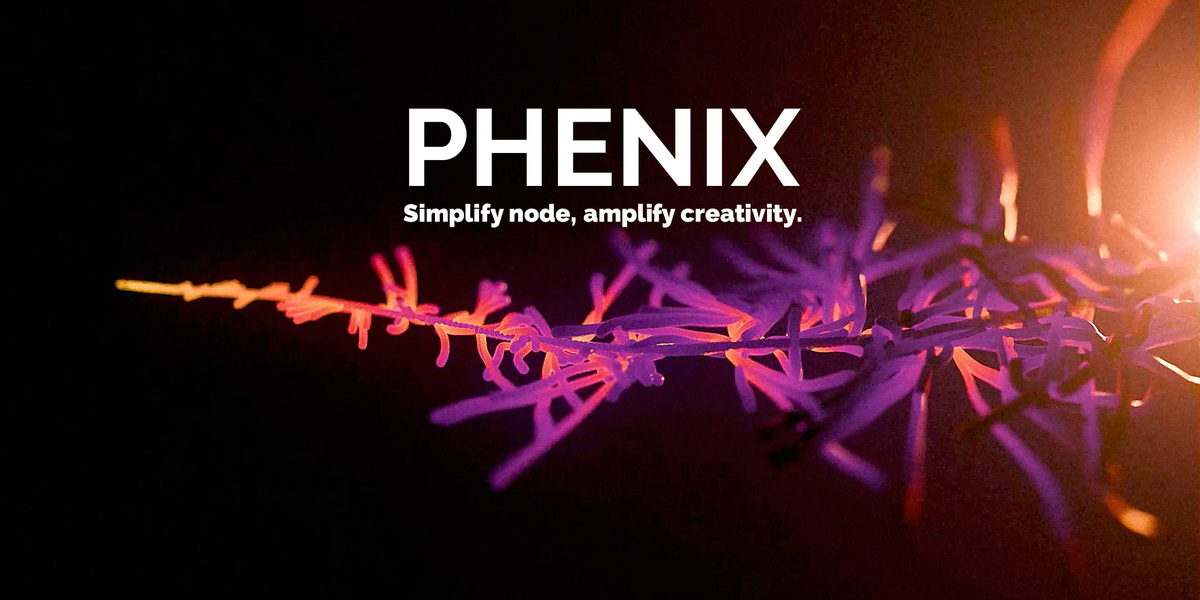
Phenix is a particle system for Blender. Version 5 moved emission, integration, neighbour search, constraints, fluids, collisions and procedures from its earlier CPU pipeline to GPU compute shaders through WGPU. The Superhive listing names Vulkan, Metal and DX12, and says the system needs a GPU with up-to-date drivers. The listing says Phenix can simulate orders of magnitude more particles than its previous CPU pipeline, but gives no hardware-specific benchmark.
Build effects in a node graph
Phenix combines forces, constraints, fluids and procedures in a node graph. Its force integration uses addition, so the order of Fx node connections does not matter. Filters can limit when an effect applies, including by region, falloff or particle characteristics. Node Snippets provide pre-arranged node groups as starting points.
Built-in effects cover several particle workflows:
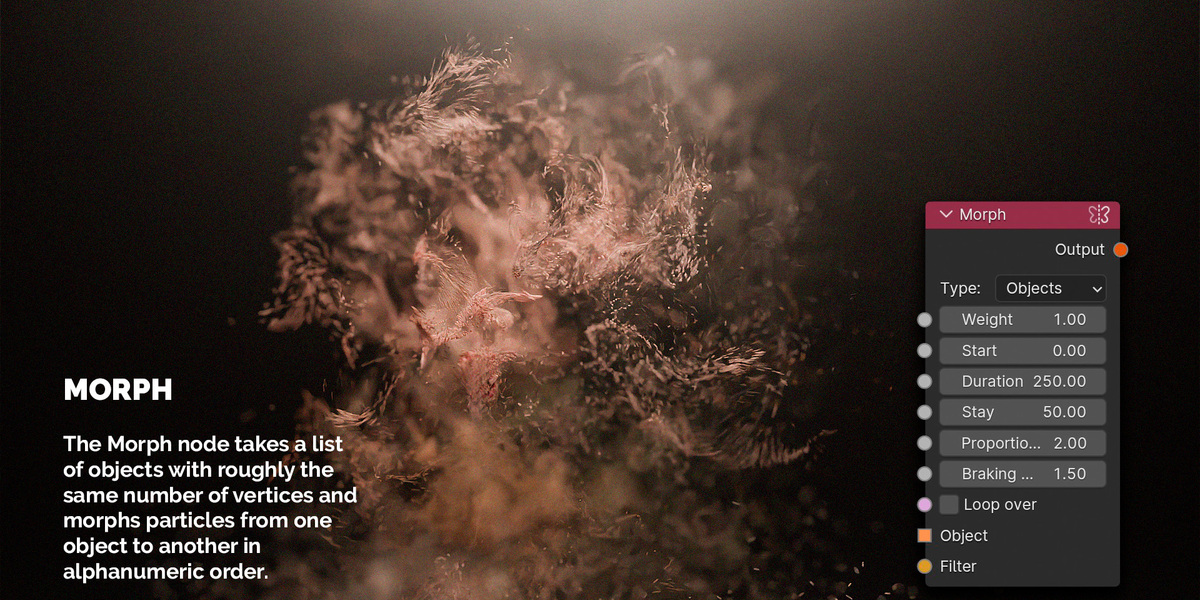
- Morphing guides particle position, colour and movement along paths or across a mesh surface.
- Tracer creates proximity-based links between particles or leaves trails over time.
- SPH Fluid simulates particle-based liquid behaviour.
- Combustion calculates heat diffusion that can drive particle colour, size or radius.
- Attractor creates controlled swirling or looping particle motion, while Constrain links particles or attaches them to scene objects.
The Constraint Advanced node uses a Hooke solver with presets for materials such as silk, denim, rubber, hair, jelly and metal wire. These presets are starting points for cloth, rope, hair or soft-body style setups.
Inspect, tune and export simulations
At emission time, Phenix can read vertex velocity, mass and custom Geometry Nodes attributes from the source mesh. A Custom Shader node lets users write and live-compile WGSL compute kernels. The node editor also includes memory and performance profilers, a 3D Plotter and a Spreadsheet. The Phenix Parameters panel in Blender's 3D viewport allows live tuning without recompiling a shader.
Simulation caching supports smoother playback. To continue the workflow in Geometry Nodes, use the Bake Particle System node to select attributes for baking, or bake the full stack from the Stack panel. Phenix also lists direct baking to Pixar USD (.usdc) and glTF 2.0 (.glb). A built-in MCP server allows Claude or another MCP tool to read and write the node graph.
Requirements and fit
Phenix is focused on particle simulations and their attributes, including position, velocity, colour and custom data. The developer describes it as a companion to Geometry Nodes: run the simulation in Phenix, then bake it into a Geometry Nodes setup when needed. The hardware guidance names Apple Silicon and recent integrated GPUs as supported, but the available listing does not specify minimum GPU models or driver versions. It lists Blender compatibility as 4.3 through 5.1 and identifies the licence as GPL; check the current product listing for details before installing.
The add-on includes a .blend file with example setups. The developer also links to Phenix documentation and video tutorials.