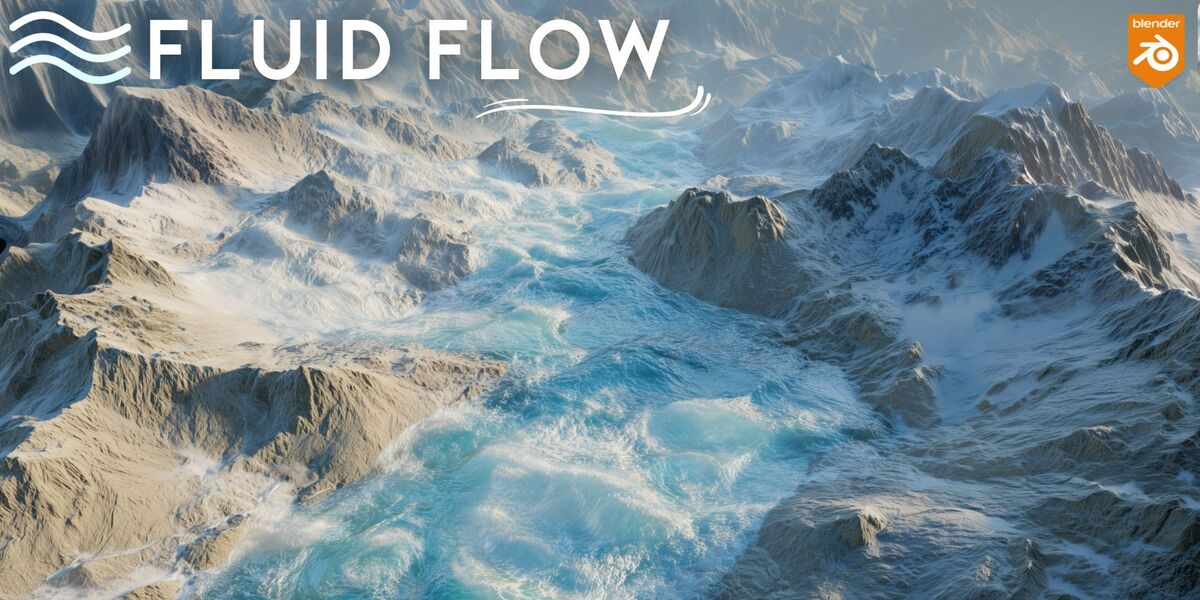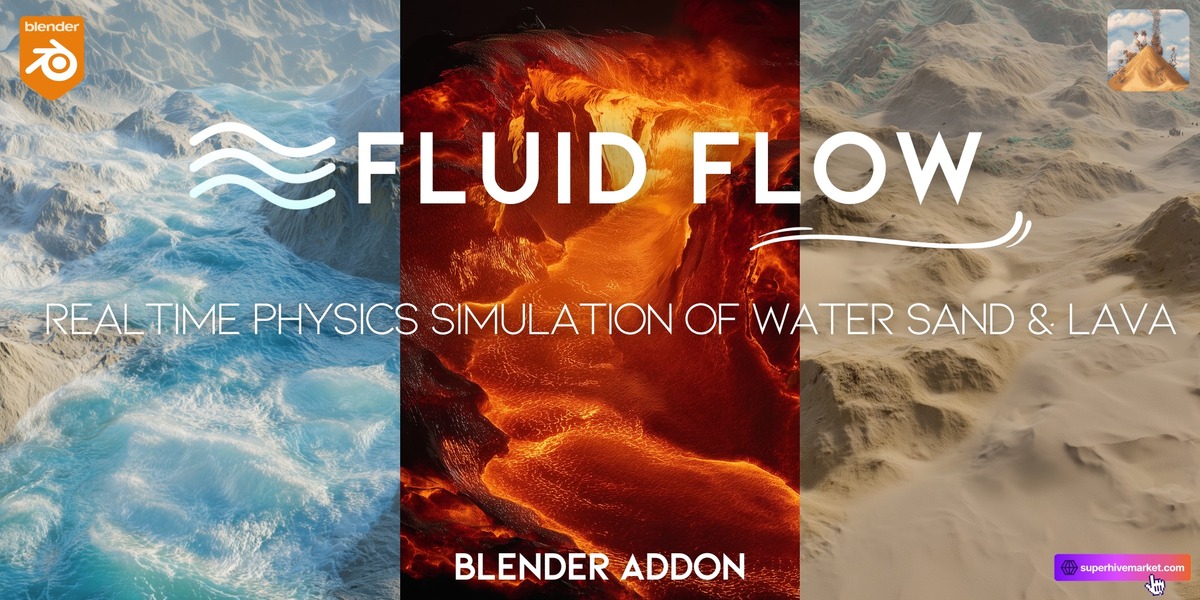
Fluid Flow is a Blender add-on built with Geometry Nodes for simulating water, sand and lava directly in the viewport. Results appear in real time without a baking step, and you can adjust settings as the simulation runs. It suits motion graphics and concept animation, water, sand and lava environment effects, terrain erosion and natural surface studies, educational or research demos, and stylized VFX shots and procedural landscapes. Its official documentation describes the controls and setup.
Water, sand and lava modes
Water
Water flows downhill, which suits rivers, channels and surface runoff across a scene.
Sand
Sand piles up on slopes below the Slope Angle and slides on slopes above it. Use it for granular effects such as dunes.
Lava
Lava moves slowly, then cools and solidifies. Cool Rate controls how quickly it cools, while Heat Radius controls how far heat spreads from the emitter.
Speed sets the overall flow rate, and Emit Factor adjusts the amount emitted. The domain also has physical size and grid resolution settings. Solver Iterations can help with stability, while Blur Iterations smooth small artifacts. A material can be assigned to the domain; the documentation gives transparent water, rough sand and emissive lava as examples.
Set up a simulation
- Choose Create New Simulation to make a domain with default settings.
- Select the terrain or landscape and choose Add Collision to Active Object. Add other obstacles the same way, and check that the domain uses the correct Collision Collection.
- Choose Water, Lava or Sand under Simulation Type, then assign an emitter object in the panel.
- Press Play and tune Speed, Emit Factor and the settings for the selected mode.
Collision setup affects where the simulation appears. The documentation notes that a selected collision object confines the simulation to that surface, so add the terrain as a collider when the flow should follow it. For an initial test, the developer suggests a medium grid, such as a 50 m domain with 200 by 200 vertices, then increasing resolution after tuning. The documentation also suggests trying 5 to 10 Solver Iterations for stability.
Compatibility and listing details
The product listing reports Blender 4.2 to 5.3 compatibility and support for Windows, macOS and Linux. It identifies the license as GPL and lists Cycles and Eevee under render engines used. Check the current product listing for version and licensing details before installing.