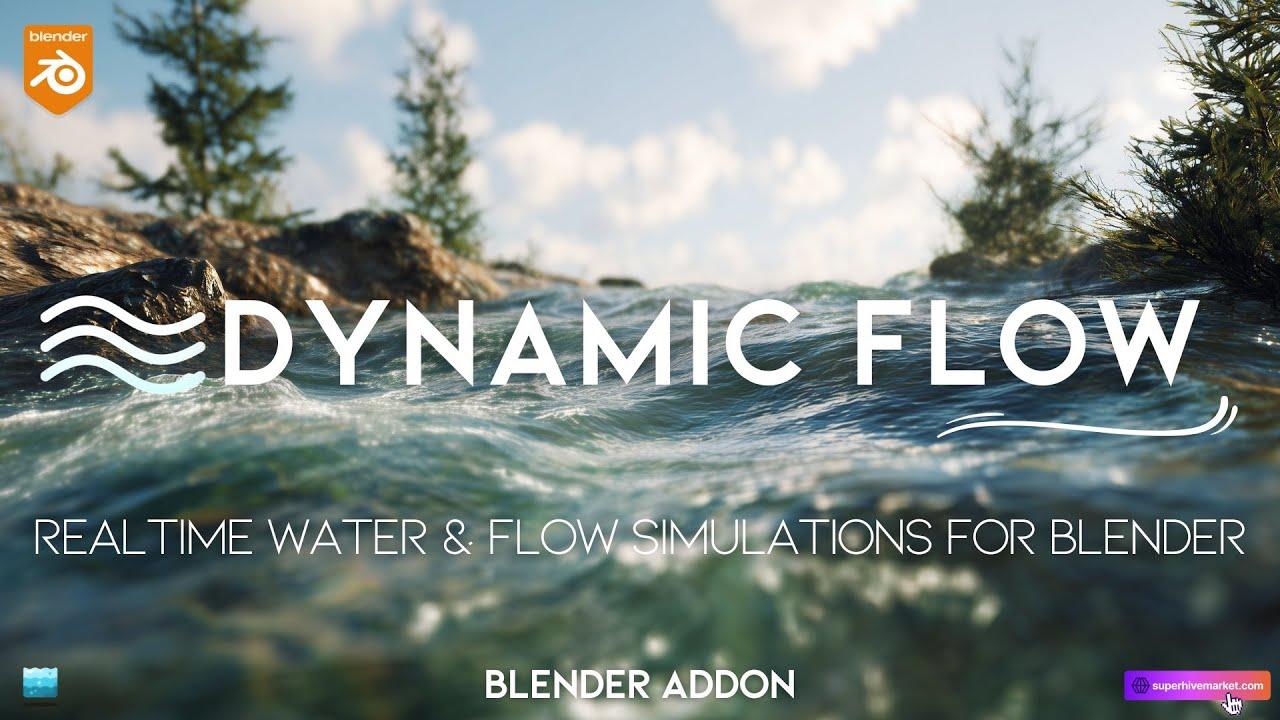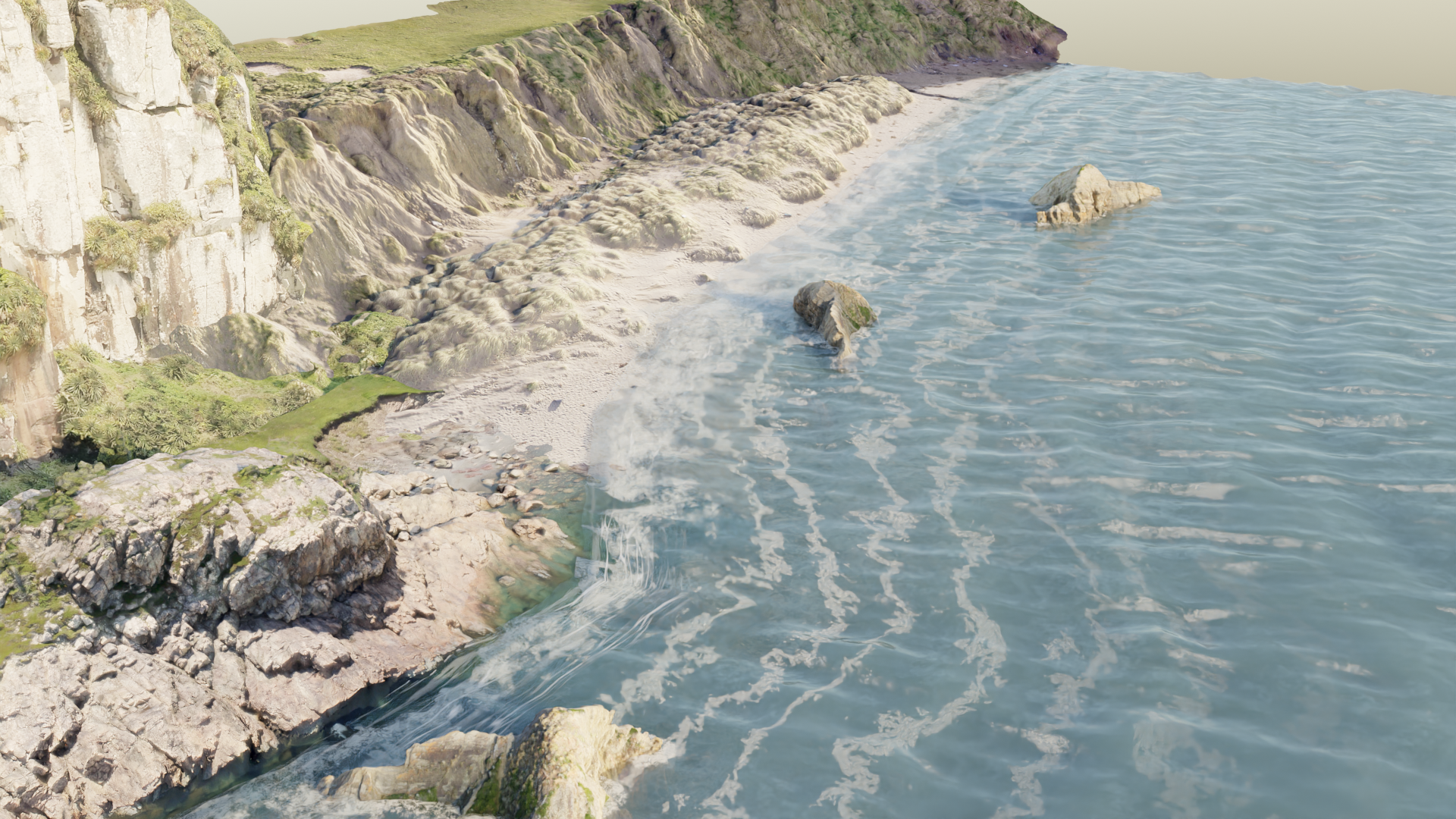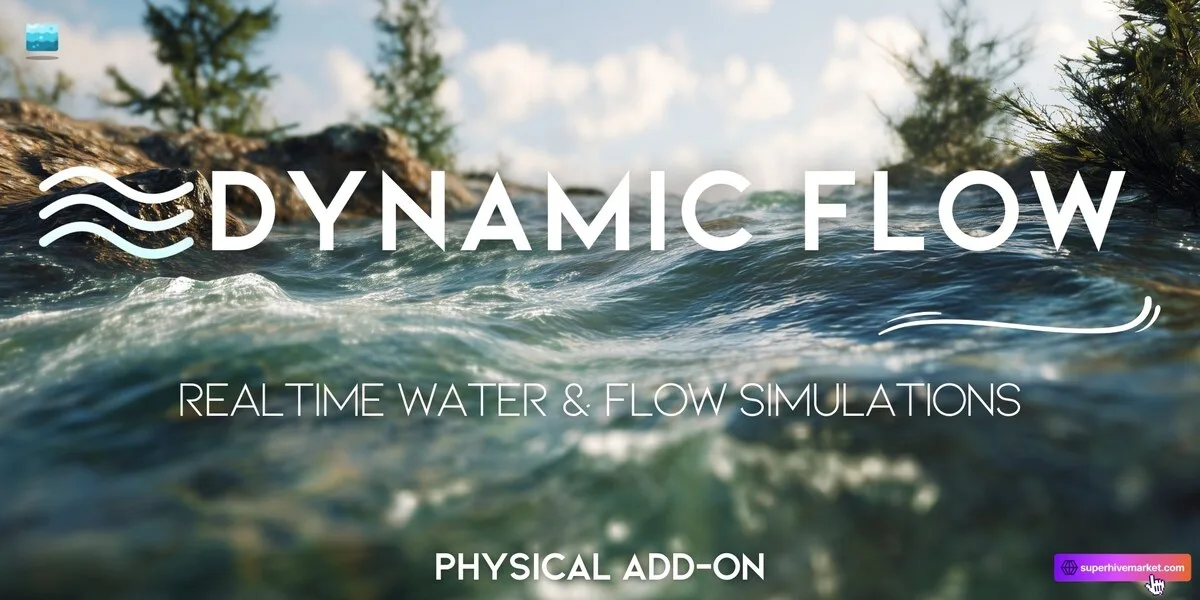
Dynamic Flow is a procedural water and surface flow add-on for Blender. Built with Geometry Nodes, it creates terrain-aware movement, natural noise variation, automatic shoreline foam and collision support without baking, caching or Blender's Fluid Simulation. Its lightweight grid-based setup supports fast previews within a procedural, non-destructive workflow.
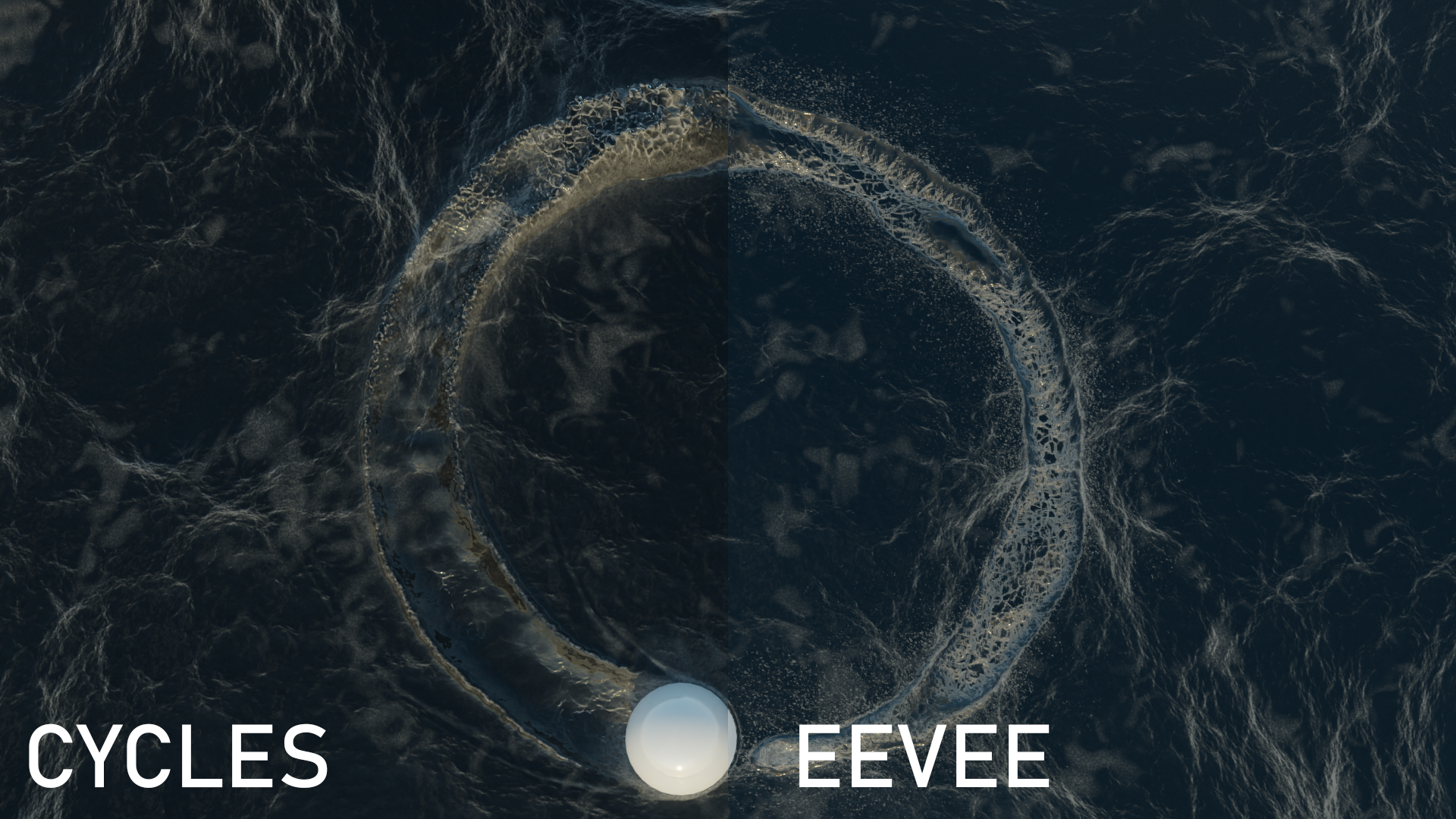
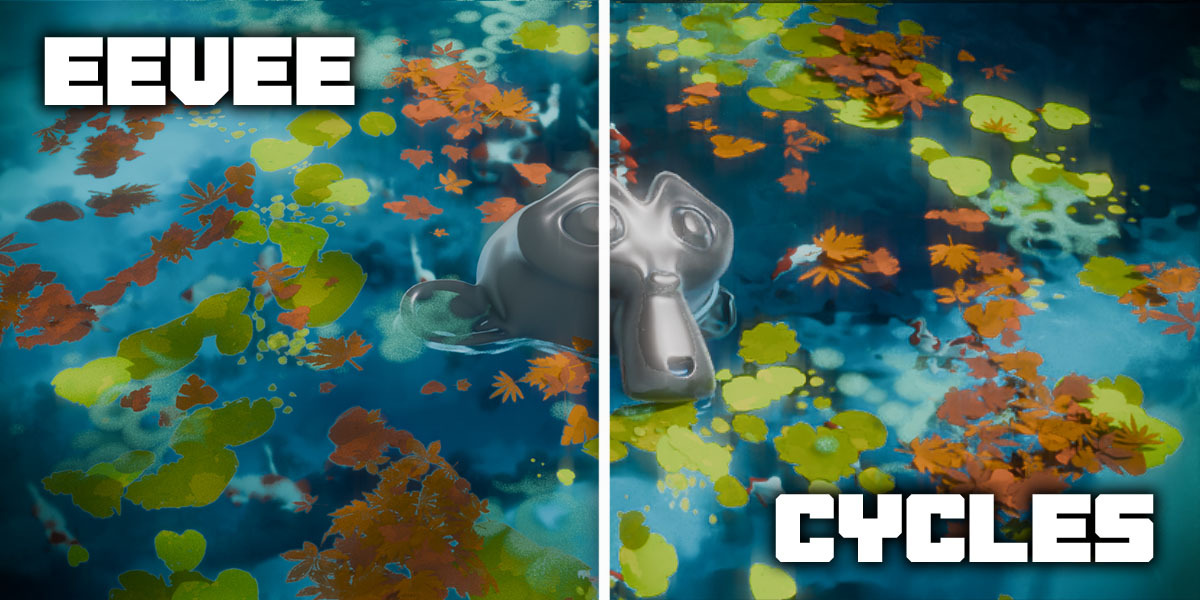
It suits water for islands, coastlines, rivers, lakes and other terrain in environment art, level design and concept scenes. The workflow supports stylized and realistic looks, and the product listing specifies Eevee and Cycles support.
Set up a water simulation
- Install and enable the add-on from Blender's add-on preferences.
- For the recommended terrain-water workflow, first create a terrain or island mesh and add a water plane, then open the Dynamic Flow panel in the viewport sidebar and click
Create New Simulation. The add-on creates a Dynamic Flow Grid and prepares the Geometry Nodes setup. Repeat this step for each new simulation. - Create a collection for objects that should interact with the water, such as terrain, rocks or islands. Assign it as the Collision Collection. The documentation also describes an optional Collision Object setting.
- Adjust flow, foam and resolution settings, then preview the result.
For installation, simulation creation and collision setup, see the product documentation .
Adjust flow, surface, foam, appearance and performance controls
Flow Velocity controls the water's main direction and speed. Noise Velocity adds movement variation, while Noise Scale changes the size of its patterns. Damping Overall Velocity controls energy loss over time, and Pressure Calculation controls how strongly the flow reacts to obstacles.
Voxel Size and Grid Resolution control simulation detail and density. Smaller voxel sizes can improve detail while reducing performance; increasing voxel size or lowering grid resolution can help keep previews faster, especially in large scenes. Avoid adding collision objects the scene does not need.
Foam Generation Rate adjusts shoreline and collision foam. Surface Height Displacement controls wave height and surface motion; Blur Displacement smooths the surface. Color Water changes the water tint, and Add Underwater enables underwater shading support. Freeze Collision locks collision data to improve performance when the colliders have stopped moving.
Compatibility and license
The product listing gives Blender 5.0–5.3 as its Blender version range and identifies GPL as the license. It lists Eevee and Cycles as supported render engines. Check the product page for current compatibility and license details, especially if you use a Blender version outside the listed range.