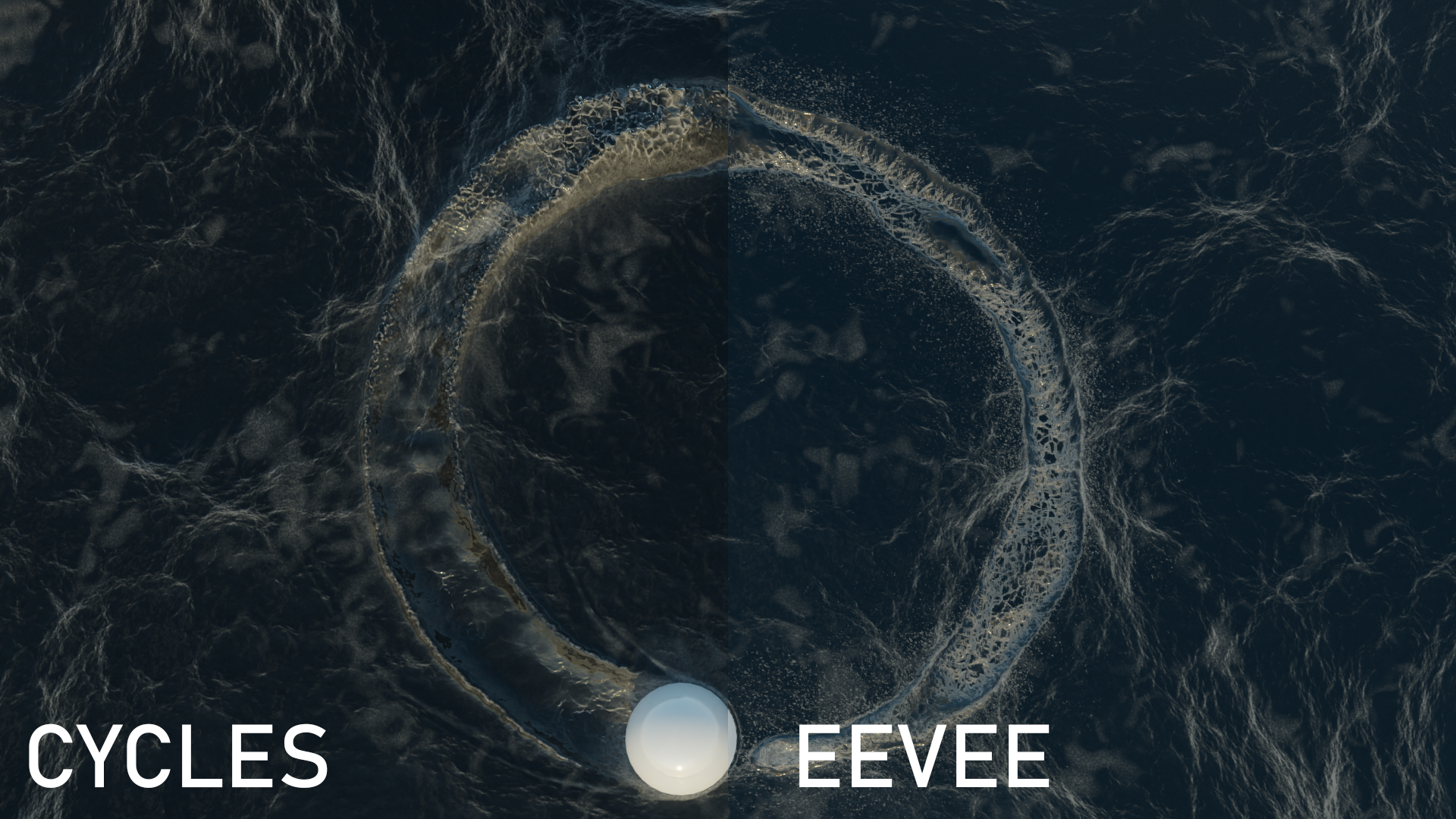
RealOcean 2.4 is a procedural water add-on for Blender by 3dude. The listing gives 4 presets with the Personal License and 16 with the Commercial License; RealOcean also supports scene and ocean animation, physics for the ocean and interacting objects, and a real-time foam mask. The developer lists compatibility with both Cycles and Eevee.
Choose and adjust an ocean preset
In the Generate Ocean tab, use the refresh button if the preset area is empty. The documentation says presets are loaded this way to optimize the add-on. Select a preset thumbnail, choose an ocean, then place it at the world origin or at the 3D Cursor.
Settings let you change the generated water for a scene. Resolution controls grid detail and needs more computing power at higher levels. Depth adds smaller, higher-frequency details; scale changes the surface size without changing wave behavior. You can also adjust foam coverage, wave scale, choppiness, wind velocity, and the wave spectrum.
Set up and bake physics
RealOcean has separate controls for adding physics to the ocean and to objects that interact with it. The settings include frame range and substeps; the documentation recommends extra substeps for fast motion. When the setup is ready, save the project to disk before baking.
A bake is tied to a specific mesh. If you change the mesh or its resolution, the existing bake stops working and must be created again. If an object's wake does not appear while physics is working, the developer's FAQ recommends checking whether foam is visible in the material settings. If the wake remains missing, try adding ocean physics again; a parameter may have been removed.
Version 2.4 and Blender compatibility
The listing's 2.4 notes describe Blender 4.x support, a modern interface, and a physics-baking fix; the same page says 2.4 will be released soon, so its release status is unclear. The product page says Blender 3.4 and later, while its compatibility details list Blender 4.0–4.5. Check the current RealOcean listing for the conflicting ranges, then ask the creator which applies to your Blender release before installing.
Installation and Discord promotion
Install the downloaded ZIP through Blender's Edit > Preferences > Add-ons > Install menu, then enable RealOcean in the add-on list. The developer documentation covers the controls and baking workflow. The listing says to join the creator's Discord server for a 30% discount code, but gives no terms or expiry; check the listing before relying on the offer.