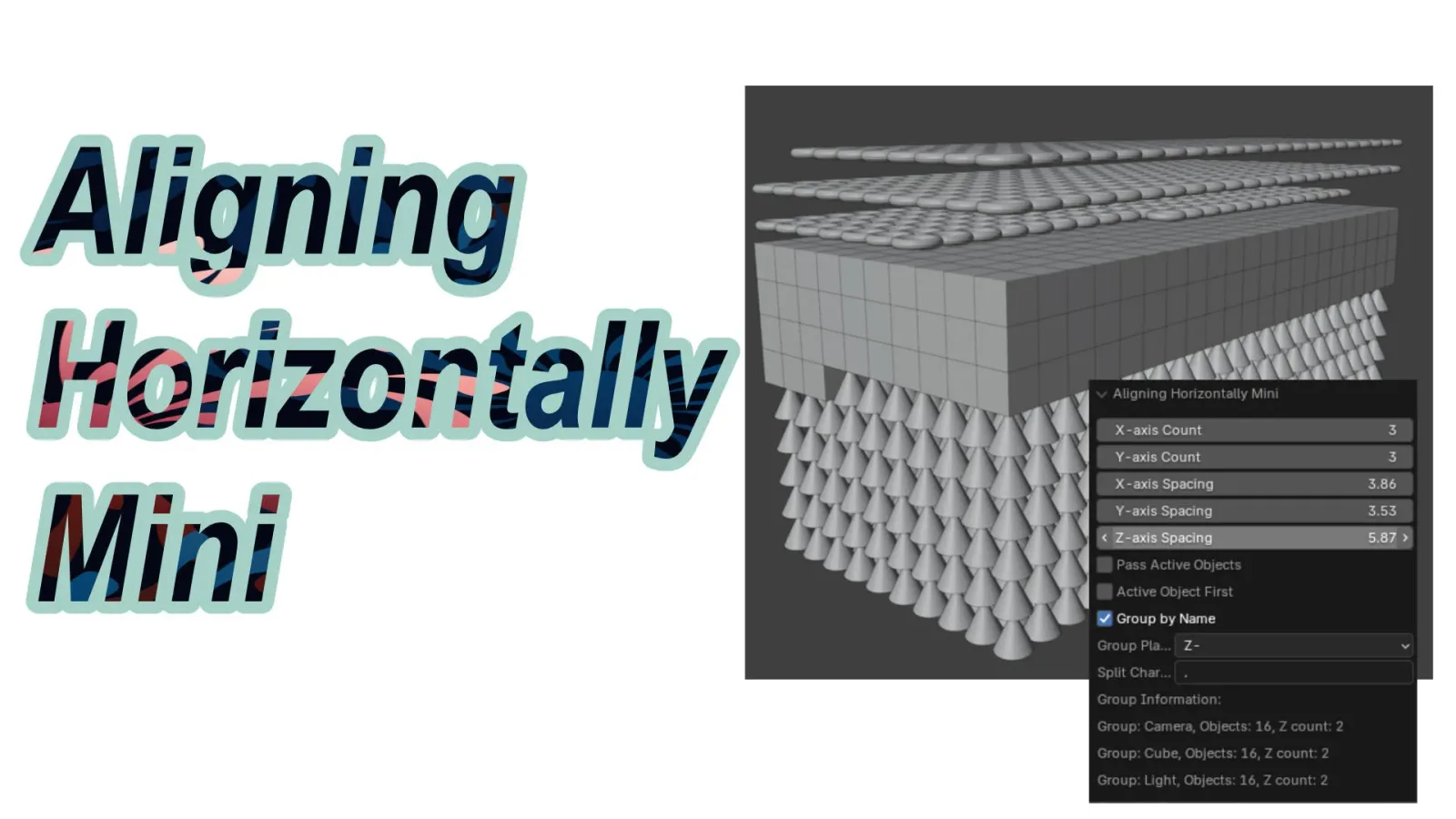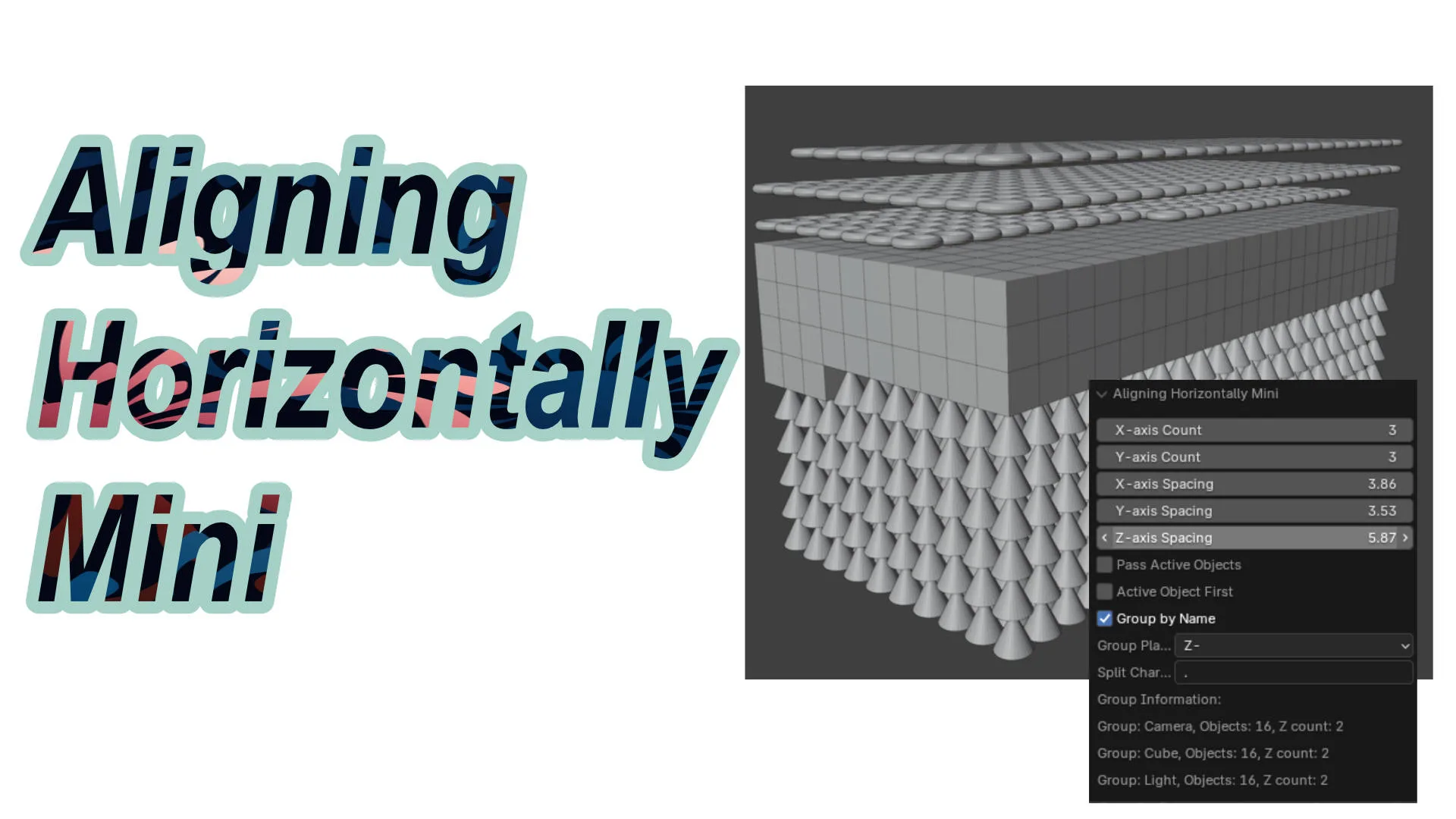
Aligning Horizontally Mini arranges selected Blender objects in a customizable grid in the 3D viewport. Set how many objects go along the X and Y axes, then adjust spacing independently on X, Y, and Z to shape the layout.
Set up a grid
Select the objects in the 3D viewport and run Align Objects in Grid from Object > Transform. The operator panel contains the layout settings; adjust them and choose Execute to arrange the selection. The X and Y count settings control the number of objects along those axes, while the three spacing settings control distance along each axis.
Active Object First sorts the active object to the front of the arrangement. The Pass Active Objects option removes active objects from groups when enabled.
Arrange groups by object name
Enable Group by Name to organize objects using their names. The add-on splits each name at a chosen character and groups objects that share the text before that character. The default split character is a period, so names such as Group1.Object1 and Group1.Object2 share the prefix Group1. Group Placement Direction sets where groups are placed: X+, X-, Y+, Y-, Z+, or Z-.
Consistent names make it easier to control which objects belong together. Change the split character when your naming convention uses a different separator.
Version and compatibility
Version 1.0.1 requires Blender 4.2.0 or later and is licensed under GNU GPL-3.0-or-later. The Blender Extensions listing has the release details and download options. For installation from an archive, see Blender's Install from Disk instructions.