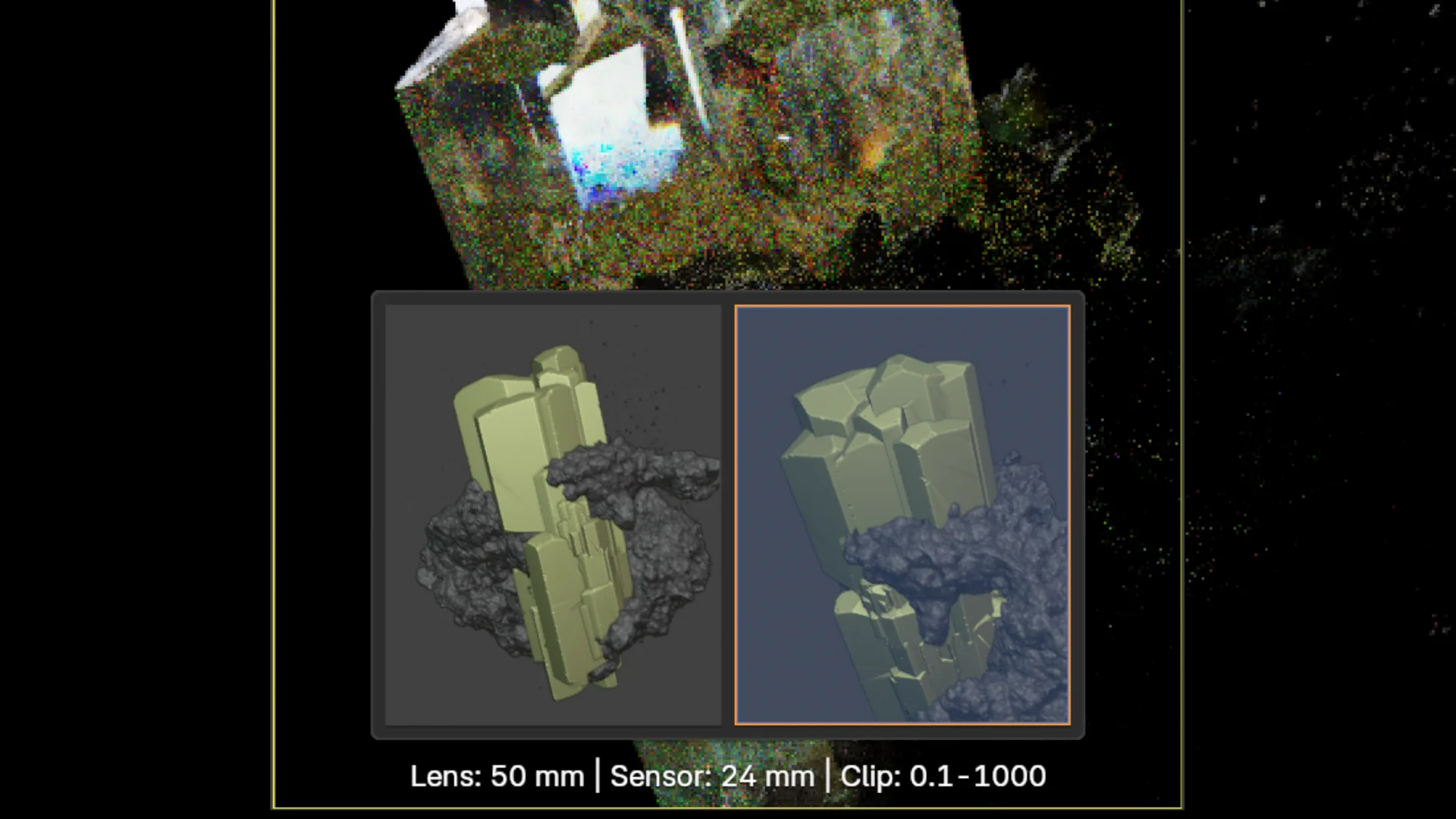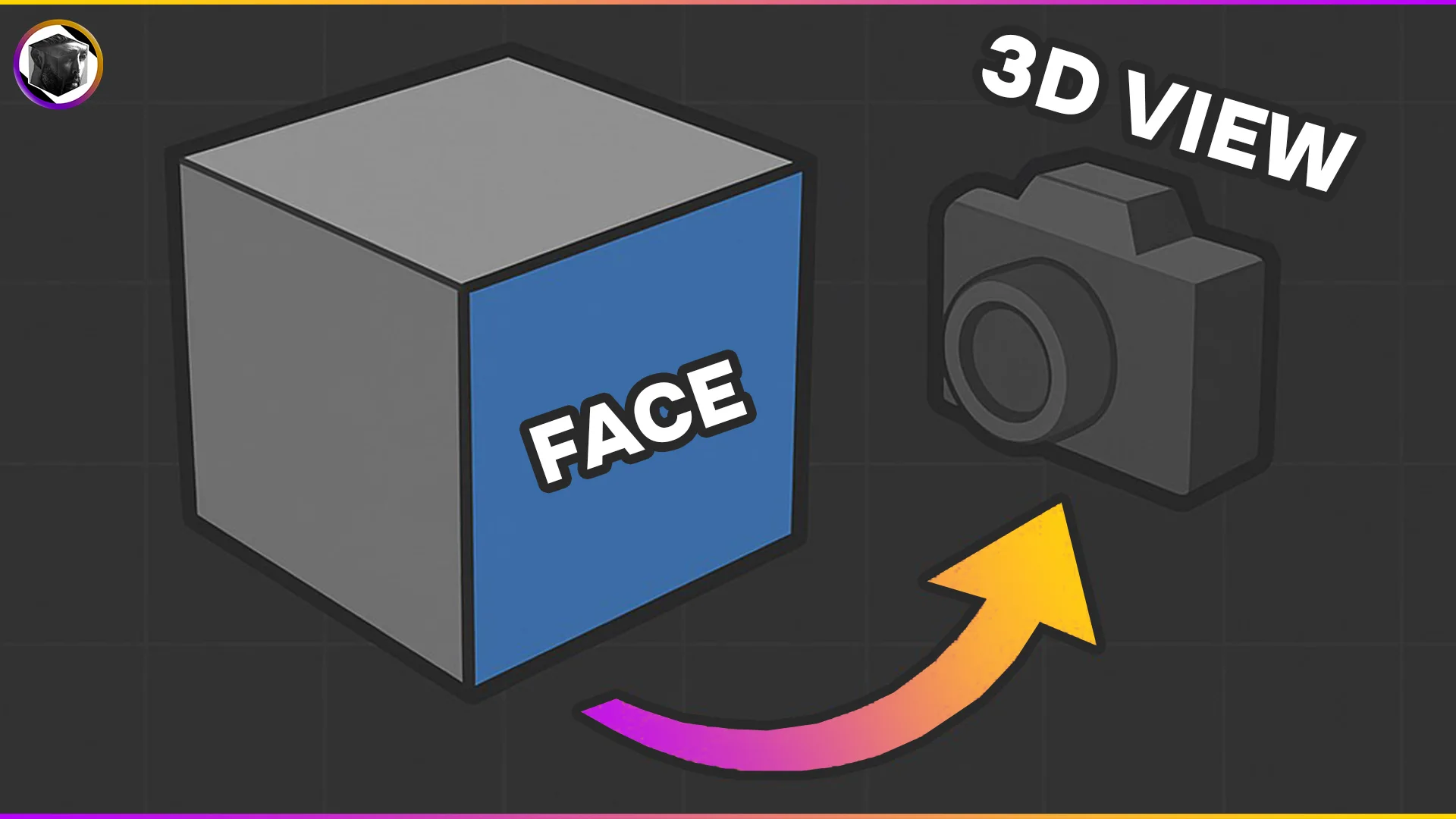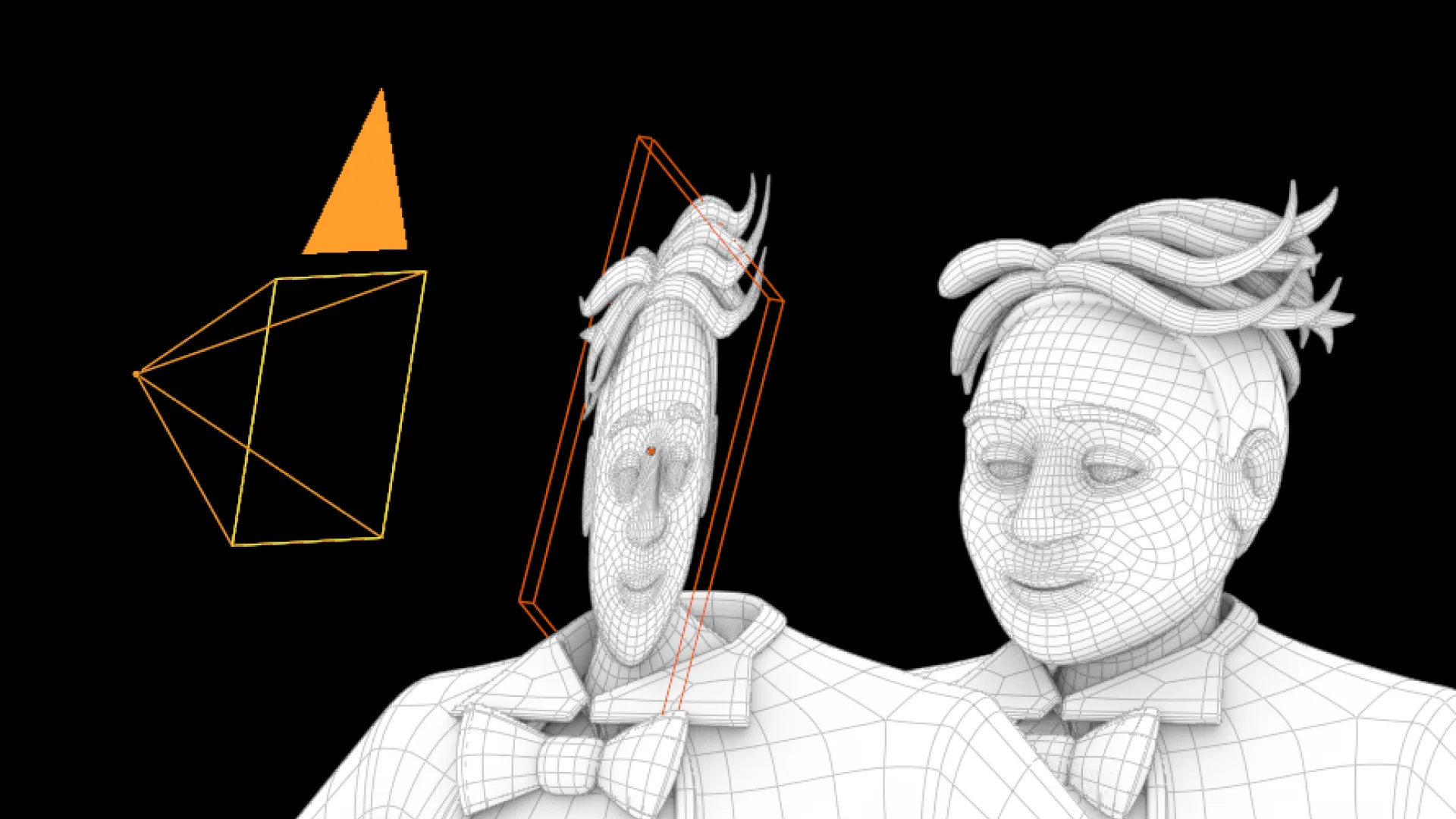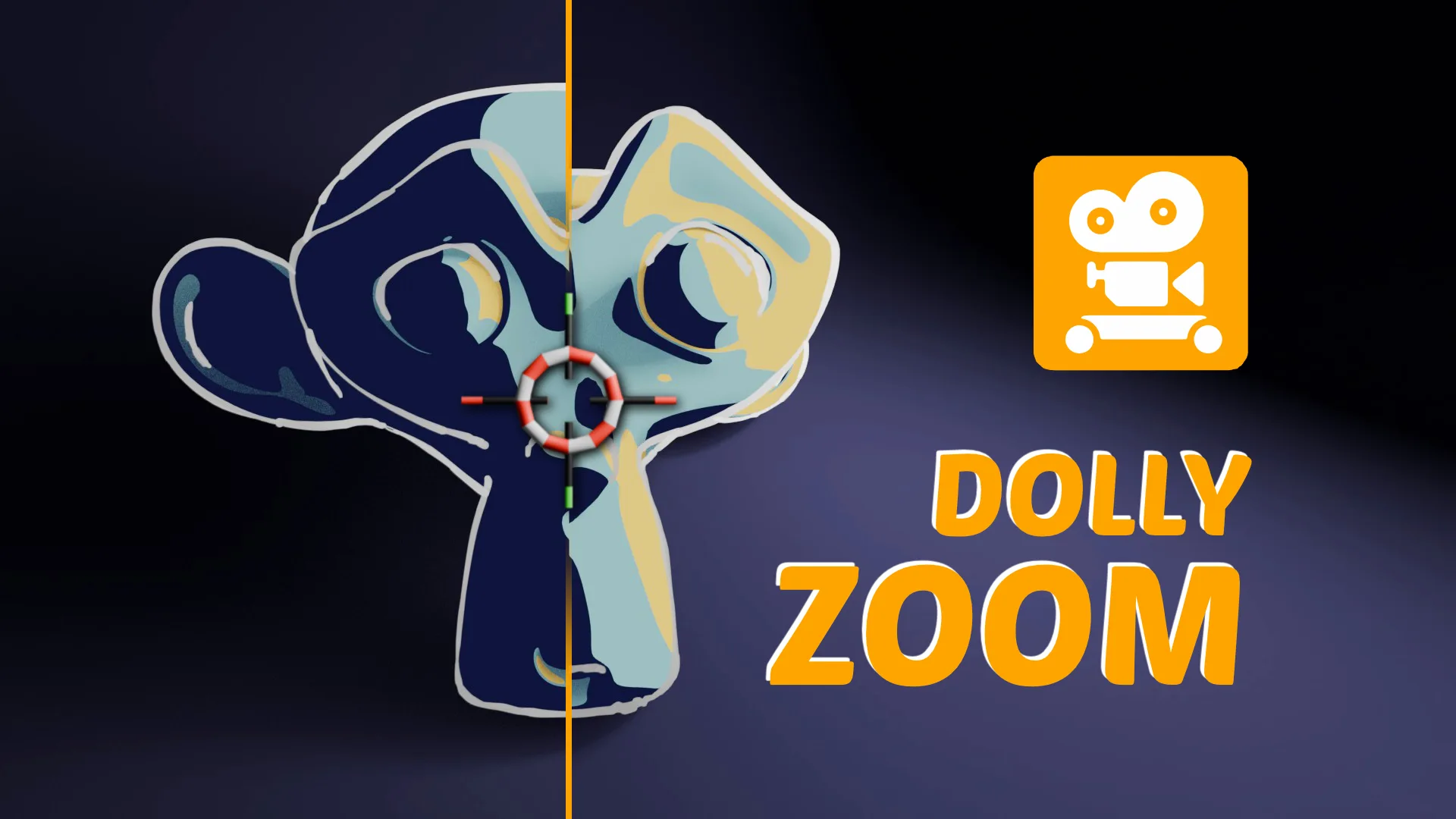
Dolly Zoom is a Blender add-on for applying a dolly zoom in the 3D Viewport or with a camera. Adjusting its control changes the focal length while moving the view or camera along its viewing axis. The 3D Cursor stays the target, keeping objects at that point framed at the same size as the perspective changes. See the Blender Extensions listing and the project's README.
Viewport and camera controls
In the 3D Viewport, find Dolly Zoom in the N-panel under View. For a camera object, find it under Properties, Camera, then Lens. Place the 3D Cursor at the point you want to keep framed while adjusting the effect.
Animating a camera dolly zoom
Version 1.1.0 includes a key button beside Camera Dolly Zoom. It keys the camera's location and focal length at the current frame. The Dolly Zoom property itself cannot be keyed. In the viewport, the effect applies only when the view is in perspective mode.
Compatibility and license
The Blender Extensions package lists version 1.1.0 and requires Blender 4.2.0 or later. The project's README lists Blender 3.x and 4.1 for the standard add-on. Its license is GNU GPL version 3.0 or later.