Lutaya Viewport Camera is a Blender add-on by 3D_SHVYREV for saving and revisiting 3D Viewport positions. Save the current view location and rotation, then return to stored views from a list instead of orbiting to the same framing again. The Blender Extensions listing describes it as a tool for saving and switching between camera positions with orthographic views.
Save and switch between viewport positions
Saved positions appear in a list with indicators for orthographic and perspective views. The add-on remembers each position's projection mode, so returning to a saved view restores that mode along with its location and rotation. Previous and next controls let you cycle through the positions.
This can help when a scene needs repeatable angles for modeling checks or presentation. Architectural visualization and product presentation are listed use cases.
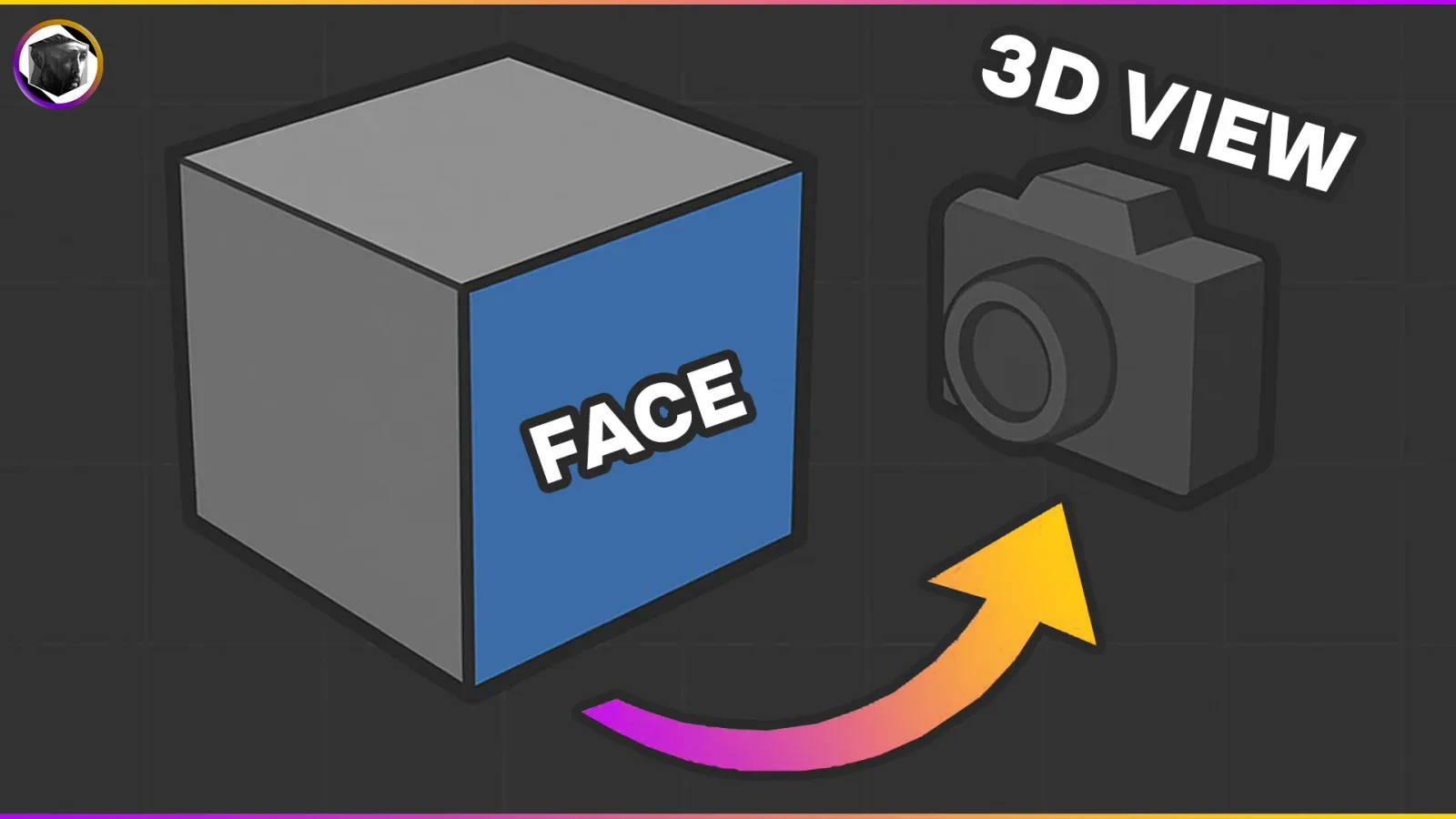
Align and rotate around a selected face
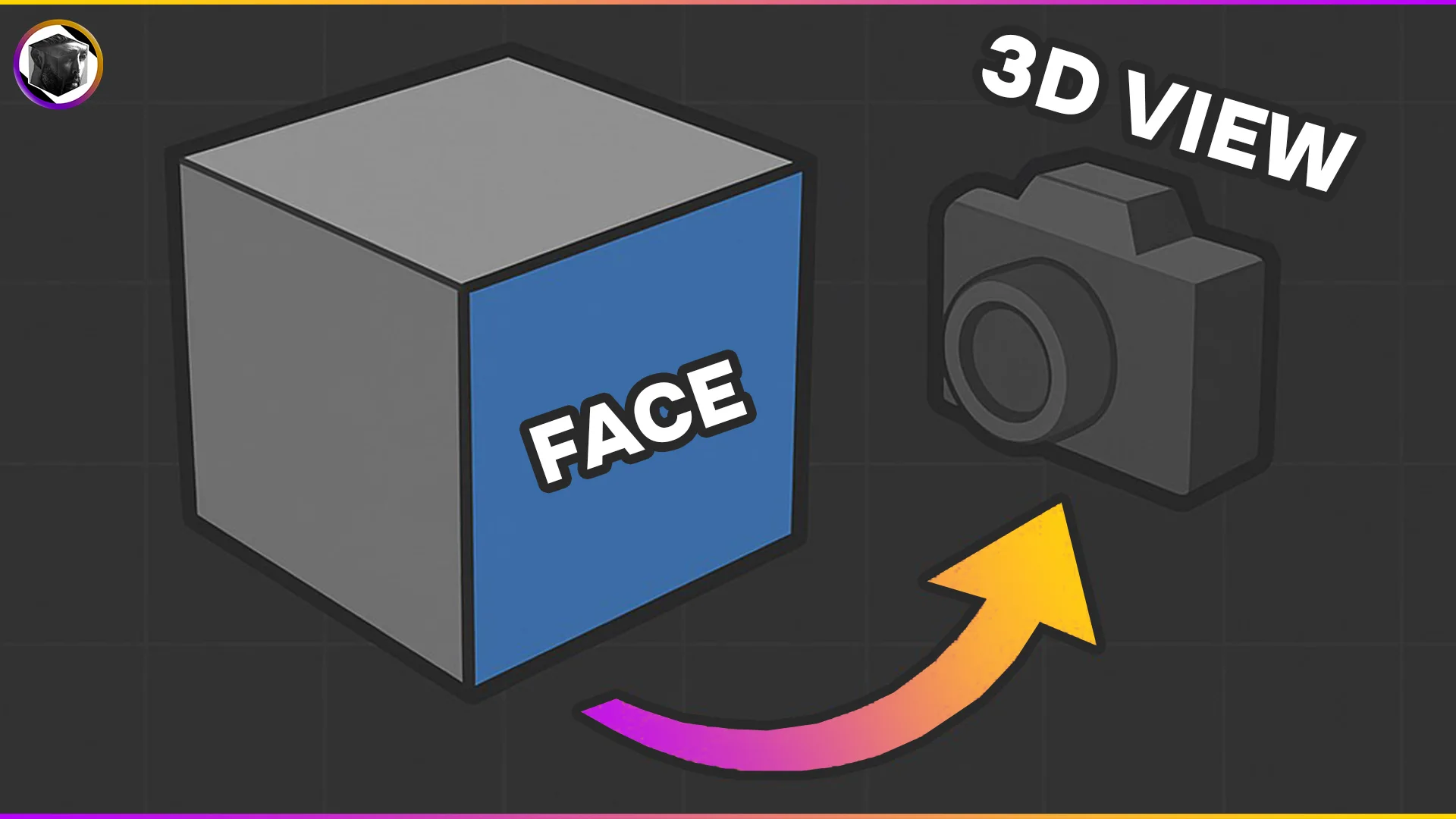
View Face Orthographic aligns the viewport to a selected face in orthographic mode. From that view, you can rotate left or right around the face normal or enter a custom rotation angle. The rotation step size is adjustable in the add-on preferences, which lets you choose how much each rotation changes the view.
These controls are useful when you need a straight-on view of a surface and then want to adjust the angle in set increments. They complement the saved-position list: align and refine a view, then save it for later access.
Find the controls in Blender
The panel appears in the 3D Viewport sidebar under the View tab and is also available through viewport menus. Hotkeys can be assigned by right-clicking an icon. Once configured, the list and navigation controls provide a way to return to stored viewpoints without rebuilding each view by hand.
Version and compatibility
The Blender Extensions record identifies version 1.0.1 and a minimum Blender version of 4.2.0. It lists the GNU GPL version 3.0 or later license and a Files permission for saving and loading camera position configurations. Check the official extension entry for current release and compatibility information before installing.