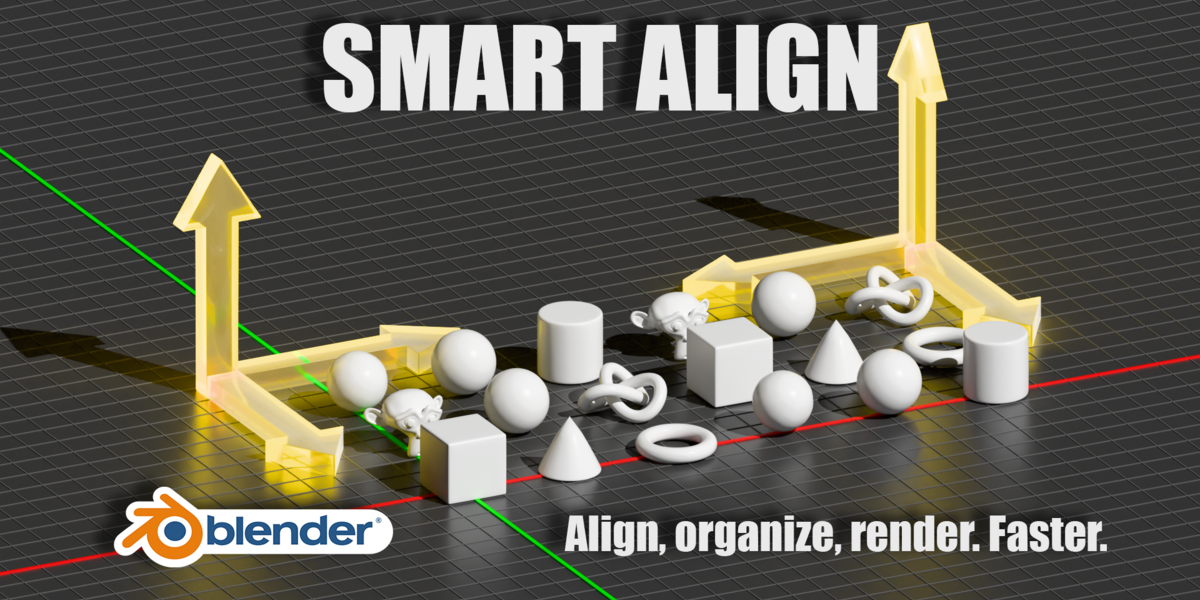
Bonus Tools by DatQuach is a Blender add-on for aligning and arranging objects, with a separate control for keeping armatures visible in the viewport. Its alignment tools use a line between two objects, corresponding points, or bounding-box edges and faces as their reference.
Align objects by line, points, or bounds
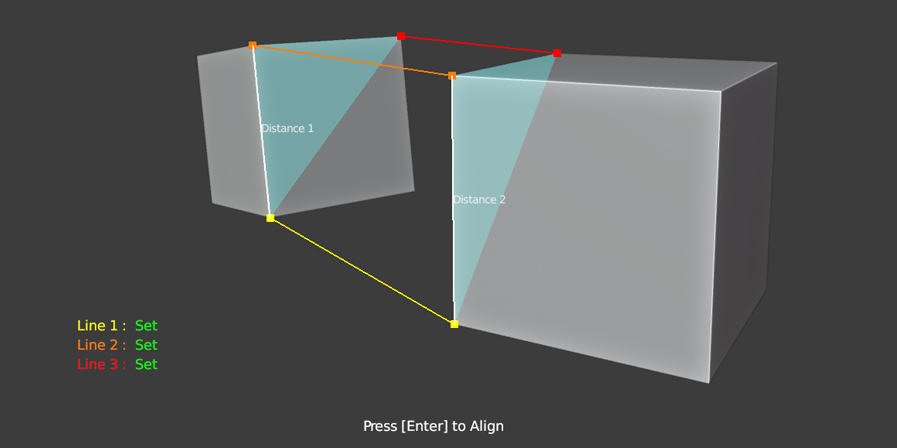
Align Line places selected objects along a path from object A to object B. Align Triangle snaps object A to object B using three pairs of corresponding points, scaling object A to fit by default. Align Box adds interactive buttons around the bounding box of selected objects, letting you align other objects to the reference object's edges or faces.
Arrange a grid and keep armatures visible
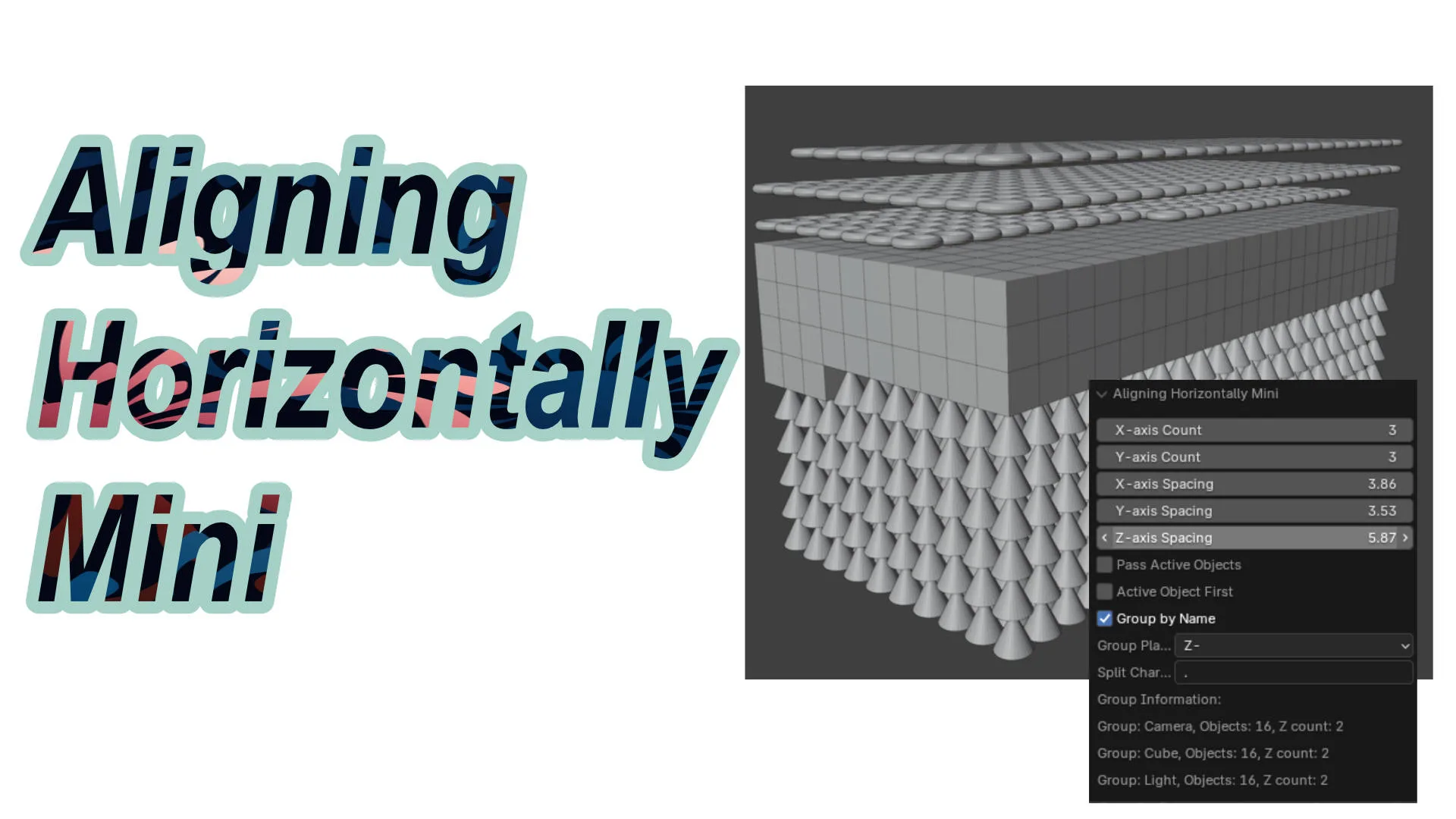
Xpose lays out objects on a grid. You can choose the plane and adjust the margin between objects. The tool is inspired by ZBrush's Xpose feature. Armature In Front brings an armature in front of other objects in the viewport to make it easier to see during rigging and animation.
For the stated Blender compatibility range and license, see the Superhive product listing.