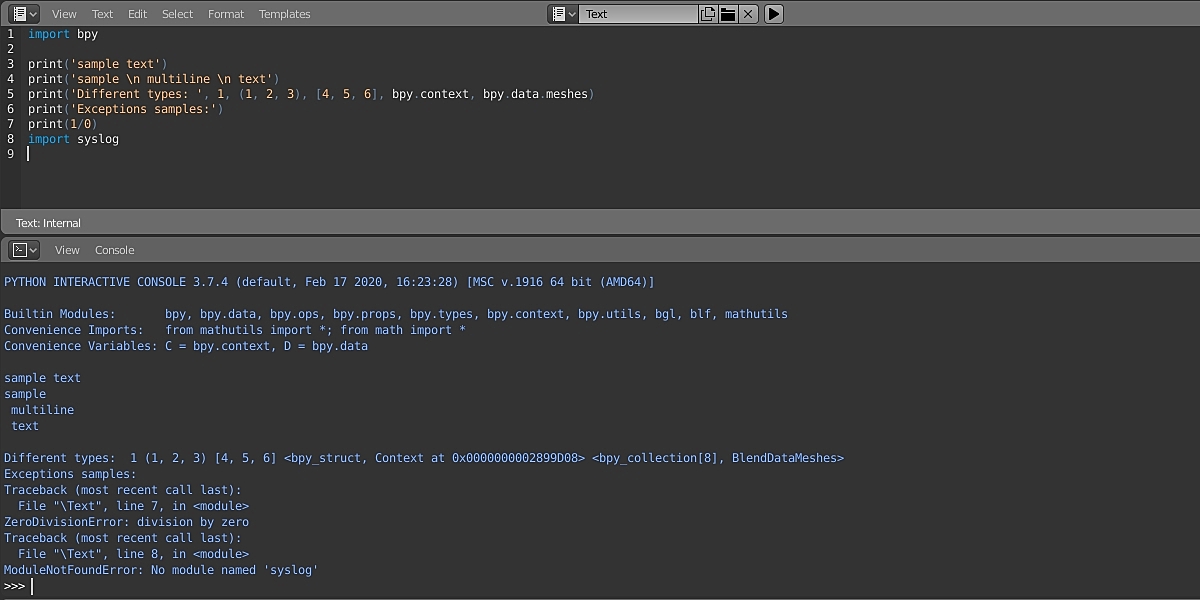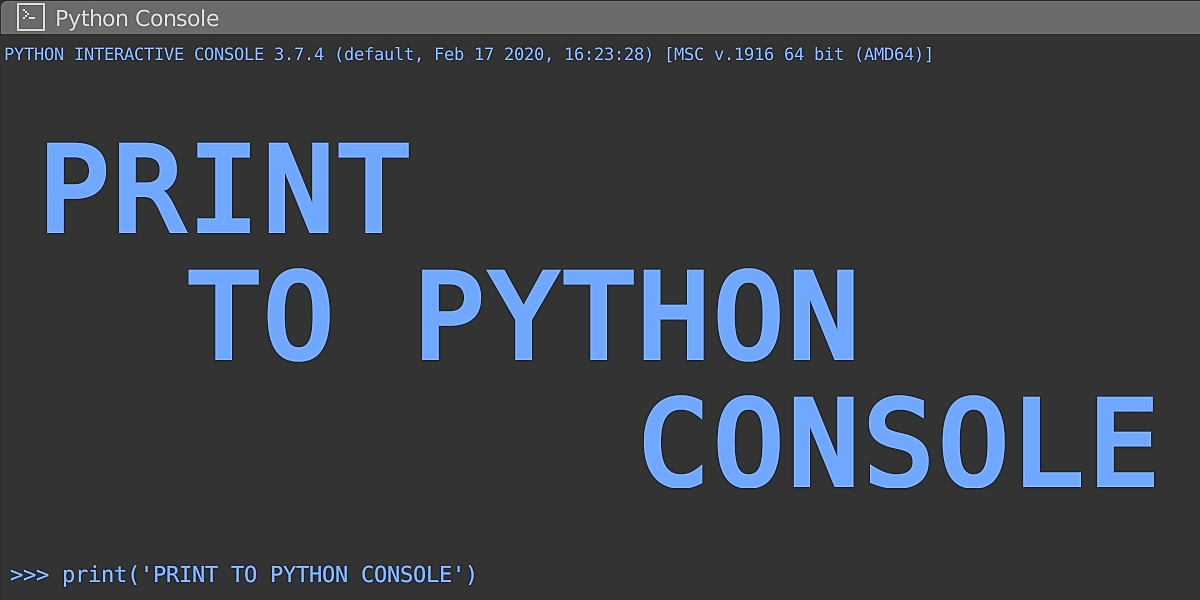
Print To Python Console is a Blender add-on by Nikita Akimov that redirects Blender's print() output and error messages to the Python Console window instead of the system console. The add-on is version 1.1.0, and the Superhive product listing identifies its license as GPL. It is intended for Blender scripting work where you want to read this output in Blender's Python Console.
Switch the output destination
Install and activate the add-on, then open the 3D Viewport's N-panel and choose PtoPC. Use Print to Python Console to enable redirection. Print to System Console returns output to the system console. Add-on properties have separate controls for print output and error messages, so you can choose which types of messages go to the Python Console.
Watch for recursive event handlers
The main limitation involves depsgraph_update_post and depsgraph_update_pre handlers. If one of these handlers prints text or raises errors while redirection is on, writing to the Python Console triggers another depsgraph update. The add-on documentation warns this can cause infinite recursion and crash Blender. Temporarily disable Python Console output while working with these handlers.
Output from an operator's draw function also cannot be written to the Python Console. The product page advises checking the system console for that output.
Check Blender compatibility
The Superhive overview lists Blender 2.82 through 4.1, while its details list ends at 4.0. Its documentation says version 1.1.0 was updated for Blender 4.0. Check the current listing for the release you use, especially if you need 4.1.