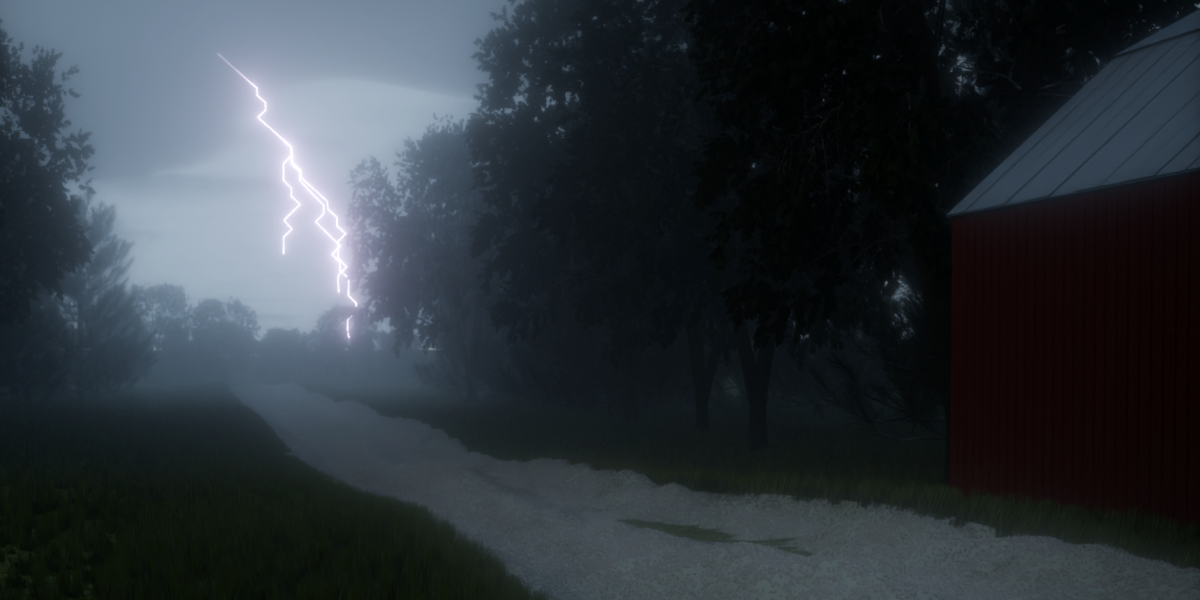
Blaster is a Blender add-on by Nikita Akimov for creating blaster beams and magic rays from curves. Add a curve to the scene, shape it, then use the Blast Along Curve button in the add-on panel to create a beam.
Create and adjust beams
Blaster creates a beam from the curve you have shaped. Its panel includes basic parameters for adjusting the resulting ray. If you need to make the previous ray again, enable Recreate Last.
Choose static or animated output
Beams can remain static or use the add-on's default animation. To animate one, enable Add Default Animation and set the animation's start and end frames. The add-on's product page describes these controls in the Blaster listing.
Find the panel in Blender
Open the 3D Viewport's N panel and select the Blaster tab. The documented uses include simple visual effects, sci-fi weapon beams and magic rays for fantasy scenes.
Blender versions and installation
The listing identifies Blaster version 1.1.4 and names Blender 2.93, 3.0, 3.1, 3.2, 3.3, 3.4, 3.5, 3.6, 4.0, 4.1 and 4.2. Check the version notes and product listing for your Blender release before installing. To install, download the add-on ZIP archive, open Blender Preferences, go to Add-ons, choose Install, and select the archive.
The product listing identifies the license as GPL. It names Nikita Akimov as the developer.