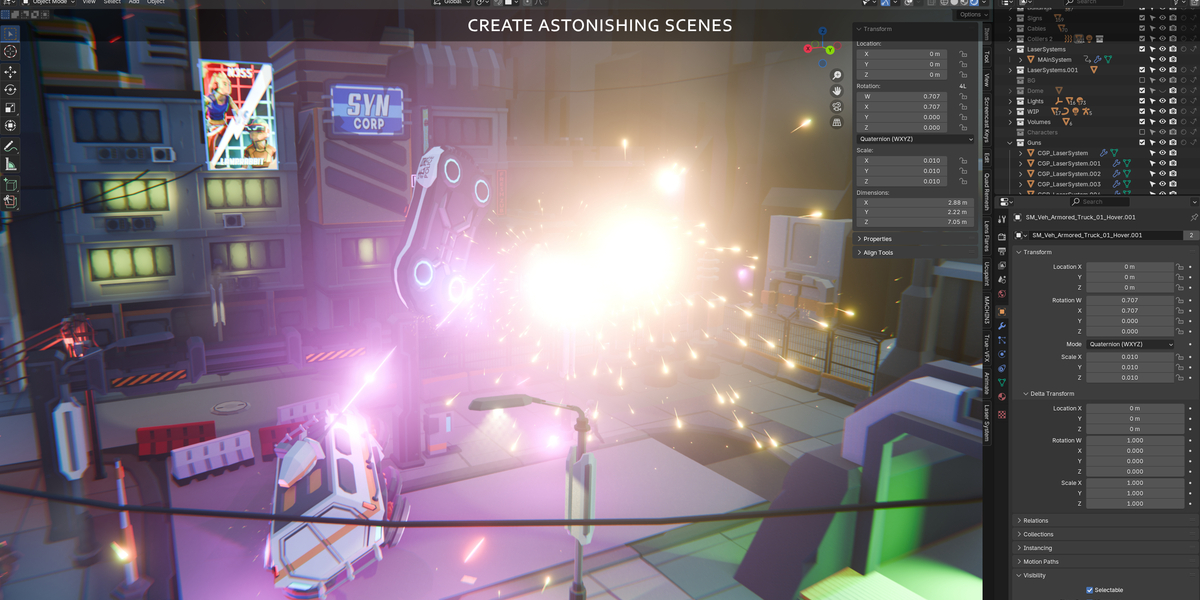
Laser System is a Blender add-on by CGPoly for creating laser effects with Geometry Nodes. Add a laser to a scene with one click, then adjust its beam color, intensity, width and length. It is aimed at artists who want to shape laser VFX without building the setup through manual node tweaking.
Adjust the laser beam
The main controls let you tune a beam to the scene: change its color and intensity, then set its width and length. Those adjustments can produce a subtle laser or a brighter, cinematic effect for a sci-fi scene. The product listing describes the add-on as Geometry Nodes-based, so its effects can be adjusted procedurally within Blender.
Use it with Eevee or Cycles
Laser System is listed as compatible with both Eevee and Cycles. That gives you the option to use it in a real-time Eevee scene or a Cycles render. CGPoly describes the output as consistent across the two renderers; check the result in your own scene and render settings.
The listing names animation, game design and product visualization among the possible uses. The add-on is most relevant when a project needs adjustable laser beams as part of its visual effects, such as a sci-fi shot or a tech-focused render.
Setup notes and limitations
The product page links to a short setup tutorial and the Laser System documentation. If you plan to use Motion Blur, consult CGPoly’s Motion Blur troubleshooting note first. The models shown in the product trailers are not included with the add-on.
Blender version details
The Superhive product listing names Blender 4.4, 4.3 and 4.2, and marks Laser System as Blender Extension compatible. Check the listing and documentation for current installation and compatibility details before using it with another Blender version.