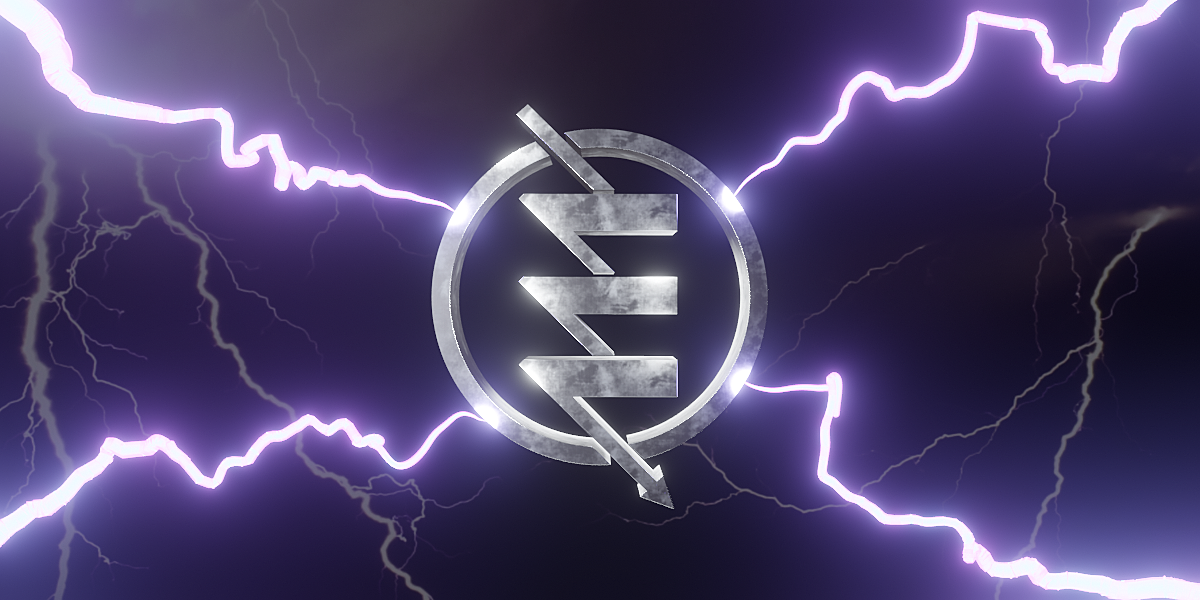
Electrify - Quick Lightning is a Blender add-on by CGI Forge for creating adjustable lightning effects. It includes four types, each with a different approach to shaping or placing a bolt. The product listing reports compatibility with Blender 2.8 through 5.2 and support for Eevee and Cycles. Its version history dates the 4.1 update for Blender's 4.2 extension system to July 17, 2024, so check the current product listing for compatibility with your Blender release.
Four ways to create lightning
- Simple Lightning has no branches and can be shaped like a Bezier curve. Its tips can connect to objects.
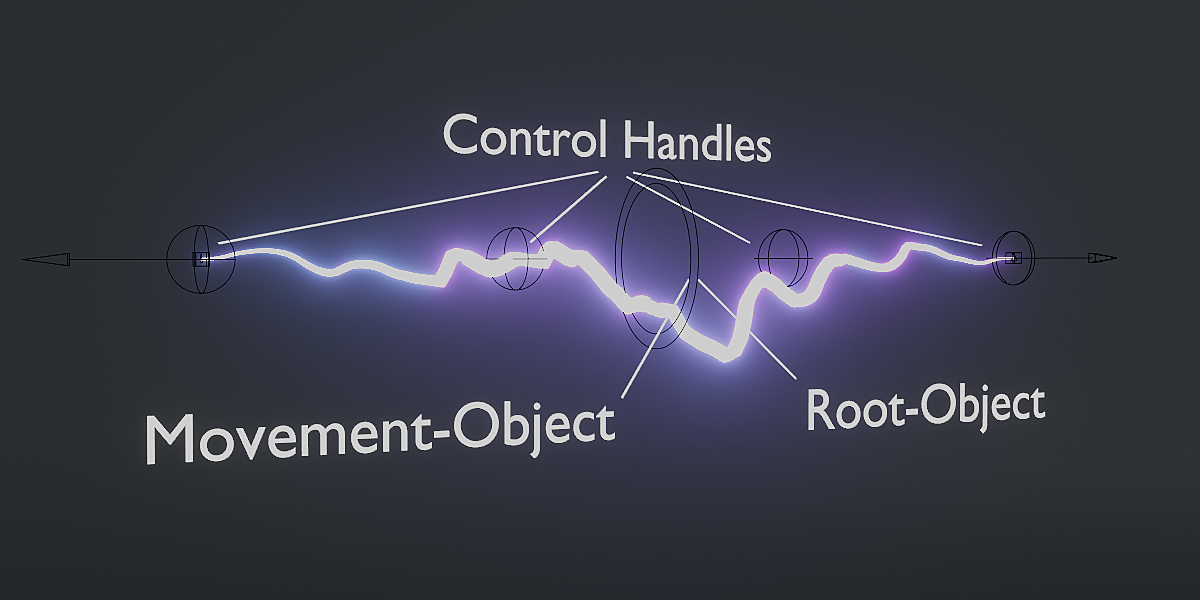
- Branched Lightning gives each branch a control object. The listing describes nine control objects and nine additional parameters for shaping it.
- Random Lightning generates a different shape each time you use Generate New. You can adjust its settings and attach it to objects; the version history notes animatable object attachment from version 3.1.
- LowPoly Lightning is a plane with a customizable, node-based lightning material. It adds four vertices per lightning and can face a chosen object, much like a billboard effect used in games.
Shape and connect effects in a scene
Simple Lightning can be positioned in the scene and adjusted with parameters such as distortion strength and thickness. The developer describes a prepared shrink-wrap modifier for connecting this type to a selected object. Branched Lightning uses its control objects and parameters to shape the branches, while Random Lightning offers a new shape on each generation. These controls give Blender artists several ways to fit a bolt to a scene or animate it.
Rendering and included material
The add-on applies a lightning material automatically and sets up a lightning object ready to render. LowPoly Lightning uses its own node-based material, with a selected object available as its facing target. This makes it useful when a flat plane effect suits the shot better than a more detailed lightning shape.
Guides and setup help
The product includes an example file and a 19-page user guide PDF. The developer documentation points to both. For help finding the controls or installing the downloaded ZIP, see the developer's product FAQ.