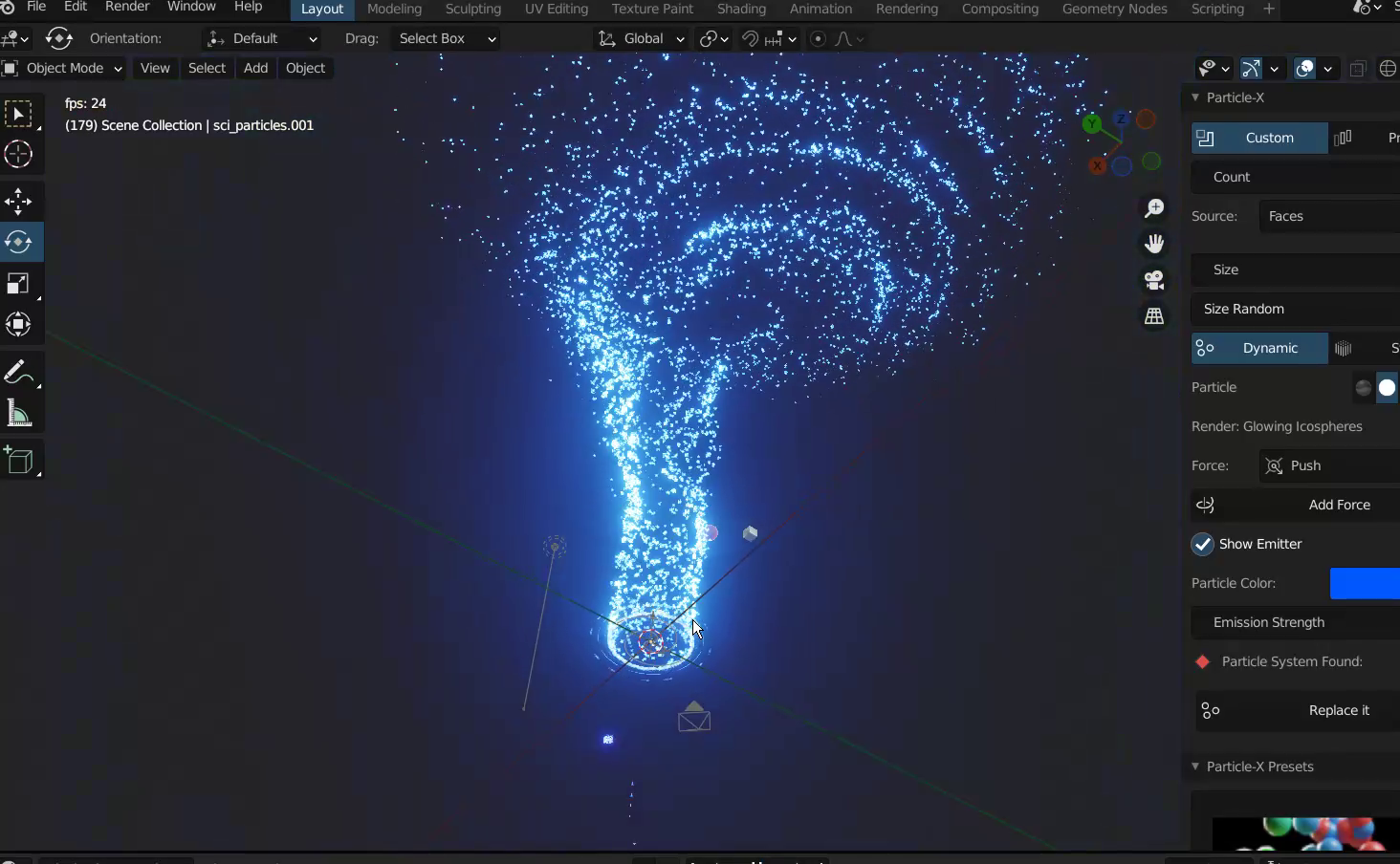
Particles-X is a Blender add-on for creating particle effects with a focused set of controls, presets and assignable objects. The developer describes it as a tool for sci-fi environments and scenes. It supports static or dynamic particles and emission from an object's faces, volume or vertices.
Build an effect with custom settings or presets
The interface groups creation, settings, presets and information into four panels. In the main creation panel, the Custom tab starts particles you can adjust yourself; the Preset tab applies ready-made effects such as plexus and trails. Settings include commonly used controls such as count, size, randomization, gravity, velocity, source and type. The developer says the add-on exposes selected particle settings rather than every property in Blender's particle system.
The preset count is inconsistent across the supplied listings. The Superhive page says more than 15 in its Presets section and 40-plus in its feature list; the AnyPlugins listing also says 40-plus. Check the Superhive product page for the current preset library and tier details. It identifies at least one preset as part of a Pro version.
Use built-in or custom particle objects
Particles-X can assign several included objects to particles: a Mirror object, described as an icosphere with a reflective material; a Glow object; and coloured Sphere objects. You can also use a Custom Object or a Custom Collection for your own geometry. The Mirror object's material reflects light, and proper lighting and an environment help the coloured Sphere objects look good.
Add force and animate the result
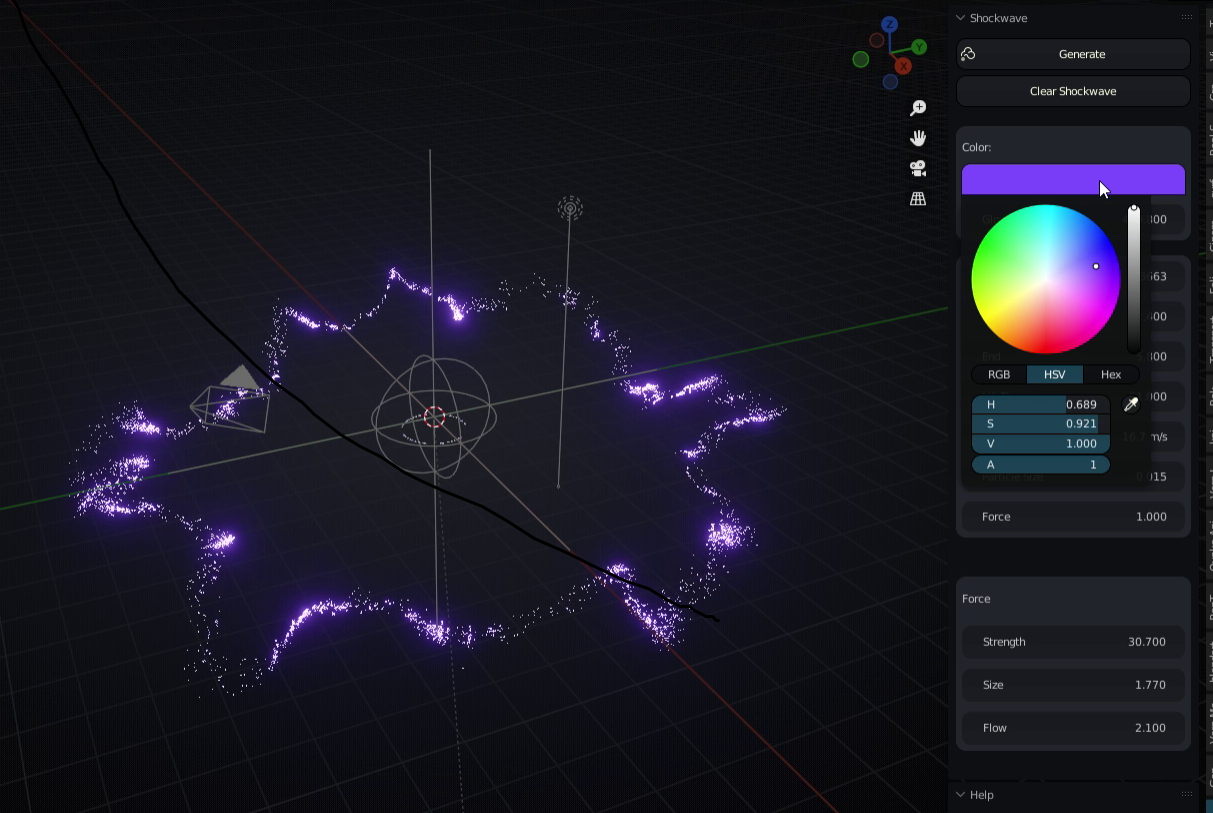
The listed force options are Turbulence, Twist and Push. The developer's example uses a scaled Twist force to make particles rotate. Particles-X also supports animation, conversion to keyframes and baking for use in other software. The supplied description does not identify a particular export format, so check the developer's instructions if your next application requires one.
Check fit and compatibility
Particles-X may suit Blender artists who want a quicker route to stylized particle flows, especially for sci-fi scenes, and prefer presets or a smaller control panel. If your work depends on less common particle-system properties, check whether the exposed controls cover them. The Superhive listing names Blender versions spanning 2.91 to 4.0; it does not confirm compatibility with later releases. AnyPlugins labels the listing free, while the developer page mentions a Pro-version preset, so verify compatibility and current tier terms before downloading.