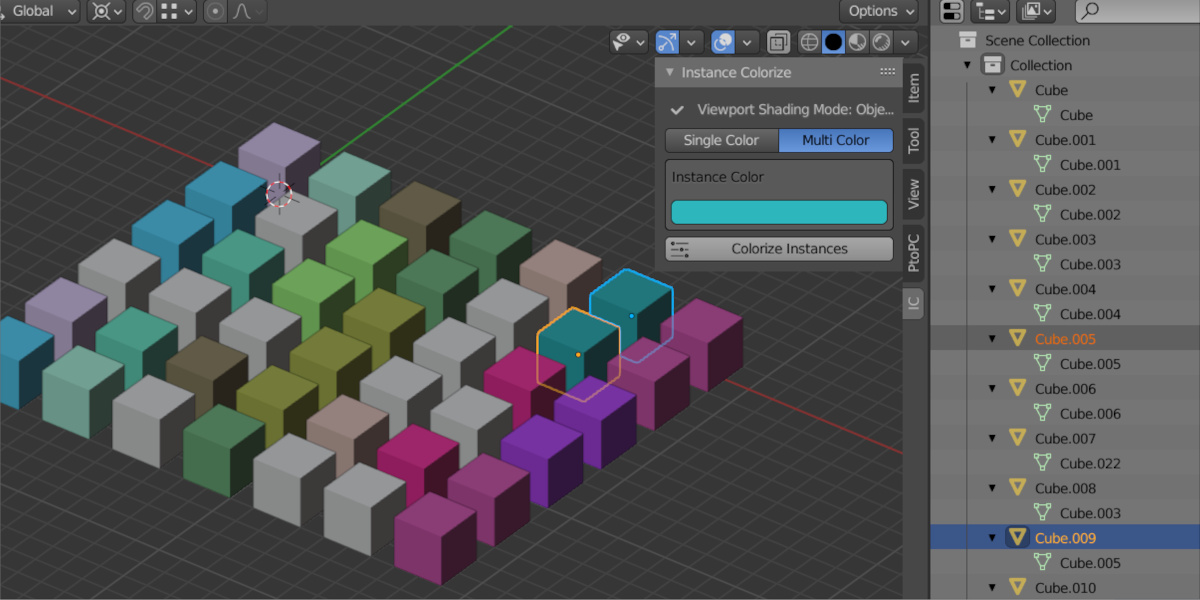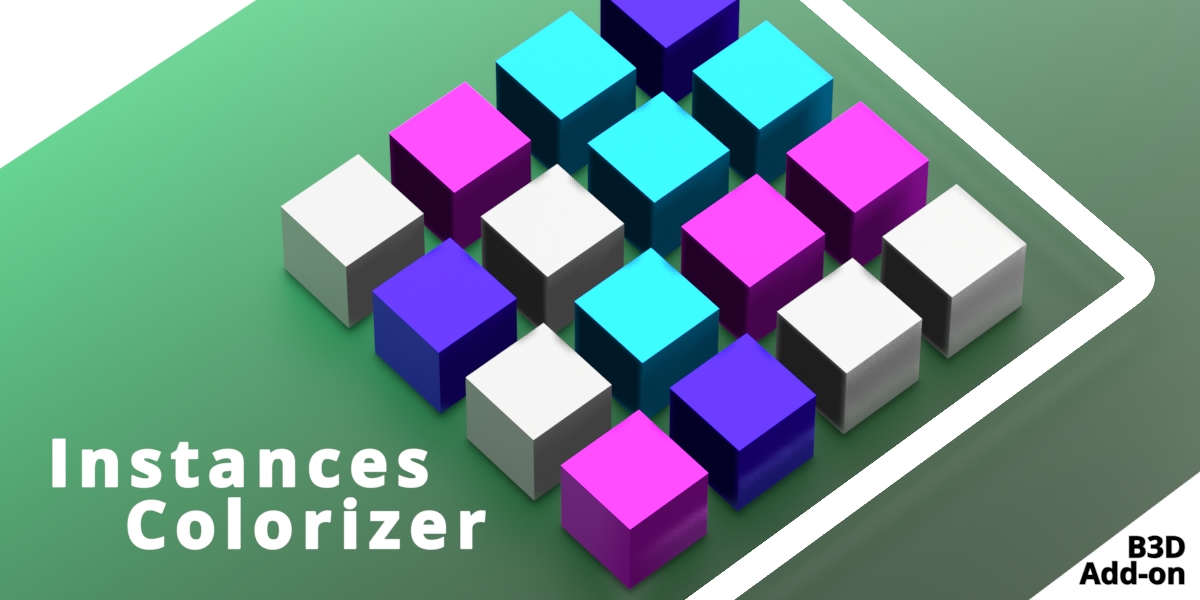
Instances Colorizer is a Blender add-on that colors instances in the 3D viewport. An instance is an object that uses the same data block as another object. Click Colorize Instances in the add-on panel to colorize instances in an existing scene.
Choose a coloring mode
Multi-Color assigns a different color to each group of instances, and you can change a group's color from the panel. Single-Color gives every instance in the scene the same color.
How new instances get a color
When an object already has instances in the scene, a new instance takes the color assigned to that object's other instances. If no other instances exist, new instances receive a random color. An object added without any instances receives a base color.
Find the controls in Blender
Open the 3D Viewport, press N to open its sidebar, then select the IC tab. Instance colors appear when the viewport's Shading Mode is set to Object. The add-on uses each object's Viewport Display color property.
Installation and compatibility
Install the downloaded ZIP archive from Blender's Preferences window, in the Add-ons section, using Install. The product description names Blender 2.93, 3.0, and 3.1; its separate version details list 2.93 and 3.0. Check the Superhive product listing if you use another Blender release. The listing gives version 1.1.0, names Nikita Akimov as the developer, and lists a GPL license.