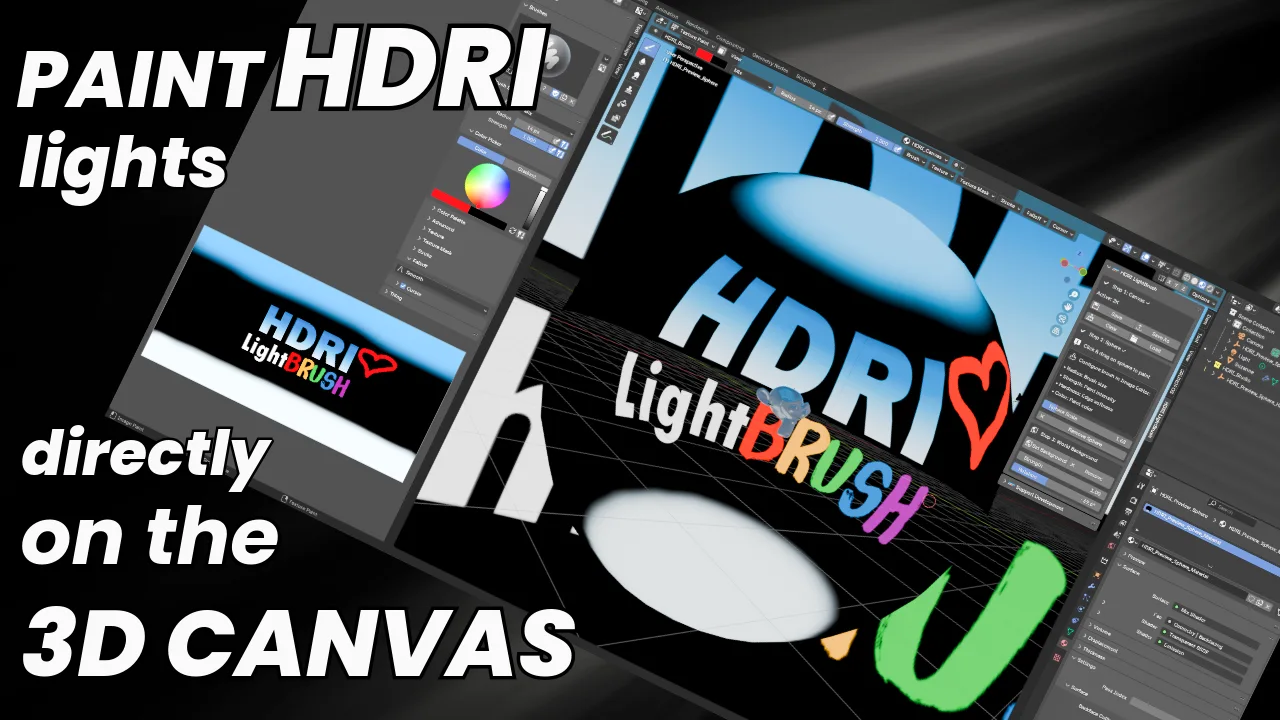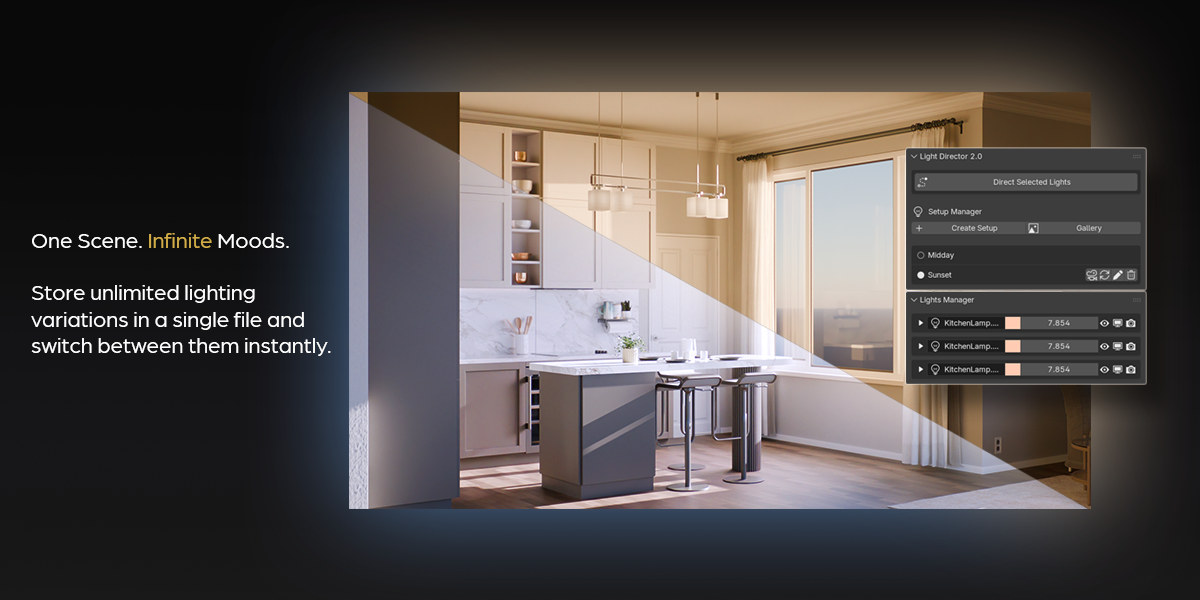
HDRI Rotator is a Blender add-on for moving and rotating HDRIs, shadows, and lights from the viewport. Version 1.1.4 provides rotation, height, and power controls for world and built-in HDRIs, sky textures, and sun lights. Studio Light Mode requires World Space Lighting to be enabled in Lighting > Studio; Shadows Mode requires Shadow to be enabled there.
Compatibility and license
For version 1.1.4, Blender 4.2.0 or later is required. Check the HDRI Rotator listing for current release details.
Check the available movement controls
With the listed keymap, hold CTRL+ALT+RMB and drag to enter HDRI Rotator. While holding the master keymap, press H for HDRI Mode (built-in or World), then Z to move the HDRI up or down. You can change the keymap in the add-on settings or Blender’s main keymap menu. One user review asks for HDRI movement beyond horizontal adjustment; the listing does not document other translation axes.
The Blender Extensions catalogue record identifies 1P2D as the maintainer and lists GPL-3.0-or-later as its license.