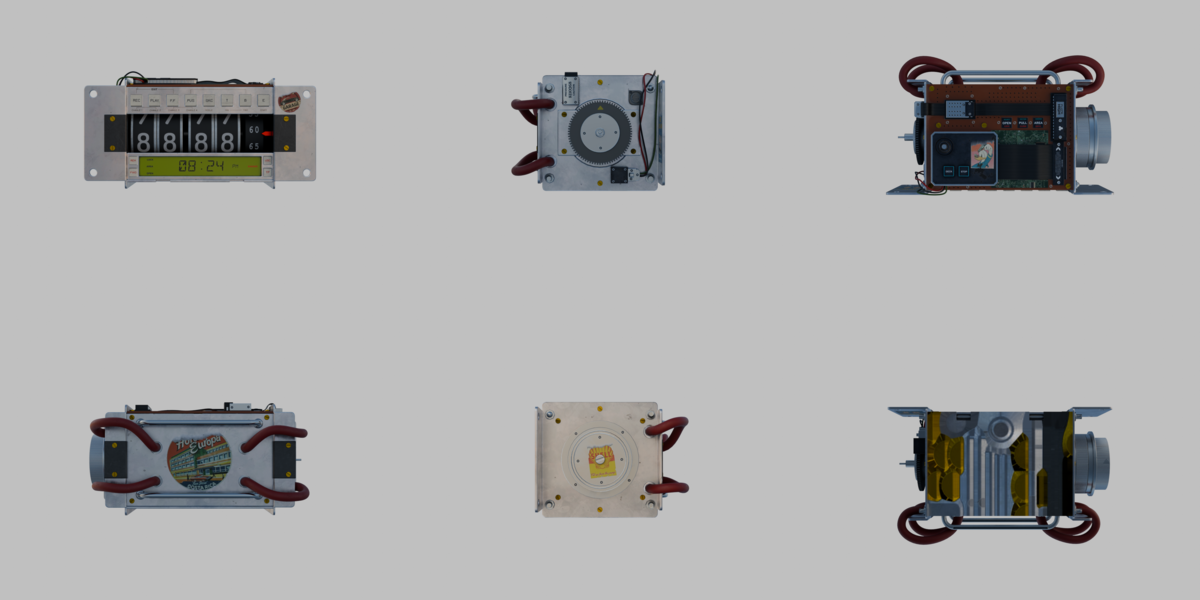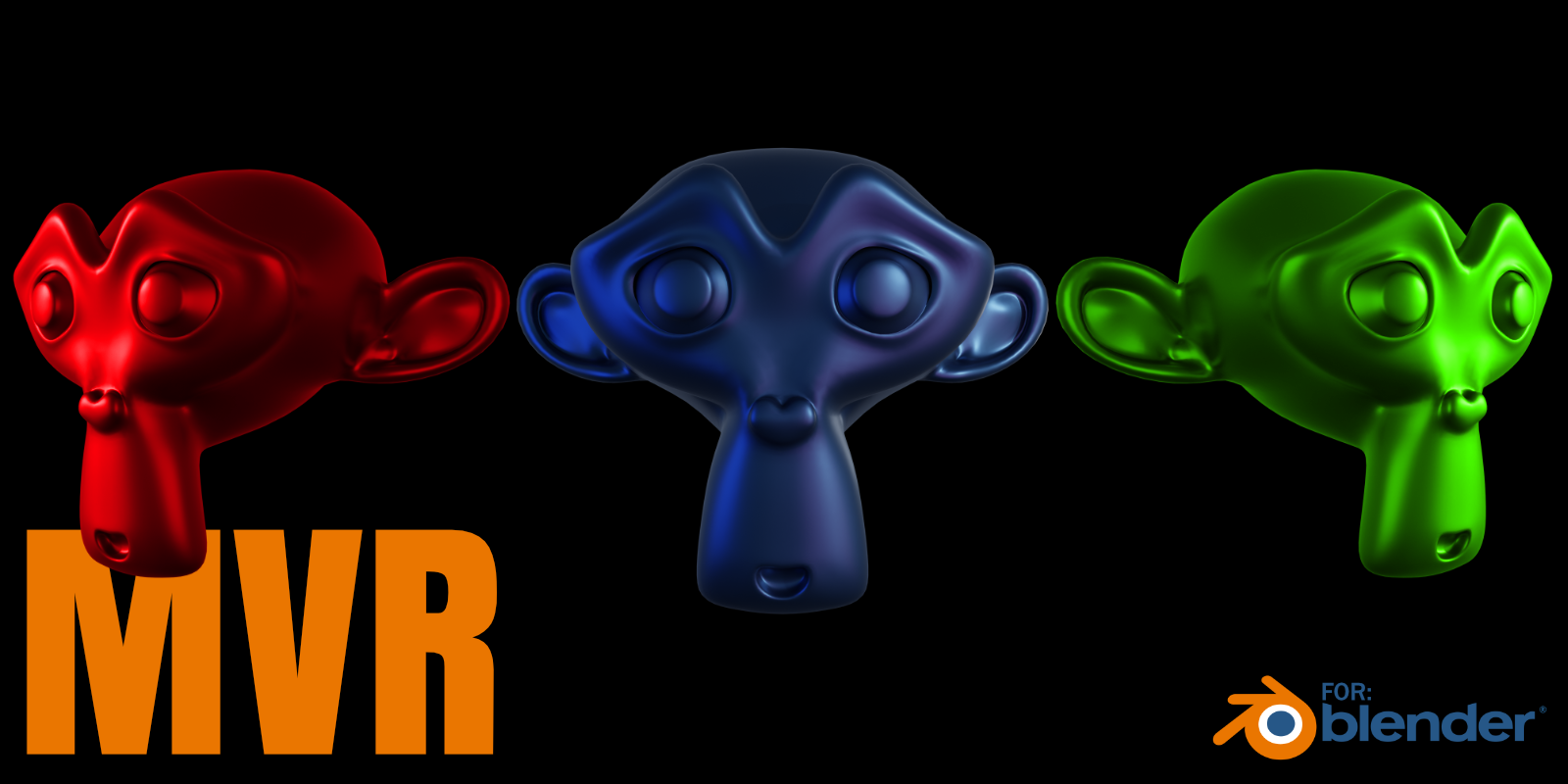
Multi View Render (MVR) is a Blender add-on for presenting a product from several angles. It creates a six-point-of-view camera setup and keeps the cameras together, so you can add or adjust them and switch between views from one place.
Manage cameras and lighting in one add-on
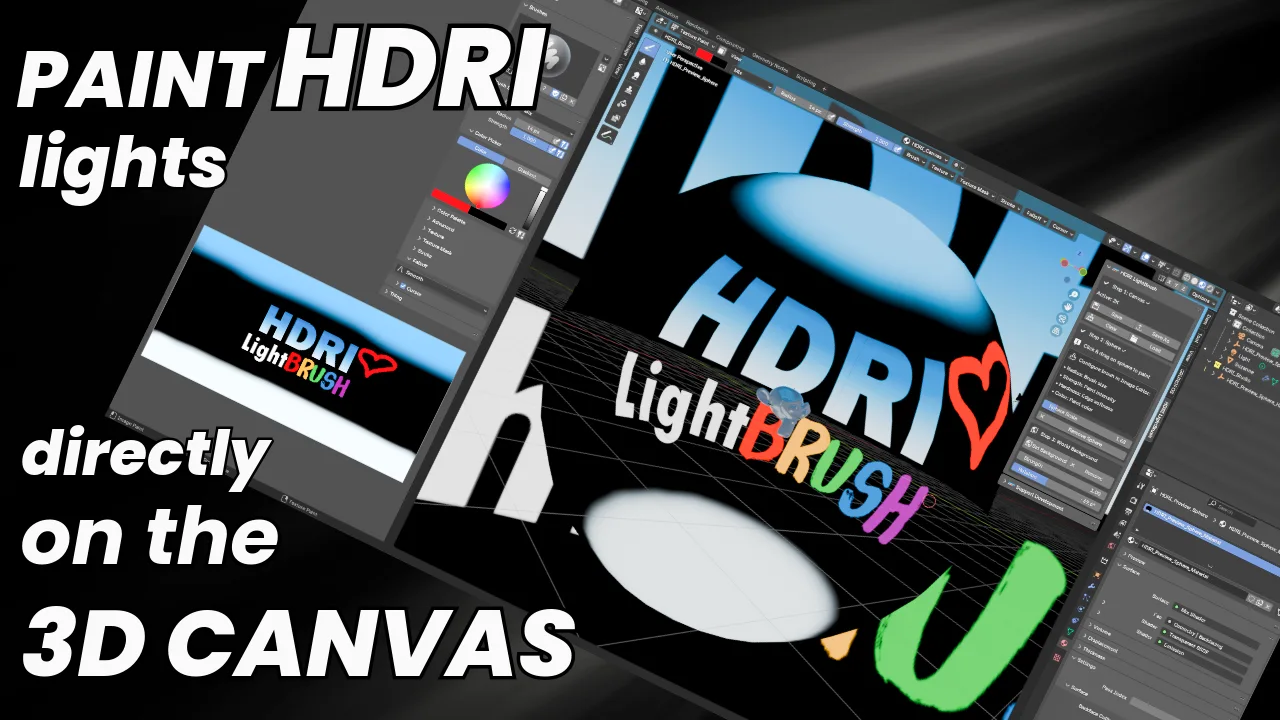
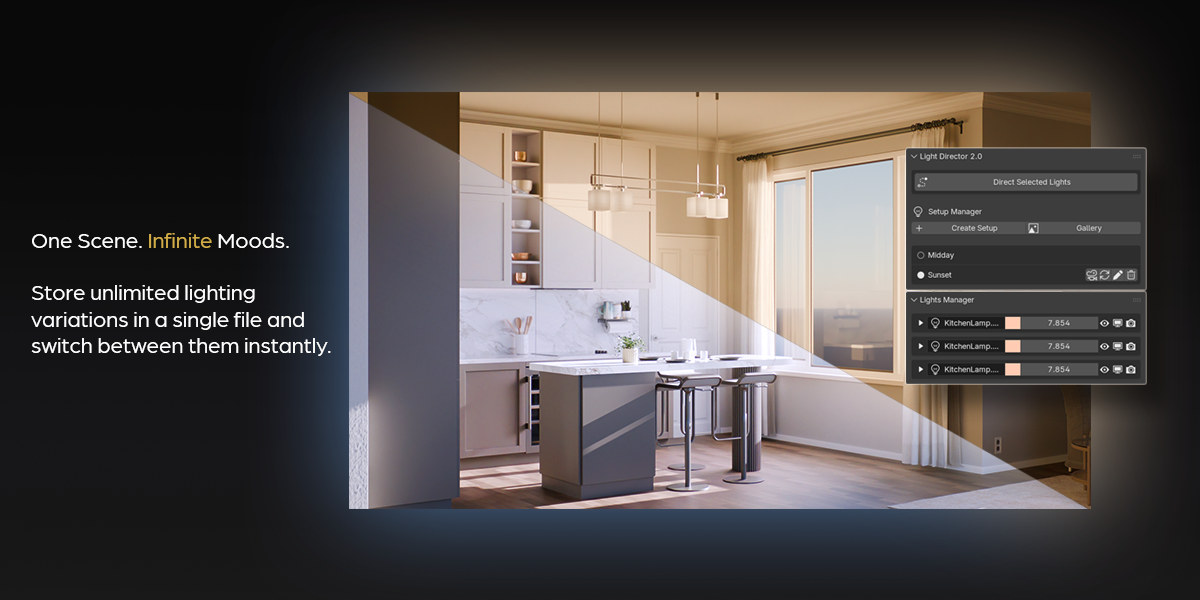
MVR includes one-click setups for 3-Point Lighting, Sky and HDRI environments. The listing says its HDRI integration is adapted from EasyHDRI. An enumeration system labels the camera views, giving a team a way to identify which angle they are discussing.
Create an image or video collage
MVR combines the views from its cameras into a collage in a single render. The listing describes both image and video output. This can suit a product presentation that needs several angles together; the listing does not say whether separate files for each camera are also available.
Check compatibility and render limits
The supplied pages disagree about Blender compatibility. The Superhive listing shows “Blender Version 5.2,” while the AnyPlugins entry describes Blender 4.0 as supported. Check the seller’s current listing and documentation against your installed Blender version before downloading.
The Superhive listing also says a render cannot be stopped once it starts. It must finish, or you must stop the Blender process to end it early. Review the camera and lighting setup before starting a long collage render.
Who may find MVR useful
MVR is aimed at Blender users who prepare product showcases from multiple viewpoints and want camera management, lighting presets and a combined image or video output in the same add-on.
Sources: Superhive product listing and AnyPlugins catalog entry.