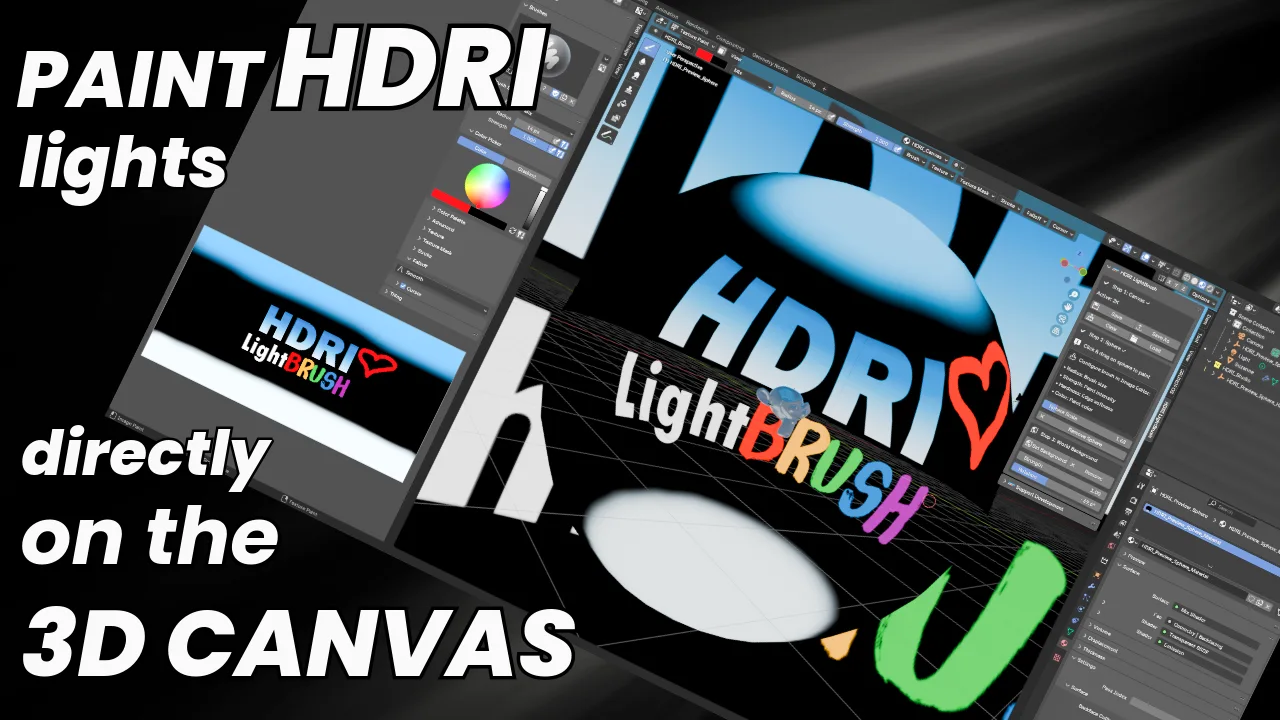
HDRI LightBrush is a Blender add-on for painting lighting onto the inner surface of a sphere that represents the scene’s world environment. You can create an environment map or edit an existing one, preview it in the 3D Viewport, and apply it as the world background.
Build a painted environment in the 3D Viewport
Open the HDRI LightBrush tab in the 3D Viewport sidebar with the N key. Create a canvas using a 2K or 4K preset, or enter custom dimensions. Add the preview sphere and set the image as the world background.
- Choose a canvas resolution and create the image.
- Add the sphere and apply the image to the scene’s world.
- Set the brush options, then paint on the sphere to shape the environment lighting.
The built-in brush panel includes color, size, strength, and hardness controls. Blend modes include Mix, Add, Multiply, Lighten, Darken, and Erase. The sphere updates as you paint, so you can see how changes affect the environment while working on the scene. This workflow suits creating or adjusting studio lighting and product visualization setups.
Import and export HDRI files
HDRI LightBrush can import and export .exr, .hdr, .jpg, and .png files. That lets you start from an existing environment map, paint changes in Blender, and save the edited image. Canvas presets are 2048 × 1024 and 4096 × 2048, with custom dimensions also available.
Version, compatibility, and license
Version 1.2.0 is listed under developer CadTamas. The Blender Extensions listing gives Blender 4.2.0 as the minimum and 5.0.1 as the maximum. Its version history lists Blender 4.2 LTS and marks Blender 5.0 and later unsupported, although the v1.2.0 changelog on that page says Blender 5.0 is fully supported. The developer’s project README describes support for Blender 4.2 and 5.0. These compatibility details conflict, so check the current Extensions entry for your exact Blender release before installing. The add-on is licensed under GPL-3.0-or-later.