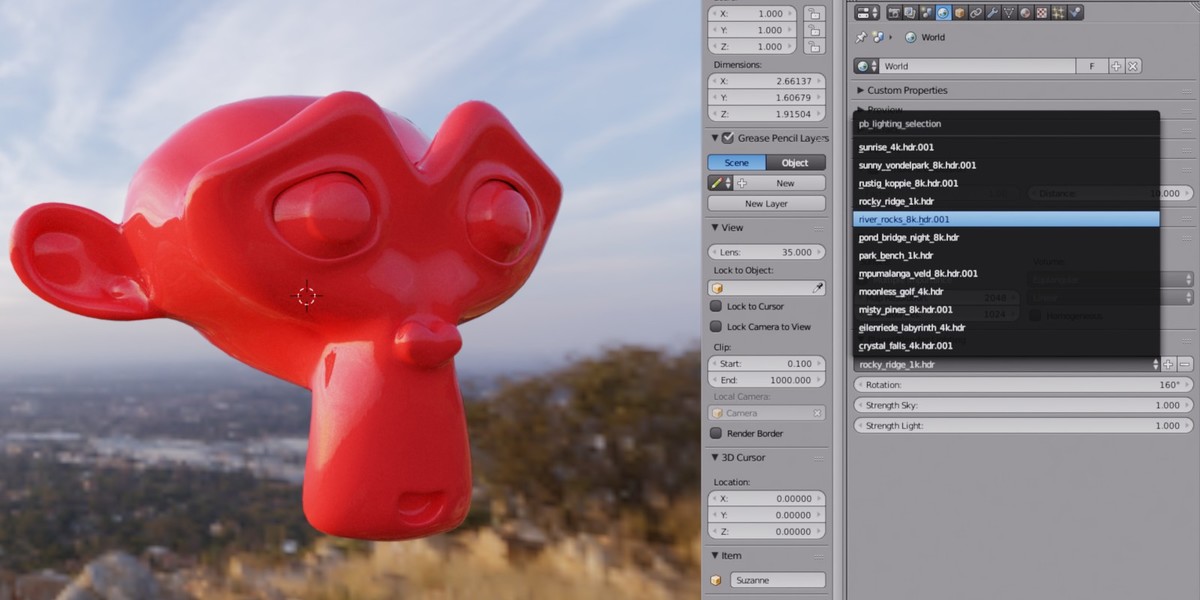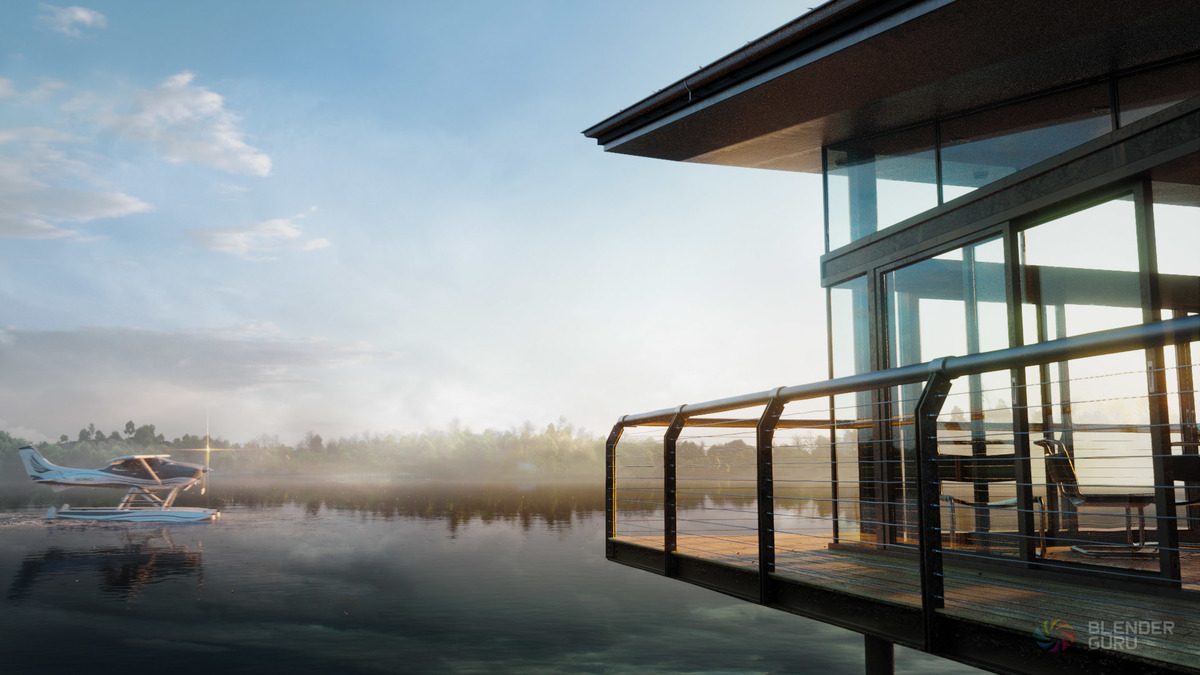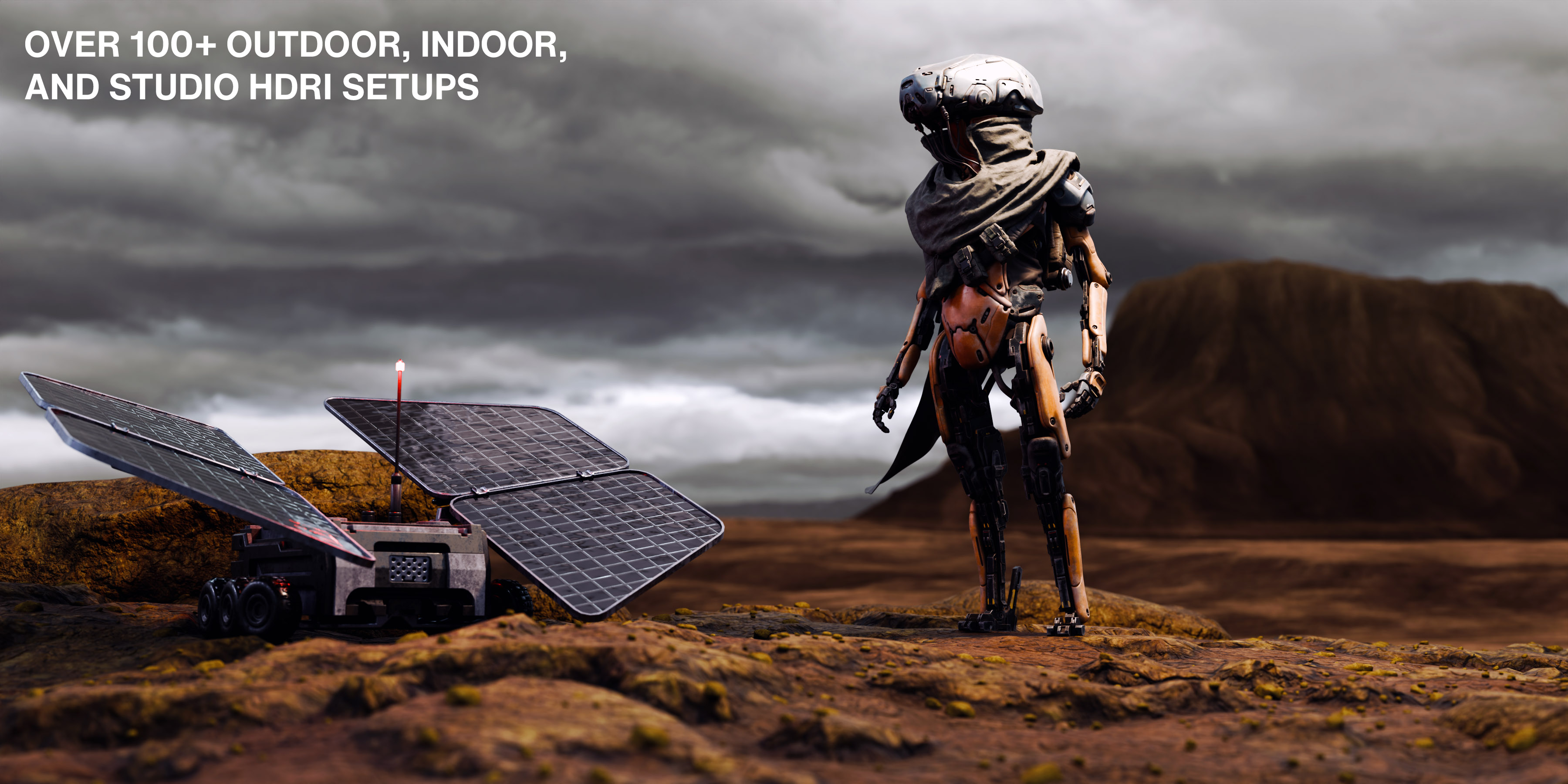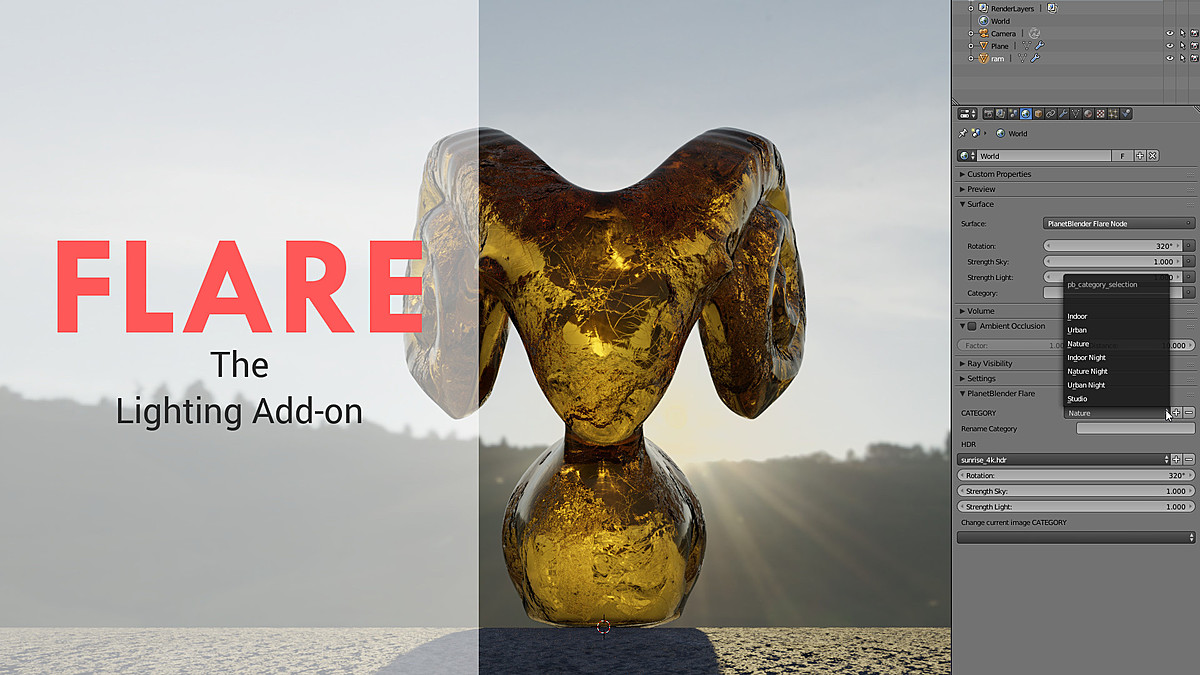
Flare V1.1 The Lighting Add-On is a Blender add-on from PlanetBlender for importing and organizing HDRIs you choose. Its product page describes three controls and a workflow for keeping favorite HDRIs ready when you start a new project. The developer points to HDRI Haven as a source of free HDRIs, while Flare helps manage the environments you select.
Keep HDRIs ready for new projects
Import the HDRIs you want to use, then choose File > Save Startup File in Blender. The product listing says the saved HDRIs will be ready whenever you start a new project. This can help if you reuse the same environment maps across scenes and want them available at startup.
Organize HDRIs with categories
Version 1.1 added the option to create categories for HDRIs, making a collection easier to browse as it grows. Flare may suit Blender users who already have favorite environment maps and want to keep them organized for lighting work.
Blender version and pricing
The Superhive product listing names Blender 2.79. The available details do not establish compatibility with later Blender versions, so check the product documentation before installing it in a newer release. Pricing is unclear: the AnyPlugins catalog labels Flare free, while an older Superhive page snapshot, crawled about 1.3 years ago, lists $4.99. A recent Superhive capture gives no price, so check with the seller for the current amount.