Render-Pro is a lighting and rendering add-on for Blender from Apex Assets. Its Superhive listing names Cycles and Eevee as supported render engines and lists Blender versions 4.2 to 4.5. The documentation covers installation, HDRI assets and a Multi-Render setup for cameras in a collection.
Install Render-Pro and configure HDRIs
- Download the Render-Pro add-on file.
- In Blender, open Edit > Preferences > Install, select the add-on file and install it.
- Enable the add-on in Blender.
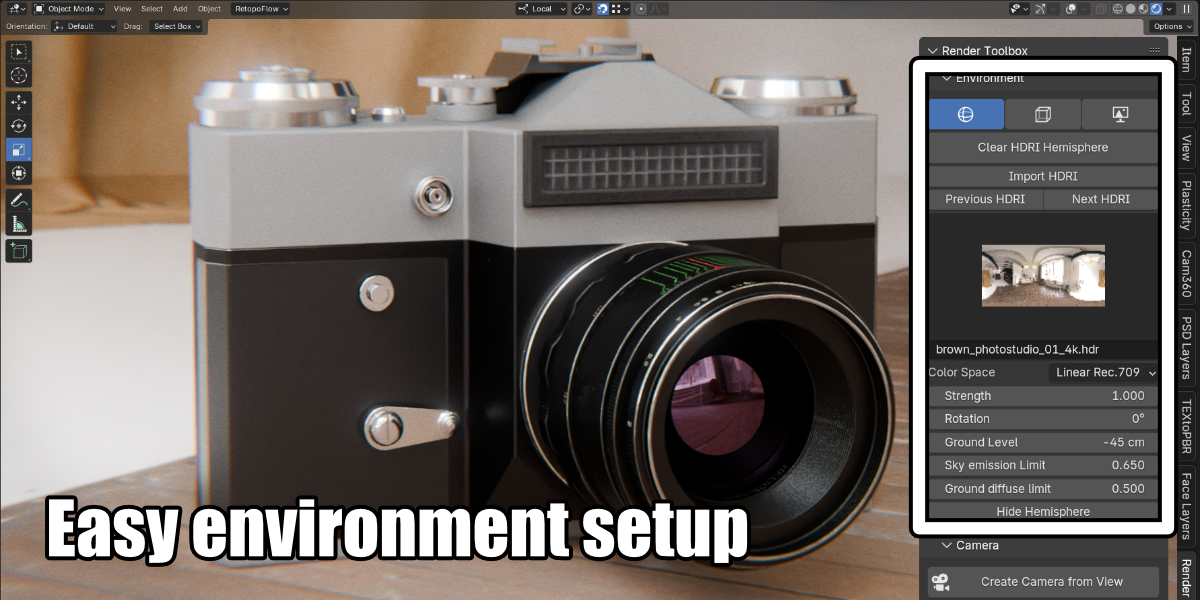
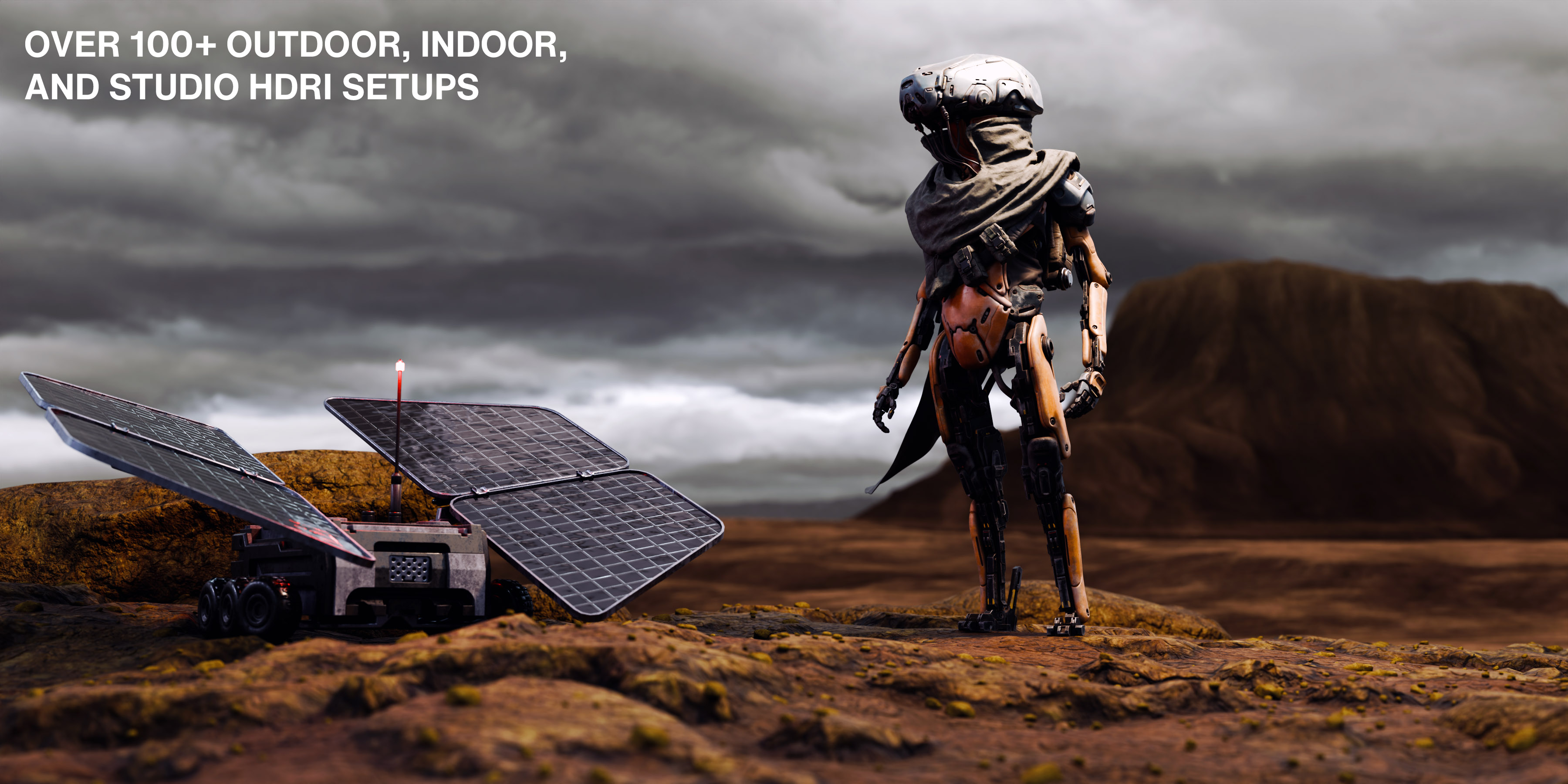
The documentation describes the HDRI assets as a separate file. Download the Renderpro_HDRI file, unzip it, then open the add-on preferences and select the Assets folder. The product’s FAQ also says you can use your own HDRIs by placing them in the asset folder.
Set up a Multi-Render
To use Multi-Render, add the scene cameras to a collection, then enter that collection’s name in the camera collection panel. Choose Setup Multi-Render, then press Render. Use this setup to render several scene cameras from one collection.
Compatibility and license
The marketplace listing gives the license as GPL. Check the product page for current compatibility and license details before installing.