Render Toolbox 1.3 is a Blender add-on from Split Studios that gathers environment, lighting, camera and effect controls in one interface. It supports Blender 4.2 through 5.0 and lists Cycles and Eevee as render engines. See the developer's product listing for release details.
Set up the environment and lighting
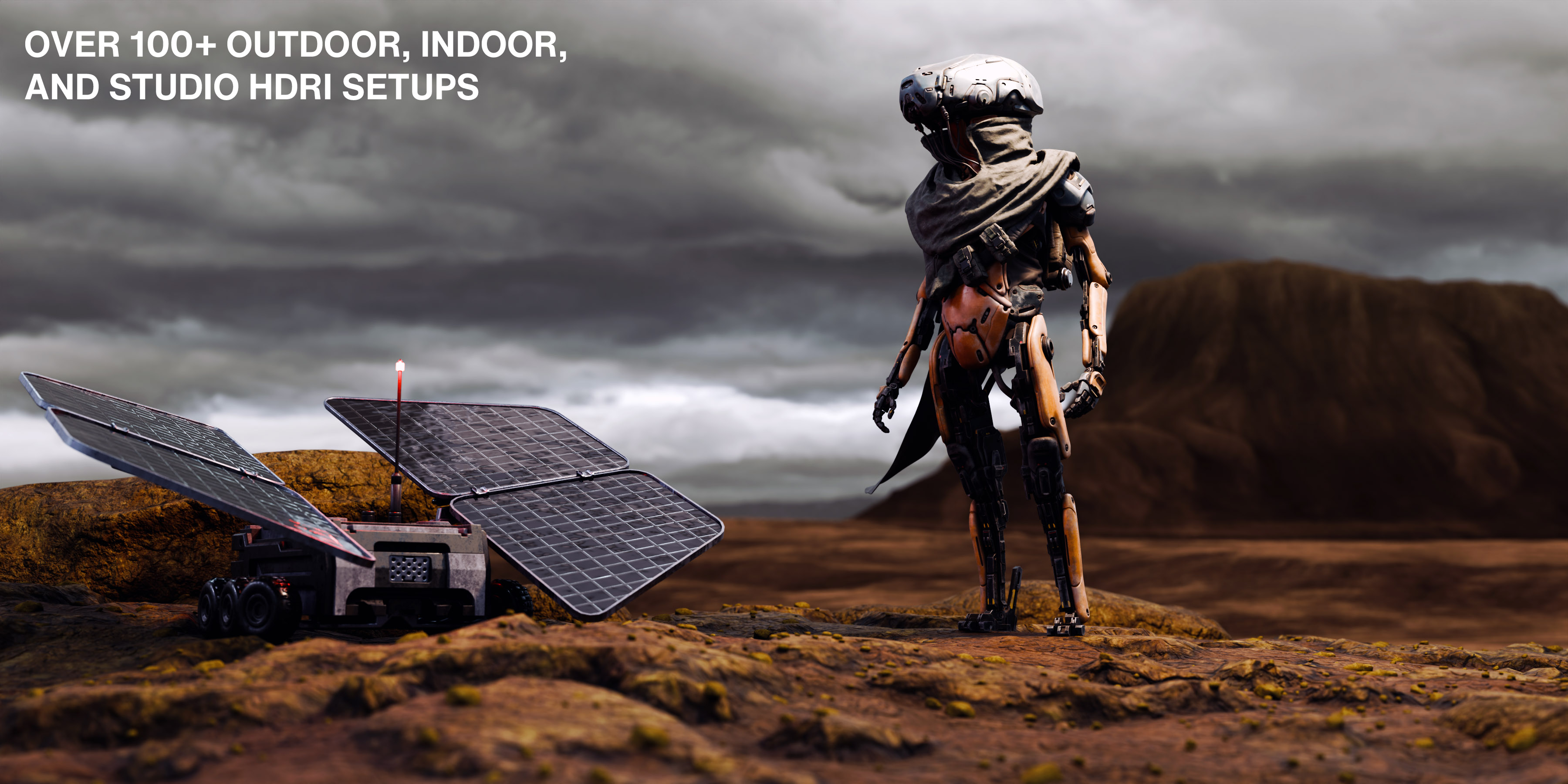
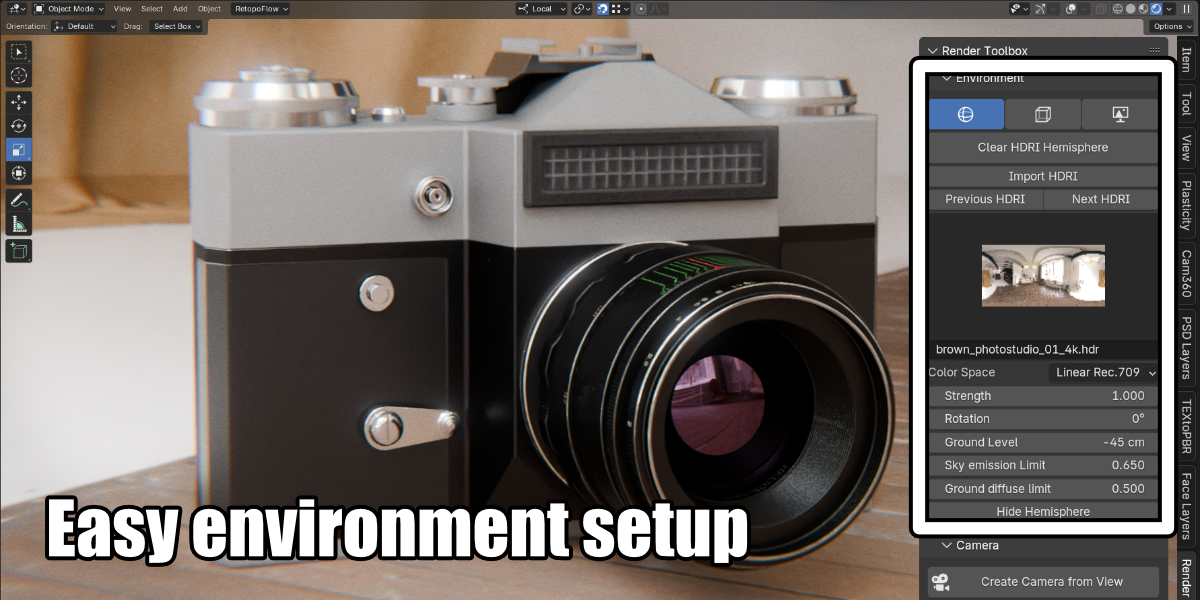
Add and control HDRIs, adjusting rotation, strength and ground level. Background orientation can be set with X and Y rotation options. You can also paint lighting directly onto a model to control highlights and draw attention to areas of the scene.
Save camera setups and add effects
Camera bookmarks store full camera transforms and settings without requiring keyframes. When you want to animate camera settings, one click inserts keyframes for all current settings. The add-on also includes glare, lens distortion, chromatic aberration, film grain and vignette for image finishing.
Manage lights in the viewport
Select lights from the viewport or a list, then rename them and edit their attributes in one place. Adding effects enables them in the viewport for immediate preview. Camera switching and effect toggles also update across multiple viewports.
Version 1.3 and license
Version 1.3 adds Blender 5 support and fixes a black screen issue when creating effects in Blender 4.5. The developer lists the add-on as Blender Extension compatible and GPL-licensed. Its update note says version 1.3 is free for existing customers, who can re-download it.