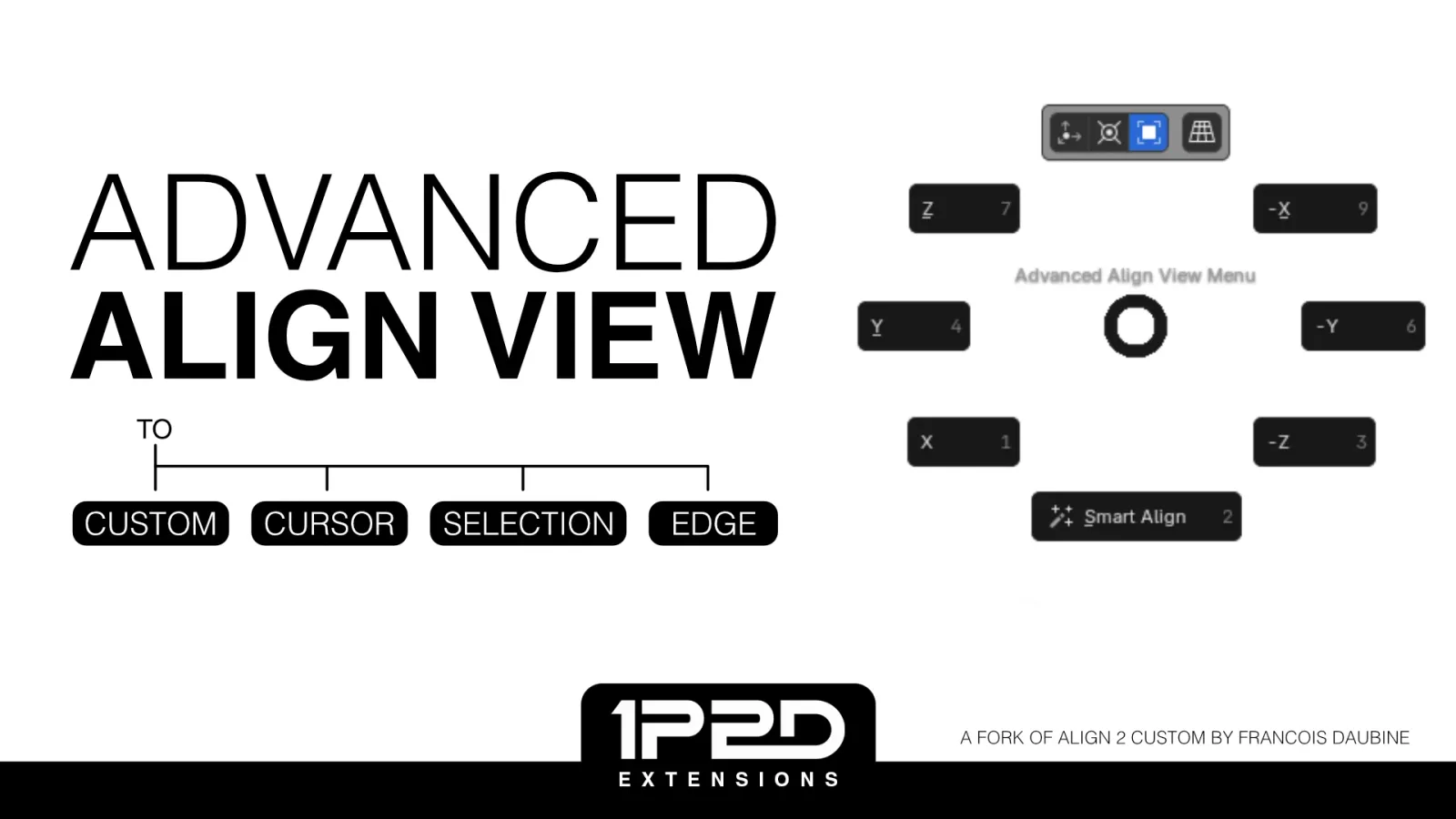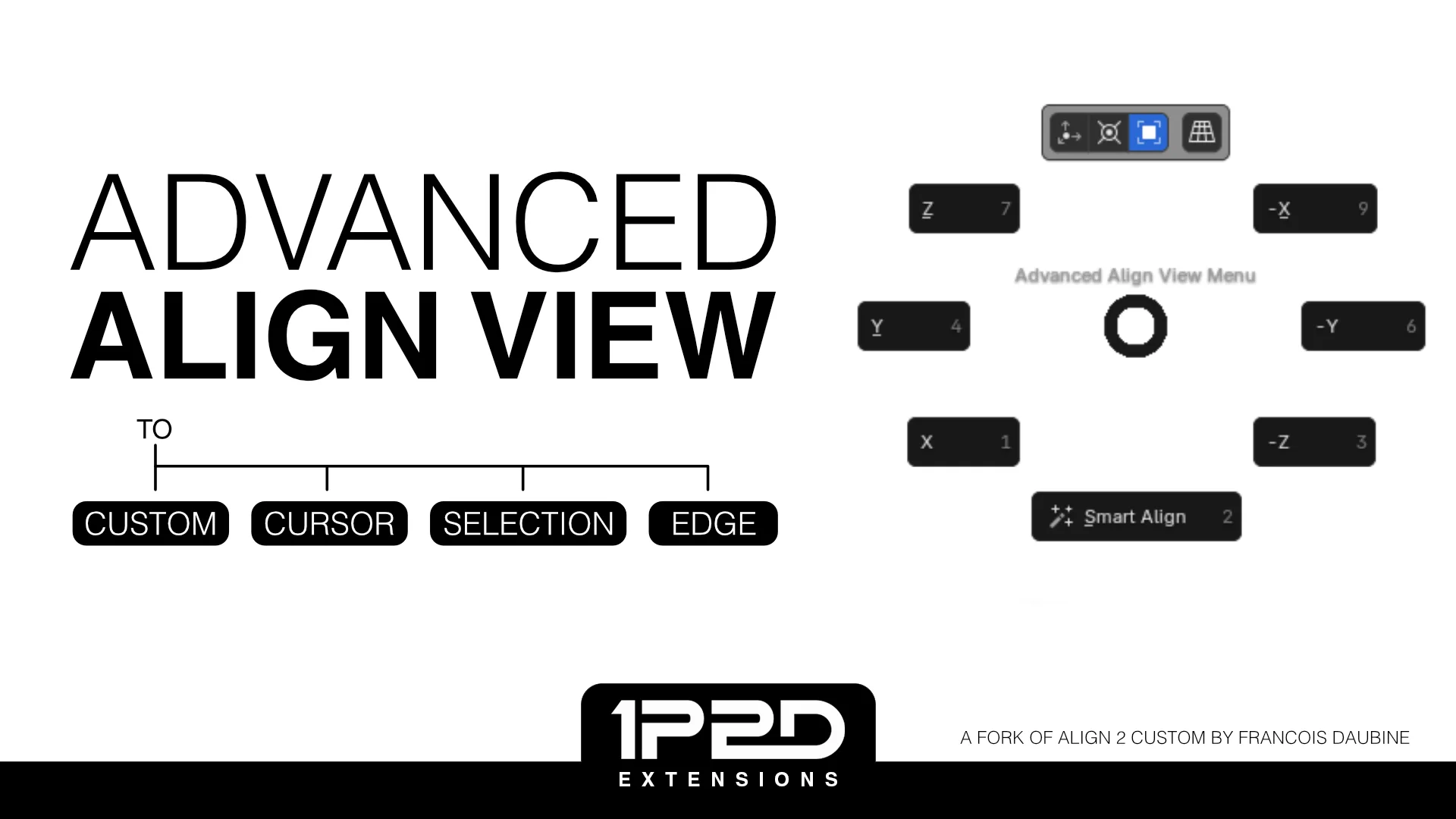
Advanced Align View is a Blender add-on by 1P2D for aligning the 3D View to selected geometry during precision modeling. It can align the view to the 3D cursor or active object's orientation, selected geometry in Edit Mode, or one edge selected in Edit Mode for Advanced Edge Align.
Alignment options for modeling
Selection mode can use the active object's orientation or selected geometry in Edit Mode. Advanced Edge Align uses one selected edge to orient the view so the edge runs parallel to the screen border, with three degrees of freedom. Smart Align selects a nearby matching angle after you point the view roughly in the desired direction. Minimize Viewport Roll helps preserve the view's up orientation when aligning to a canonical viewpoint.
The add-on also provides pie menus, incremental view rotations, and optional settings to set the Transform Orientation to View and align newly added objects to the current view. These options are useful when you need to inspect or work on geometry that does not follow the world axes.
Compatibility and installation
The Blender Extensions catalog record identifies 1P2D as the maintainer, lists version 0.1.3, sets Blender 4.2.0 as the minimum version, and specifies GPL-3.0-or-later. Check the official Advanced Align View listing for current release details. The Blender Extensions catalog API provides the version and compatibility fields. For installation, the listing links to Blender's extension installation instructions.