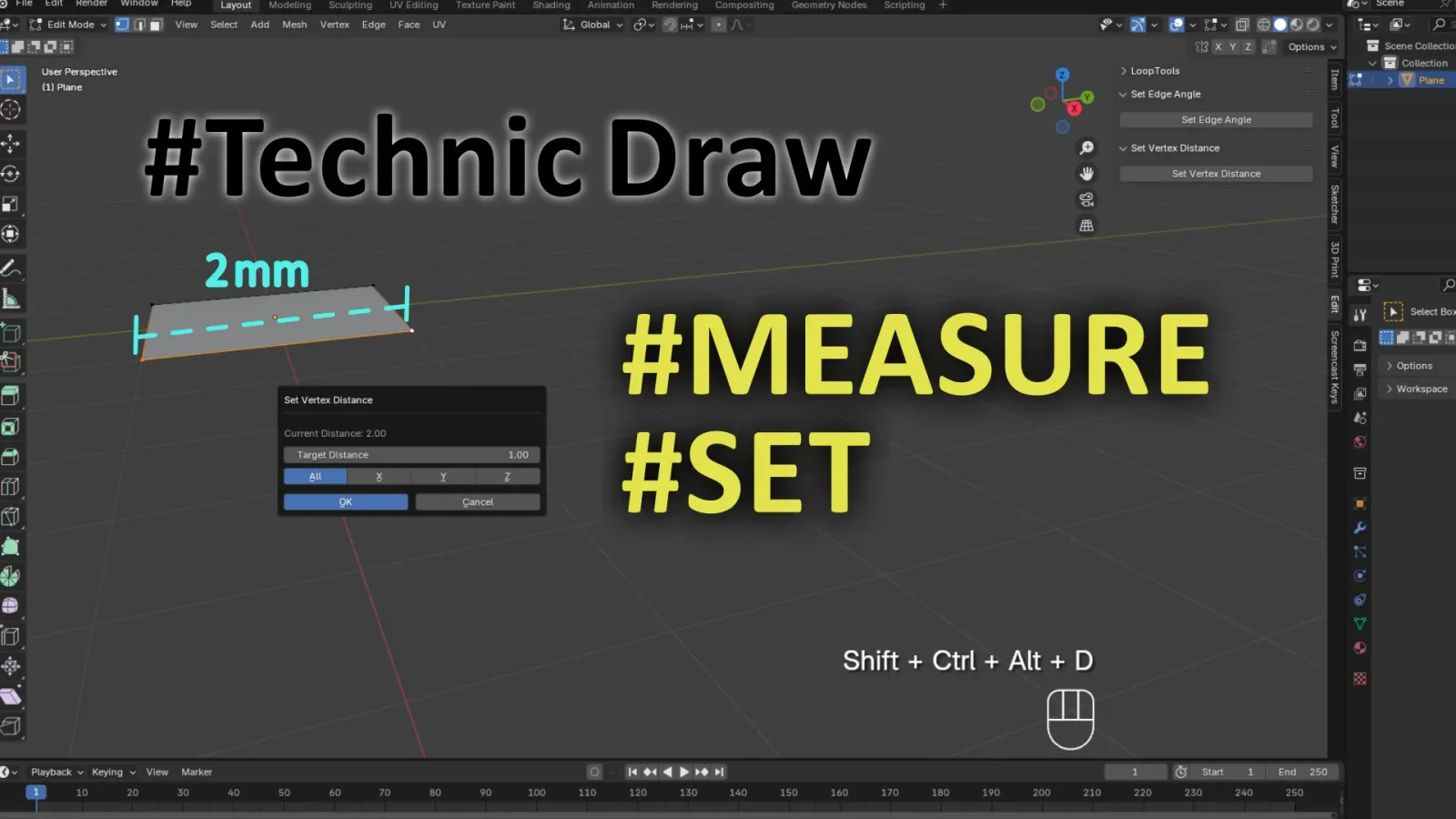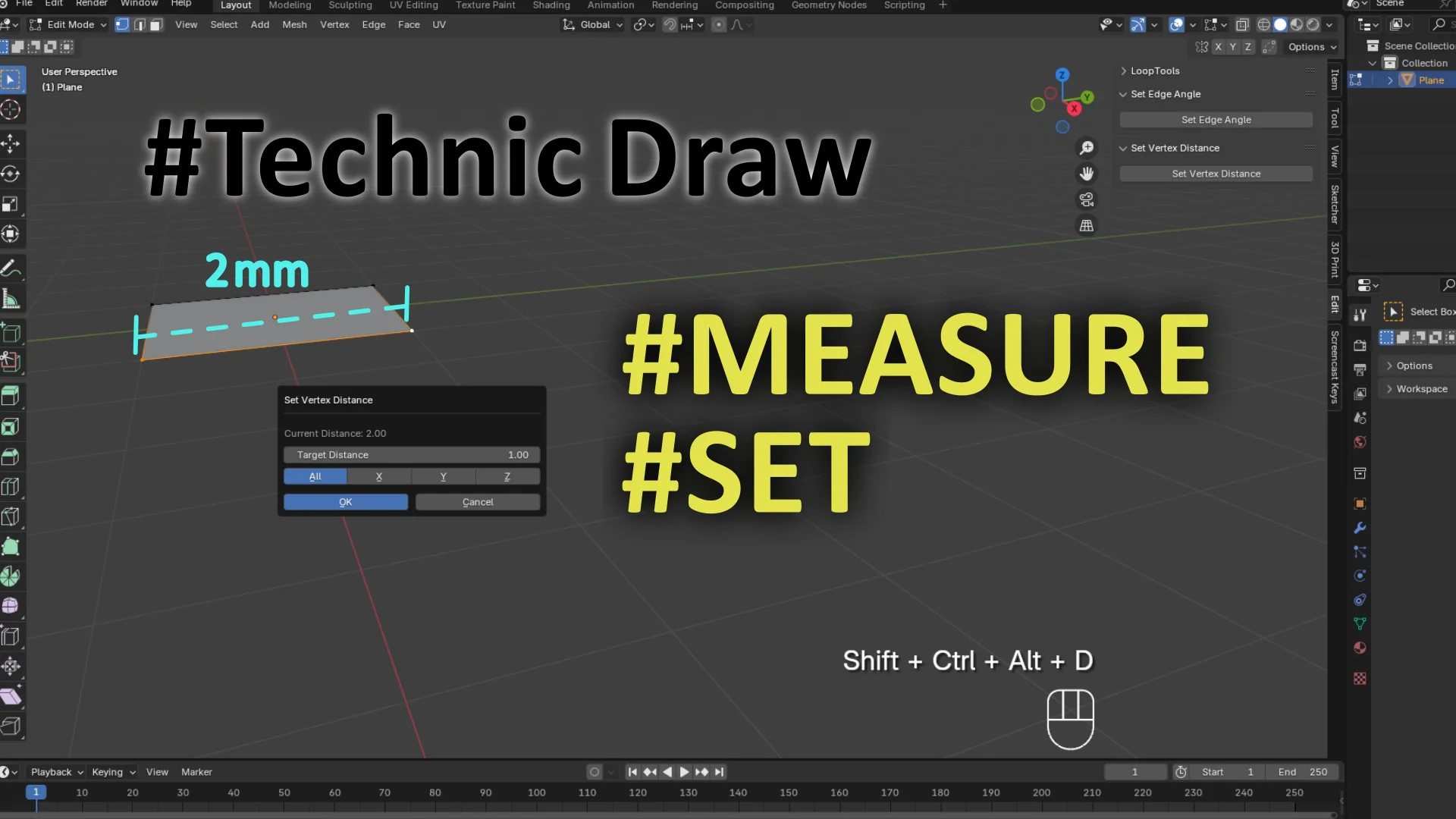
Set Vertex Distance is a Blender add-on for setting an exact distance between two selected mesh vertices. Version 2.0.0 includes Single Vertex Mode and Component Mode, with controls for X, Y, Z, or all axes. The extension listing specifies Blender 4.2.0 or later.
Set a measured distance between vertices
Use the add-on in Edit Mode with a mesh object and exactly two vertices selected. Choose the target distance and an axis. The last selected vertex is the active vertex and determines the direction of movement. A modal dialog lets you adjust the value while viewing a distance preview.
Choose which geometry moves
Single Vertex Mode moves the active vertex. Component Mode moves its connected mesh component while preserving that component’s internal structure. If both selected vertices belong to the same connected component, the add-on falls back to Single Vertex Mode.
Use it from the Sidebar or a shortcut
The controls are available in the Sidebar’s Edit tab. The listed shortcuts are Ctrl+Shift+Alt+D for Single Vertex Mode and Ctrl+Shift+Alt+F for Component Mode. Blender’s Undo and Redo remain available for the operation.
This workflow can help with precision or parametric modeling when a specific distance between mesh vertices matters, including work on mechanical parts or architectural geometry.
Version and compatibility
The Blender Extensions listing identifies alicoskun as the maintainer and lists version 2.0.0, Blender 4.2.0 as the minimum version, and the GNU General Public License v3.0 or later.