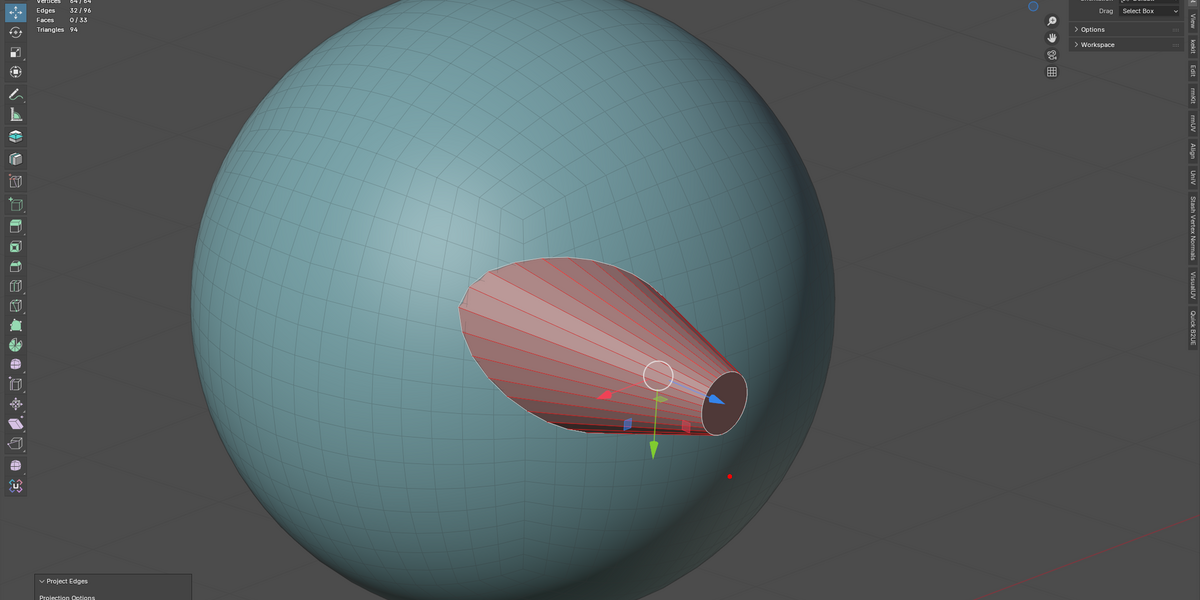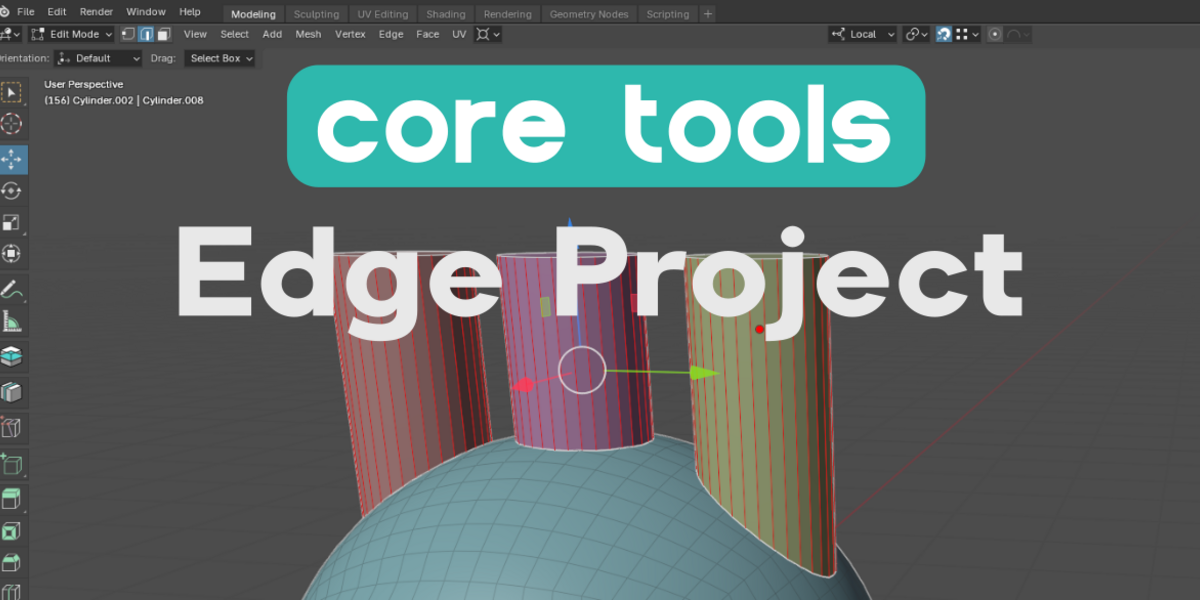
Coretools - Edge Project is a Blender add-on for projecting selected open edges onto nearby target surfaces. Each edge follows its own direction in world space, and the tool supports editing one object or several objects together. The product listing identifies WalkingAloneStudio as the creator and says projection can consider visible meshes, including meshes with temporarily hidden geometry.
What counts as an open edge?
The documentation defines an open edge as one with at least one endpoint connected to the mesh boundary. In Blender's mesh Edit Mode, select qualifying edges and run Edge > Project Edges. The operator projects them to the nearest target surface. Each edge is projected independently in world space. When both endpoints connect to boundary edges, the documentation says the edge projects in both directions.
Choose projection direction and targets
Enable Bi-Directional to make an edge try the opposite direction if the first direction finds no valid surface. The Bounds and Wire options exclude objects displayed in those modes, while Self excludes the working object. The documentation says these exclusions are enabled by default and can be changed from the redo panel.
When surfaces overlap, the intended target can be unclear.
When a projection hits the wrong surface
Intersecting meshes or geometry with thickness can leave several plausible surfaces for an edge to hit. The developer's troubleshooting steps recommend selecting the target meshes, selecting the working mesh, entering Edit Mode, and hiding polygons that should be ignored before projecting. This gives the operation a clearer set of surfaces to use.
Installation and compatibility
The product listing gives Blender versions 4.5 through 5.2, while the developer documentation gives conflicting ranges of 4.5 through 5.0 and 4.5 through 5.2. If you use Blender 5.1 or 5.2, confirm compatibility with WalkingAloneStudio before installing. Then install the add-on using Blender's default Install from Disk procedure. After installation, find Project Edges in mesh Edit Mode under Edge > Project Edges, as described in the developer documentation. The product listing marks it Blender Extension compatible, identifies the type as Add-on, and lists the license as GPL.