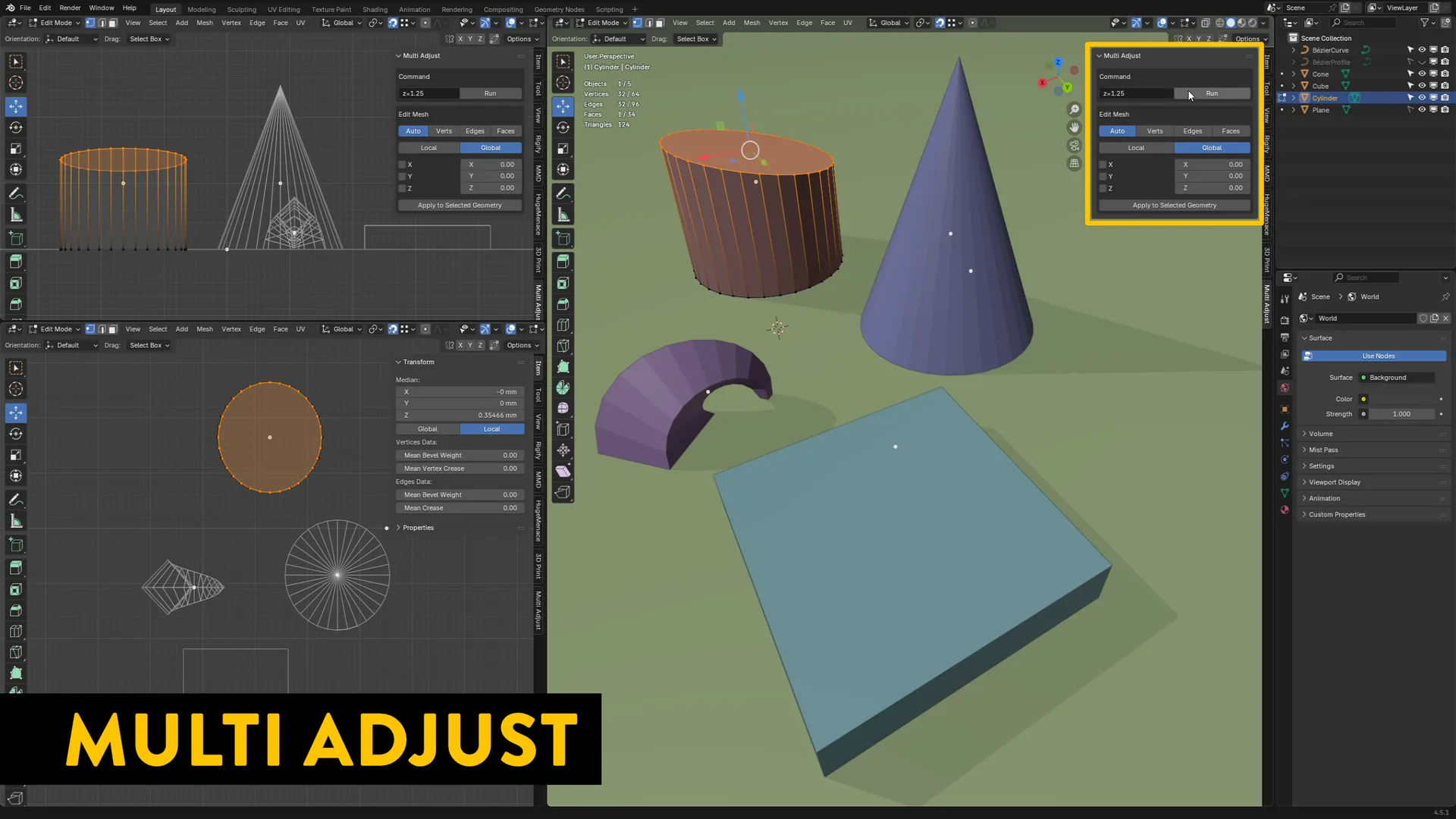
Adjust several selections in one place
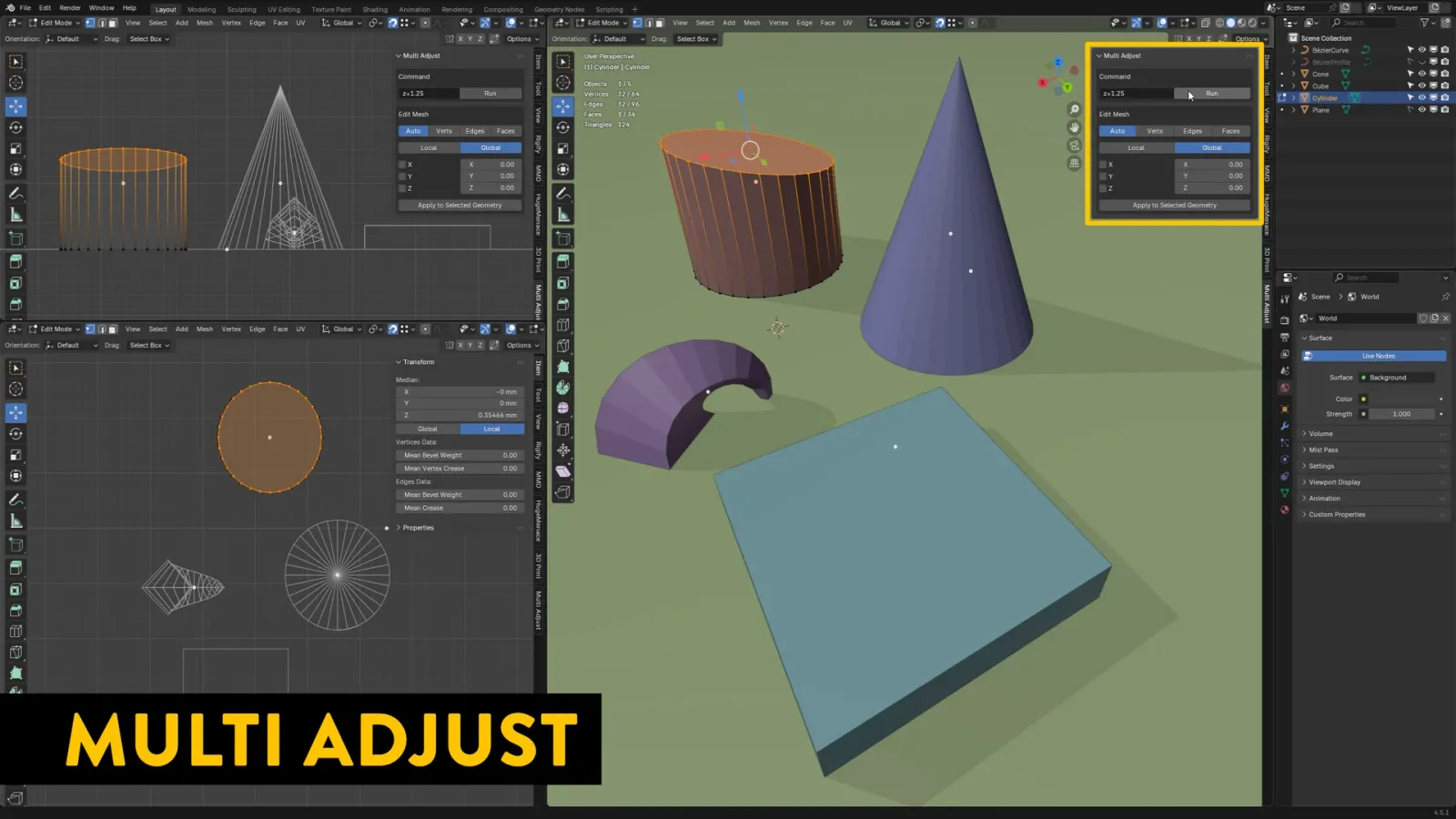
Multi Adjust is a Blender add-on for applying property changes to selected objects, mesh elements, or curve points. Its 3D Viewport sidebar provides fields and apply buttons, while a command box runs short typed expressions. That makes it useful for consistent edits across a selection, such as setting several objects to one location or aligning mesh coordinates along an axis.
For objects, you can set location, rotation, scale, or origin. An origin adjustment keeps the object's geometry in place. In Edit Mesh mode, axis values apply to vertex coordinates, and the mesh target can be set to vertices, edges, faces, or automatic selection. Curve controls can align handles and adjust weight, radius, or tilt alongside position. You can also flip viewport or render visibility for the selected items.
Use the sidebar controls
- Select the objects, mesh elements, or curve points to adjust.
- Open the Multi Adjust tab in the 3D Viewport sidebar.
- Enable the axes you want to change and enter their values.
- Press the apply button for the current mode.
Enter adjustments as commands
The command box accepts compact expressions such as x=0 z=2 or rx=45. Press Run and Multi Adjust updates the panel and applies the matching action. Bare axis values mean object location in Object Mode and vertex coordinates in Edit Mesh mode. Add space=local or space=world to choose a coordinate space, and use target=faces or another supported target for mesh work.
Rotation values use degrees by default; append rad for radians, as in ry=1.57rad. Distances use scene units. When a command contains multiple object transforms, Multi Adjust applies them in this order: rotation, scale, origin, then location.
Compatibility and installation
The Blender Extensions listing specifies Blender 4.2.0 or later and offers drag-and-drop installation or installation from disk. See the Multi Adjust listing for current release details and the Blender installation instructions for the Install from Disk workflow. The listing identifies the license as GNU GPL v3.0 or later and links to the project repository for issue reporting.
All changes use Blender's undo history. If a command has no effect, check that an axis is enabled or that the command includes a value.