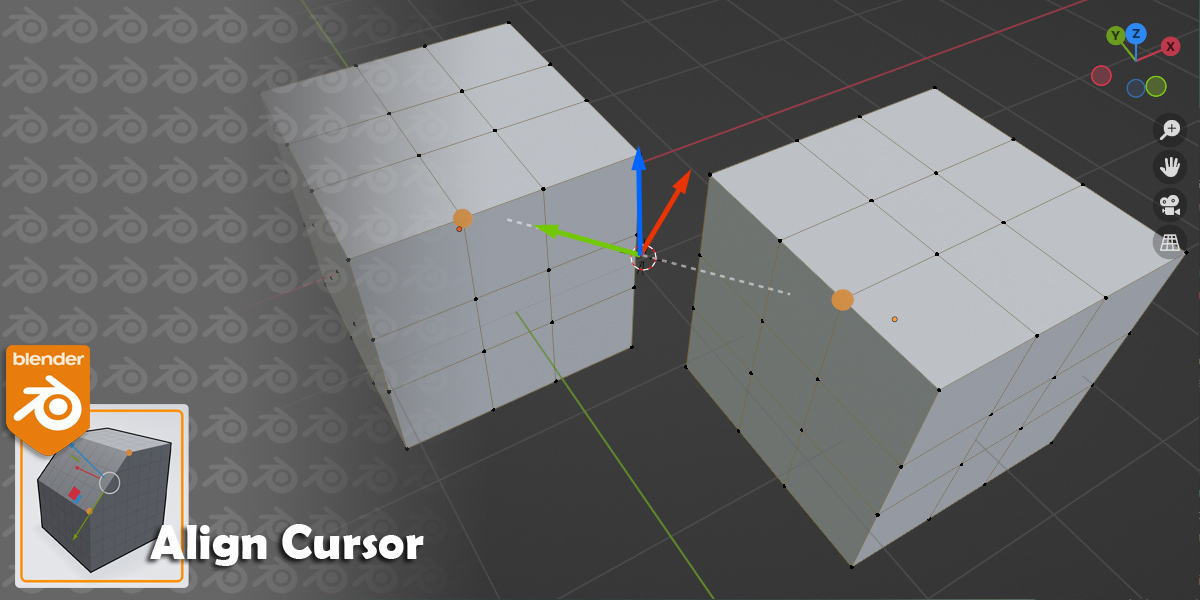
Align Cursor
Align Blender’s 3D cursor to objects, mesh elements, or spline knots, with axis controls, single-edge face bias, and an optional snap grid.
Developer listing
5 tools attributed to this developer in the catalog.
Align Blender’s 3D cursor to objects, mesh elements, or spline knots, with axis controls, single-edge face bias, and an optional snap grid.
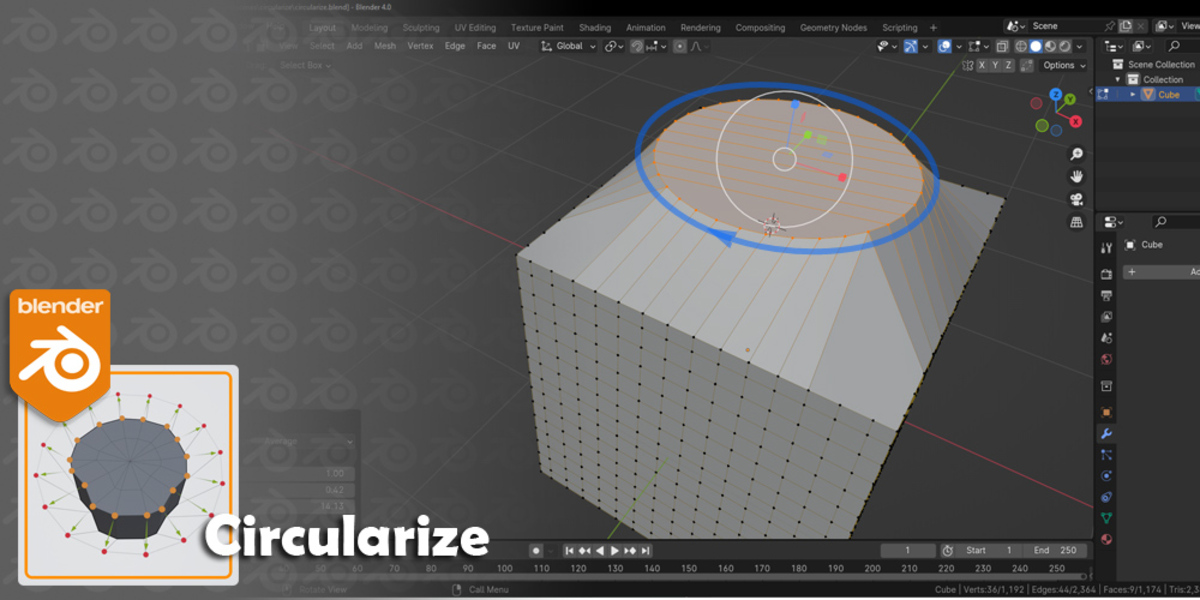
Circularize turns Blender vertices into a circle with controls for radius, spacing, scale, position and rotation. Check supported Blender versions.
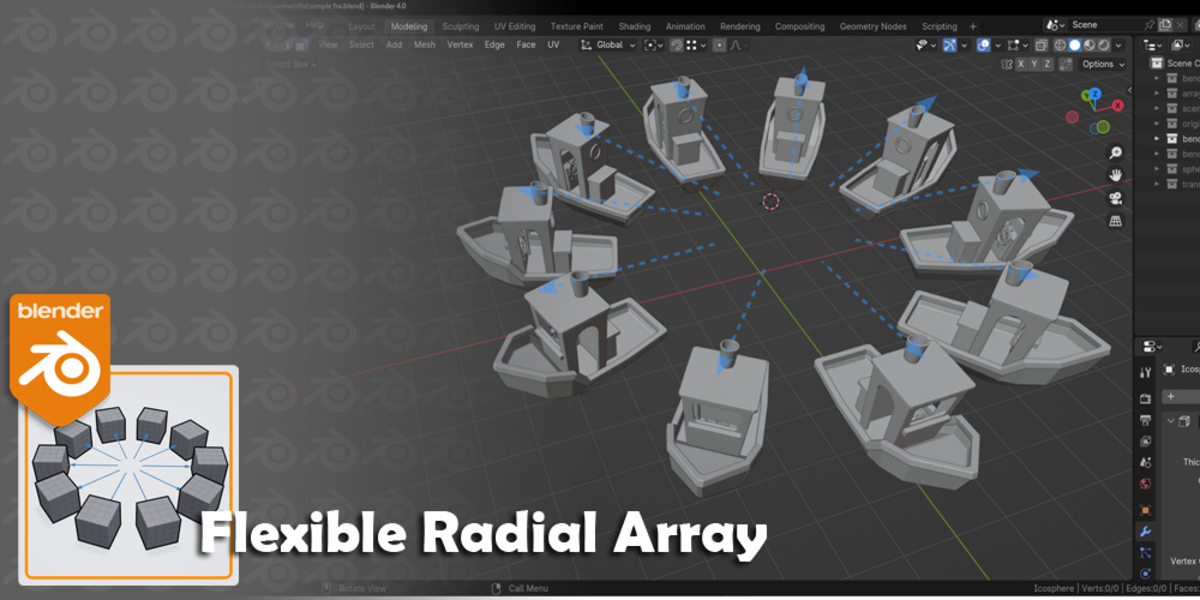
Use Flexible Radial Array to arrange Blender objects in circles, arcs and spirals with copies, instances, multi-object options and adjustable transforms.
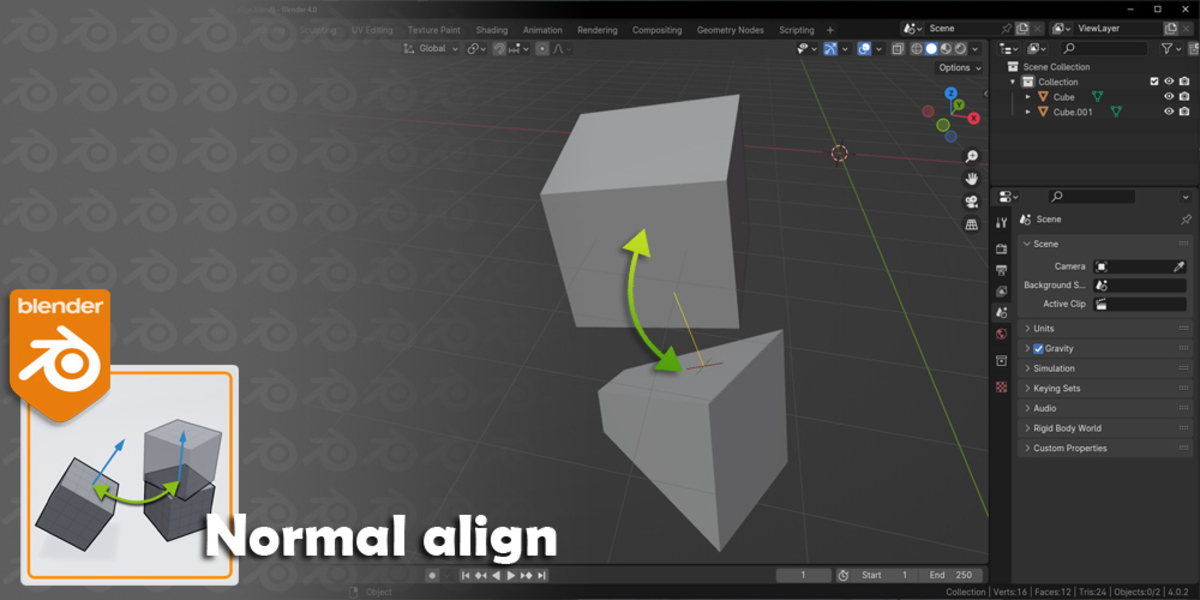
Place two Blender objects with Normal Align. Choose a face, then a point on the target; Ctrl enables vertex snapping; Ctrl + Alt enables edge snapping.
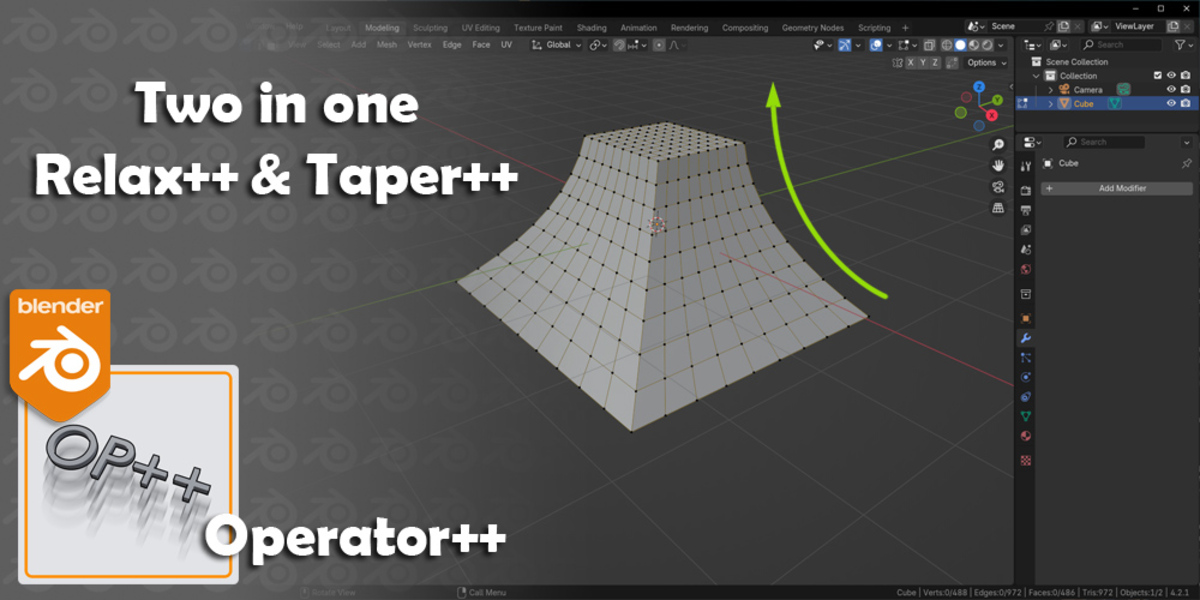
Operators++ are Blender mesh operators for Relax++ and Taper++, with Preserve Volume, curvature and axis controls for selected geometry. See how they work.
Developer attribution comes from the linked product listings. Current product details are available on each product’s website. About our sources