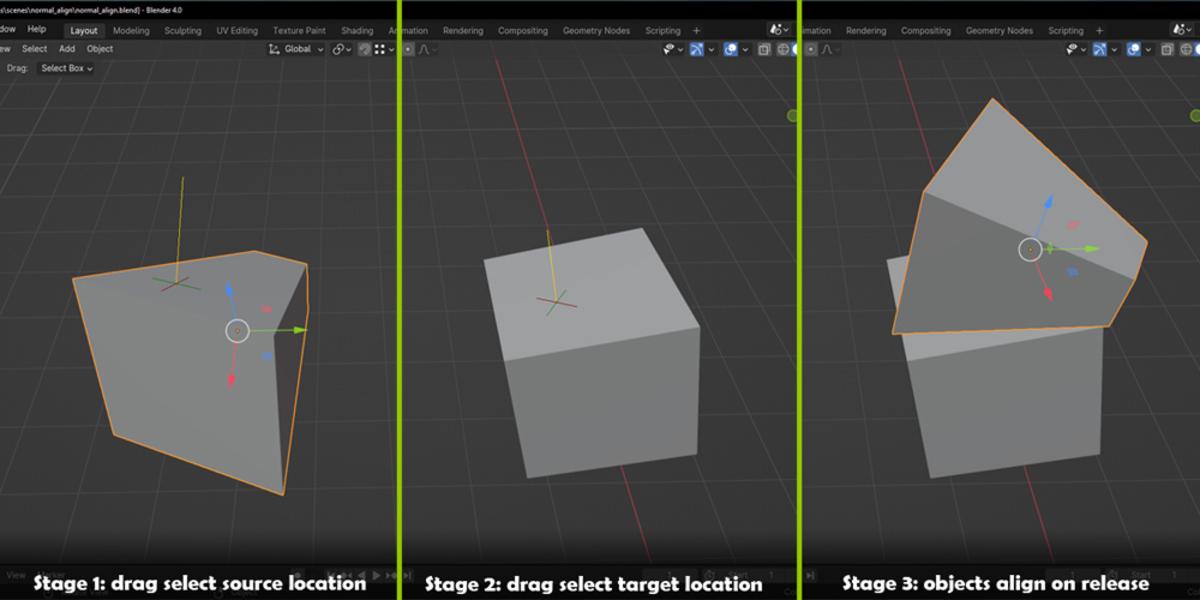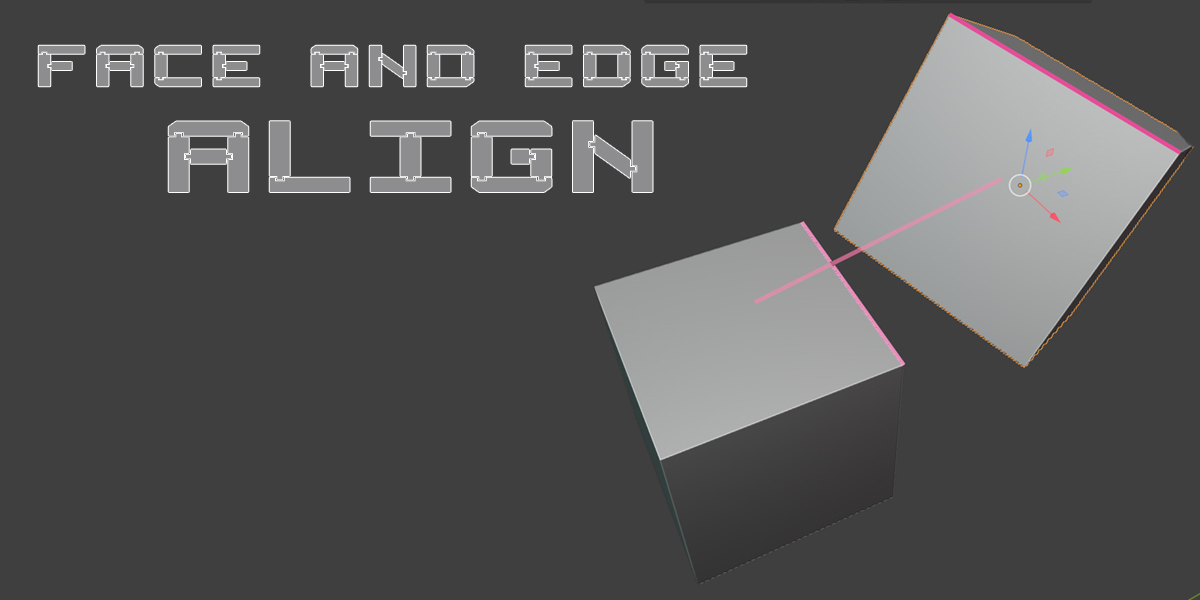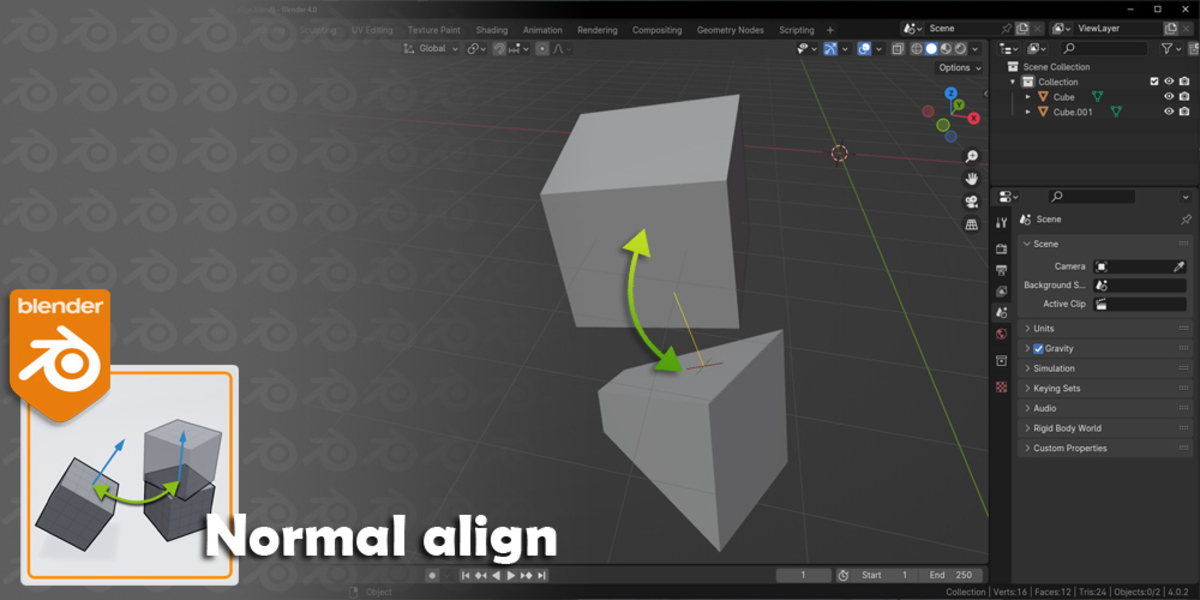
Normal Align is a Blender add-on from AR Utilities for placing one object against another using a chosen face as its base. It helps when you want that face to sit on top of, beside, or elsewhere on a second object. There is no separate interface or set of options; a viewport helper follows your drag as you choose each contact point.
Place one object against another
- Start the operator from the object context menu or press Alt + A.
- Click and drag on the object you want to move. Release when the helper is in position.
- Click and drag on a different object to choose the target point, then release. The source object aligns to the target.
Snap to vertices or edges
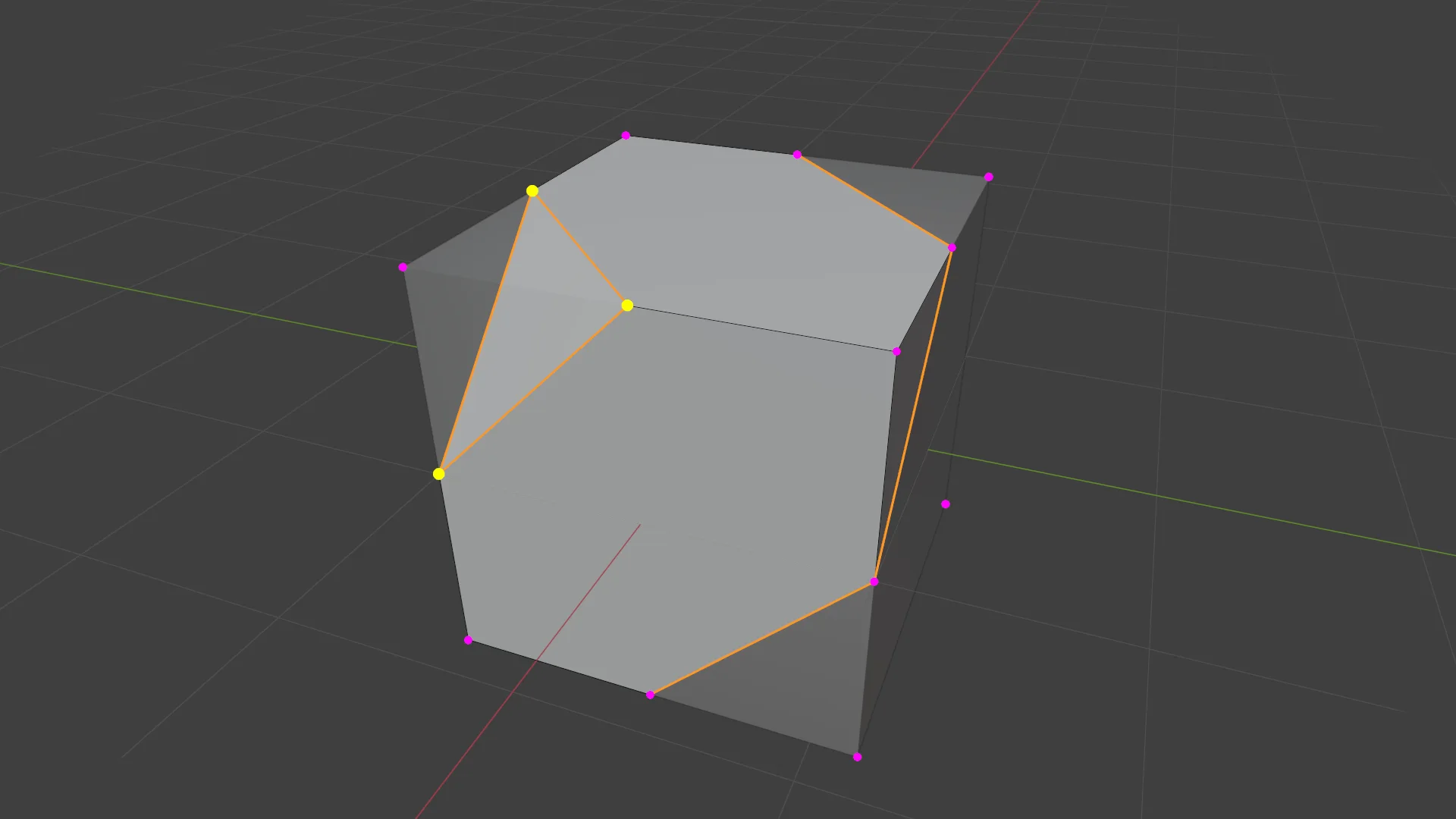
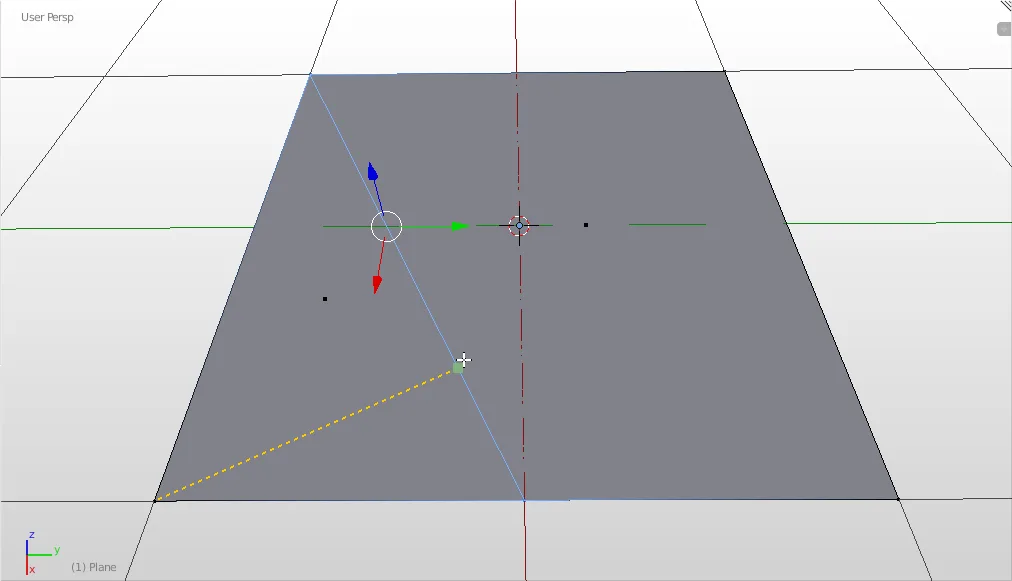
While positioning a helper, hold Ctrl to enable vertex snapping. The available vertices and the face midpoint are shown as snap points. Hold Ctrl + Alt to snap to edges; the edge endpoints and midpoint are highlighted. These controls help when a particular vertex or edge should define where the objects meet.
Compatibility and version 1.0.1
The Superhive product listing marks Normal Align as Blender Extension Compatible and names Blender 3.6, 4.0, 4.1, and 4.2. Its version 1.0.1 notes say the add-on moved into its own subdirectory to avoid conflicts. If updating from an older version, remove that version before installing 1.0.1. The listing identifies the license as GPL. The listing links to product documentation.
Know the alignment limit
The target helper must be placed on an object other than the source object. Normal Align does not align an object to a point on itself, so choose a separate target object for the second drag.