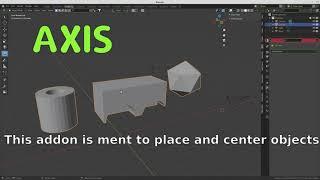
Axis Addon is a Blender add-on for creating alignment axes from mesh geometry and positioning the 3D cursor along an axis. Its tools appear in the Edit menu while working in Edit Mode.
Create an axis from a plane or three points on a circle
Axis through plane places an axis at the weighted center of a plane, perpendicular to it. Axis through three point uses three selected points on a circle to place an axis at the circle’s center, perpendicular to the circle. Use Remove axis to clear all axes from the object.
Align the cursor and another object
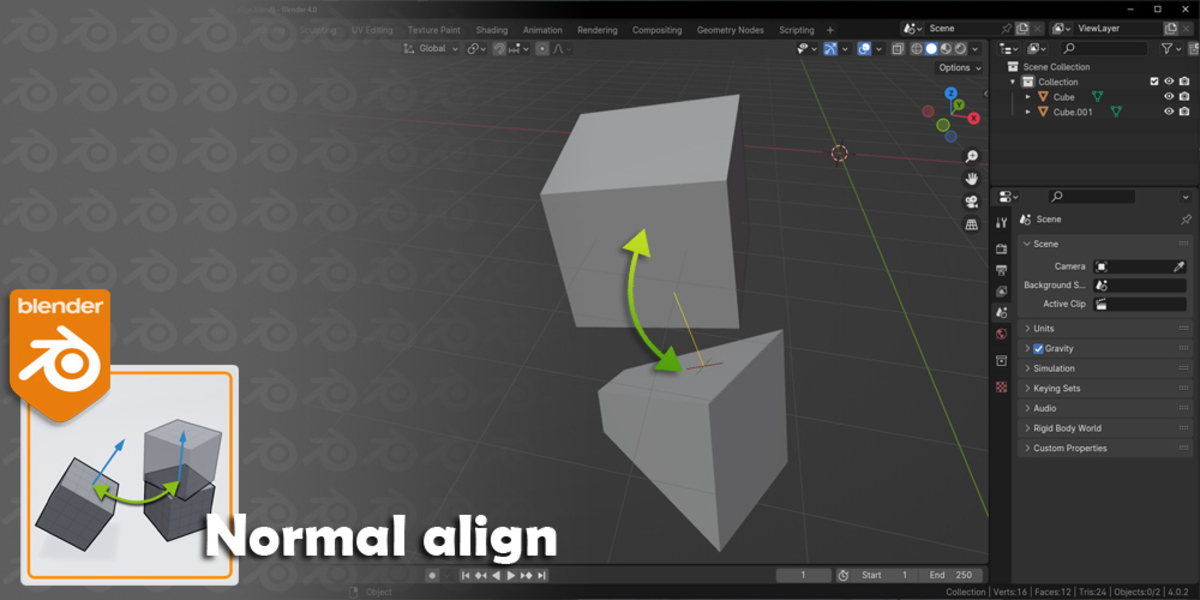
Cursor at axis places the 3D cursor at one of the axis points. You can swap which point it uses, and the cursor’s direction follows the axis. To orient a new object to that axis, create it at the cursor position and choose “align- 3D Cursor”.
Apply rotation and scale first
Apply the object’s rotation and scale so the axis and cursor land in the right place. In the latest version, a button appears when rotation or scale has not been applied.
The Superhive product listing names Tiemen's addons as the creator and lists Blender 2.93 and a GPL license. It does not confirm compatibility with later Blender releases. AnyPlugins lists the add-on as free; check the current product listing for download terms.