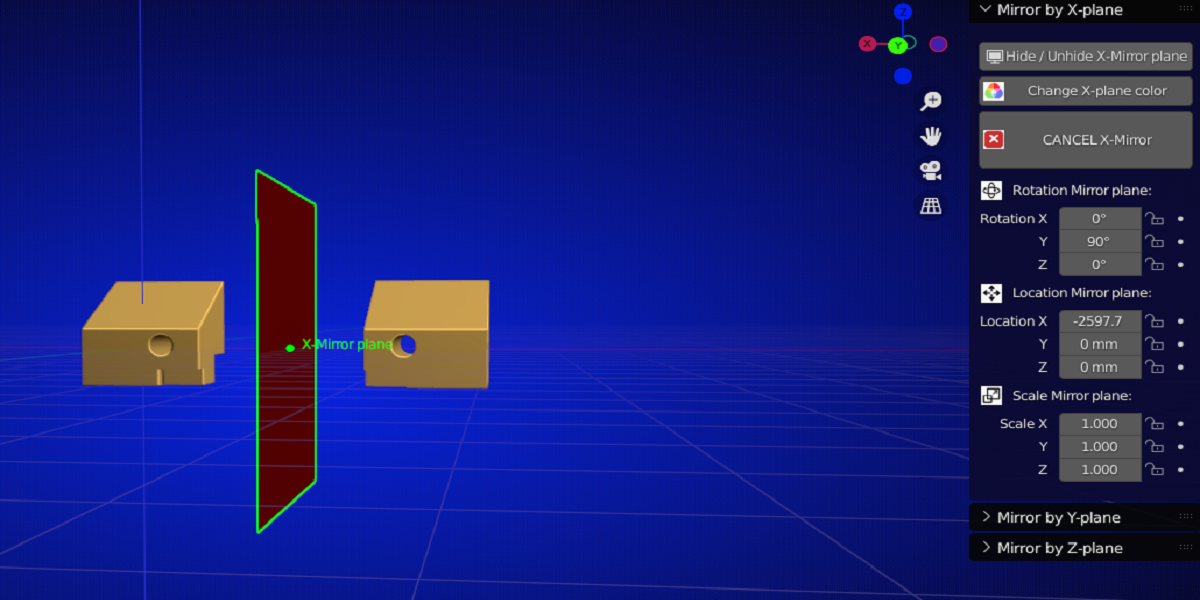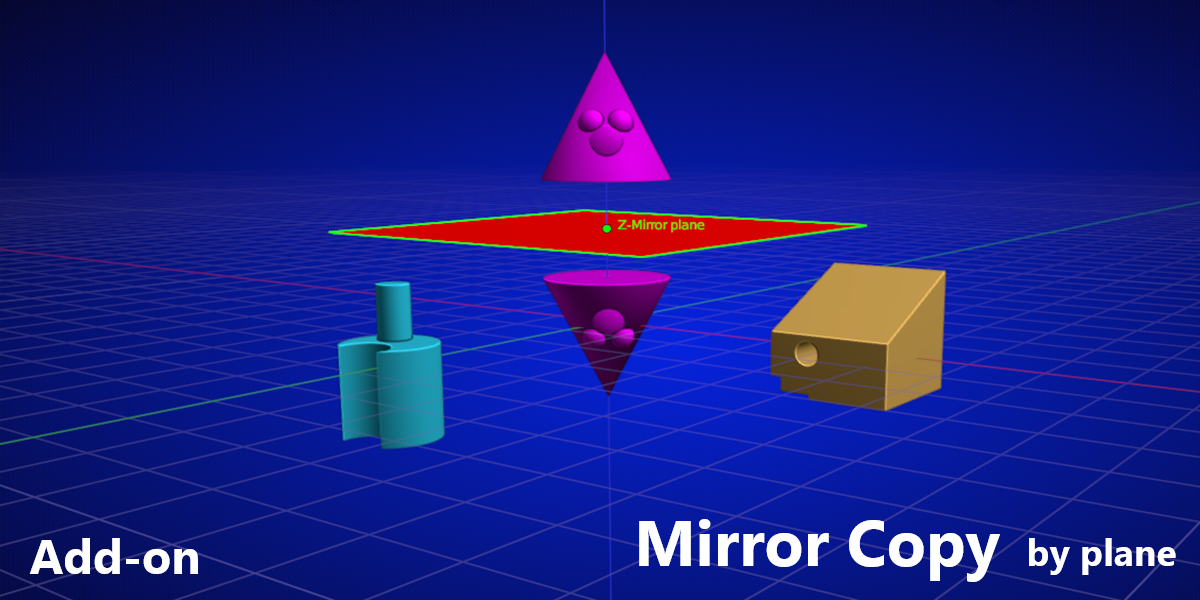
Mirror Copy is a Blender add-on that creates an applied mirrored copy of selected mesh objects using a movable plane. Choose the X, Y or Z plane, then move it along that axis to set the mirror position. Rotation is also available. The workflow may be familiar to people with a CAD background. Applying the mirror creates an individual copy.
Mirror one or multiple objects
In V3, you can select multiple objects and mirror them without joining them first. After applying the operation, the original and mirrored geometry is separated into loose parts that become individual objects. An option lets you keep the original objects, and the 3D cursor stays in place after the mirror is applied.
Merging and workflow details
Version 3.1 adds merging controls. With Auto-merge enabled, the original and mirrored geometry becomes one mesh object. Merge Distance merges vertices at the mirror plane; red guide lines show which vertices will be merged. The Keep original option can also be used while merging.
The V3 rewrite no longer uses Blender's Mirror modifier. If your workflow depends on editing a live Mirror modifier, account for that difference before choosing this add-on.
Compatibility and documentation
Superhive lists Mirror Copy as Blender Extension-compatible for Blender versions 4.1 through 5.0 and identifies its license as GPL. Review the developer listing for current compatibility details, and consult the documentation for the documented workflow.