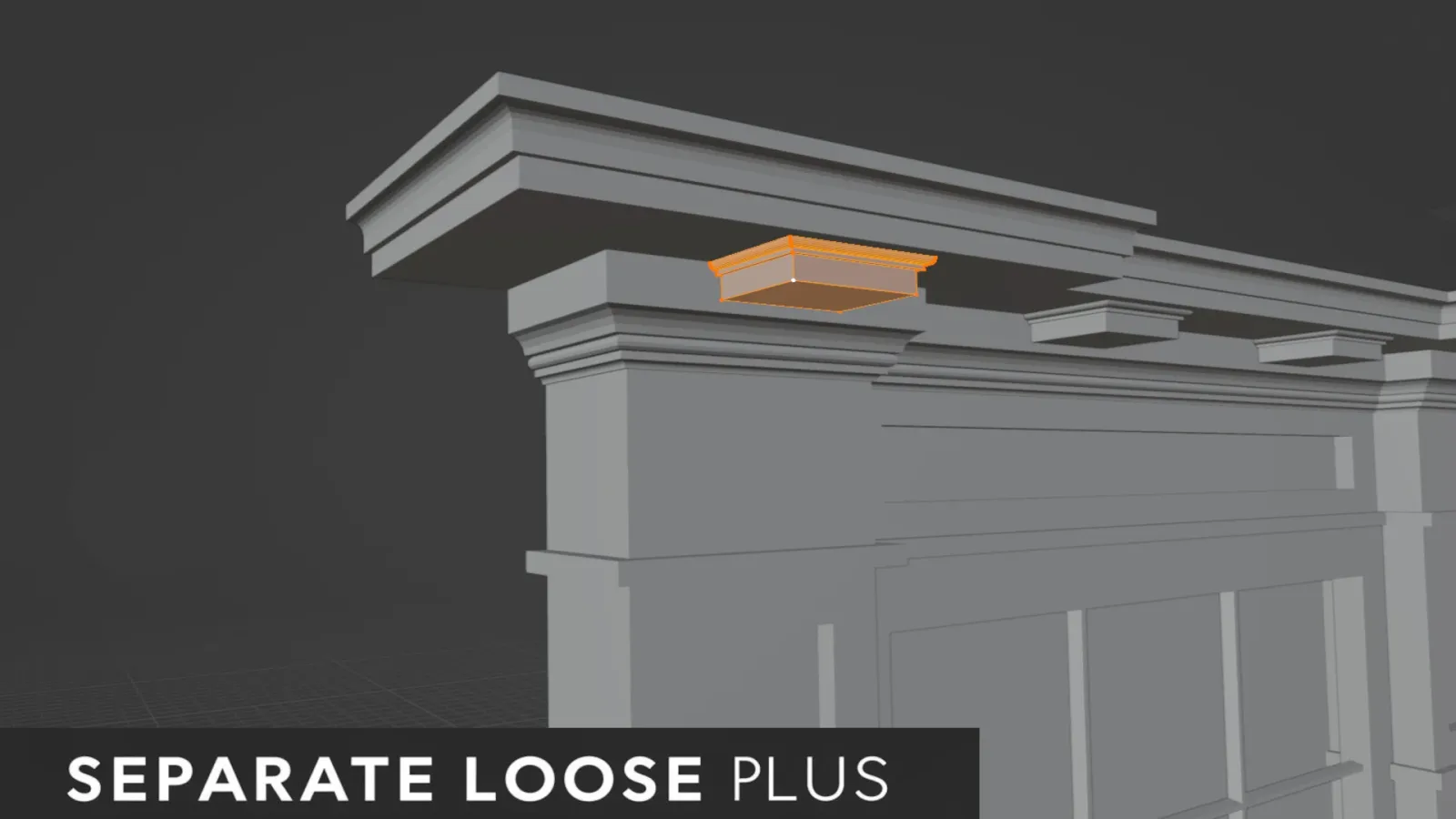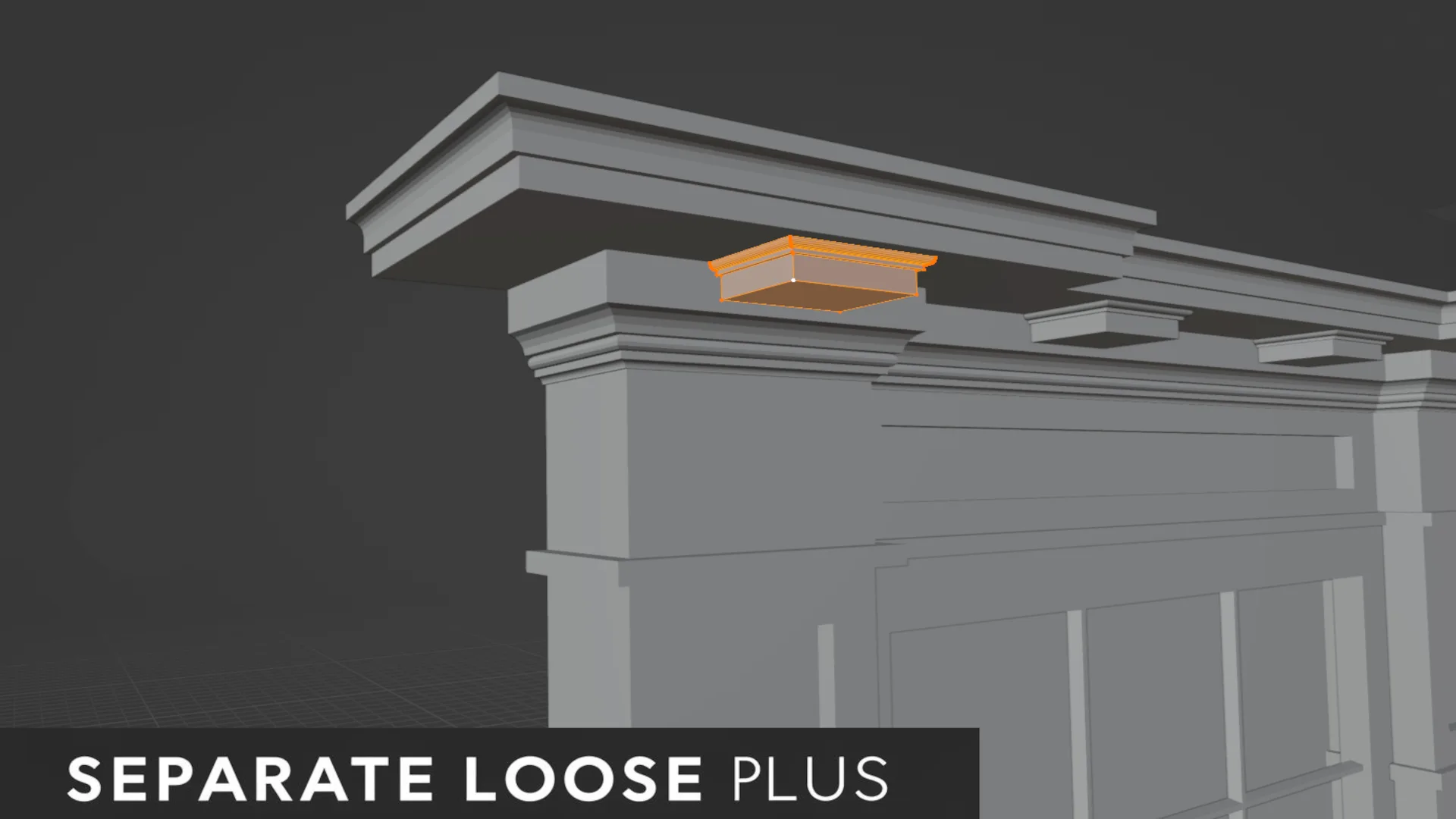
Separate Loose Plus is a Blender add-on by RobbieK for editing a loose mesh within an object that contains multiple loose meshes. Its two commands, Separate and Edit and Merge Back to Object, let you work on a selected mesh as a separate object and then return it to the original object with your edits.
Separate, edit, and merge a loose mesh
- In Edit Mode, link-select the loose mesh you want to work on.
- Choose Mesh, then Separate Loose Plus, then Separate and Edit to edit that mesh as a separate object.
- When you finish, choose Merge Back to Object to return it to the original object.
Blender Extensions lists object tracking among the add-on's enhanced mesh-separation tools.
Compatibility and installation
The official Blender Extensions listing identifies version 1.0.0, Blender 4.2.0 as the minimum version, and the GPL-3.0-or-later license. Download the add-on from that listing and follow Blender's Install from Disk instructions. Its catalogue tags are Mesh and Modeling.