Mesh Stuff is a Blender add-on for modeling in Edit Mode. It groups four operations in a Mesh Stuff tab in the side panel: Distribute, Rotate, Plane to Plane and Mirror. The developer also added guide lines in a later update.
How the four tools work
Distribute
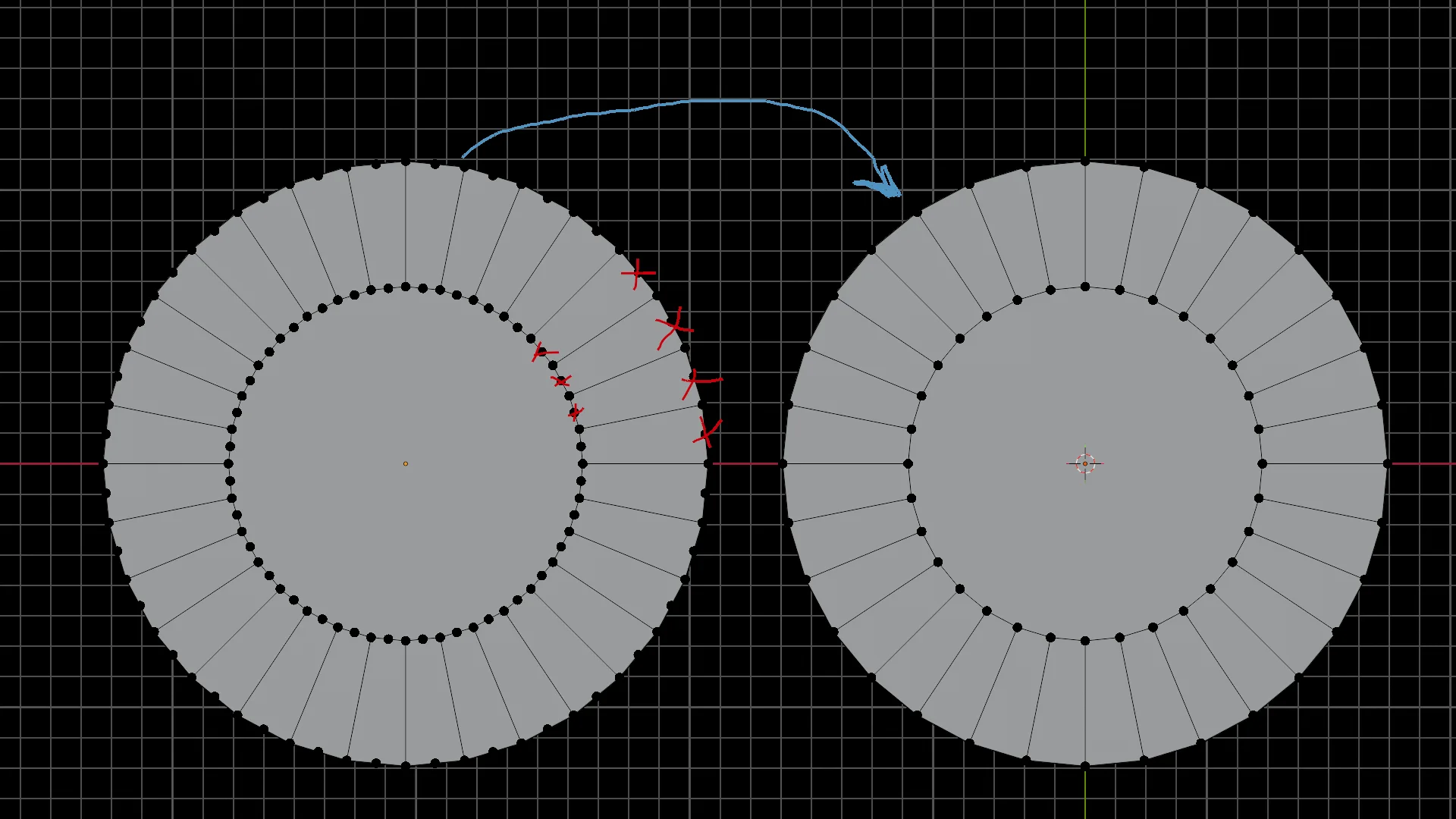
Distribute places two selected mesh objects evenly along a straight line. You can adjust the amount after running the operation. The developer describes it as an array-style tool for Edit Mode.
Rotate
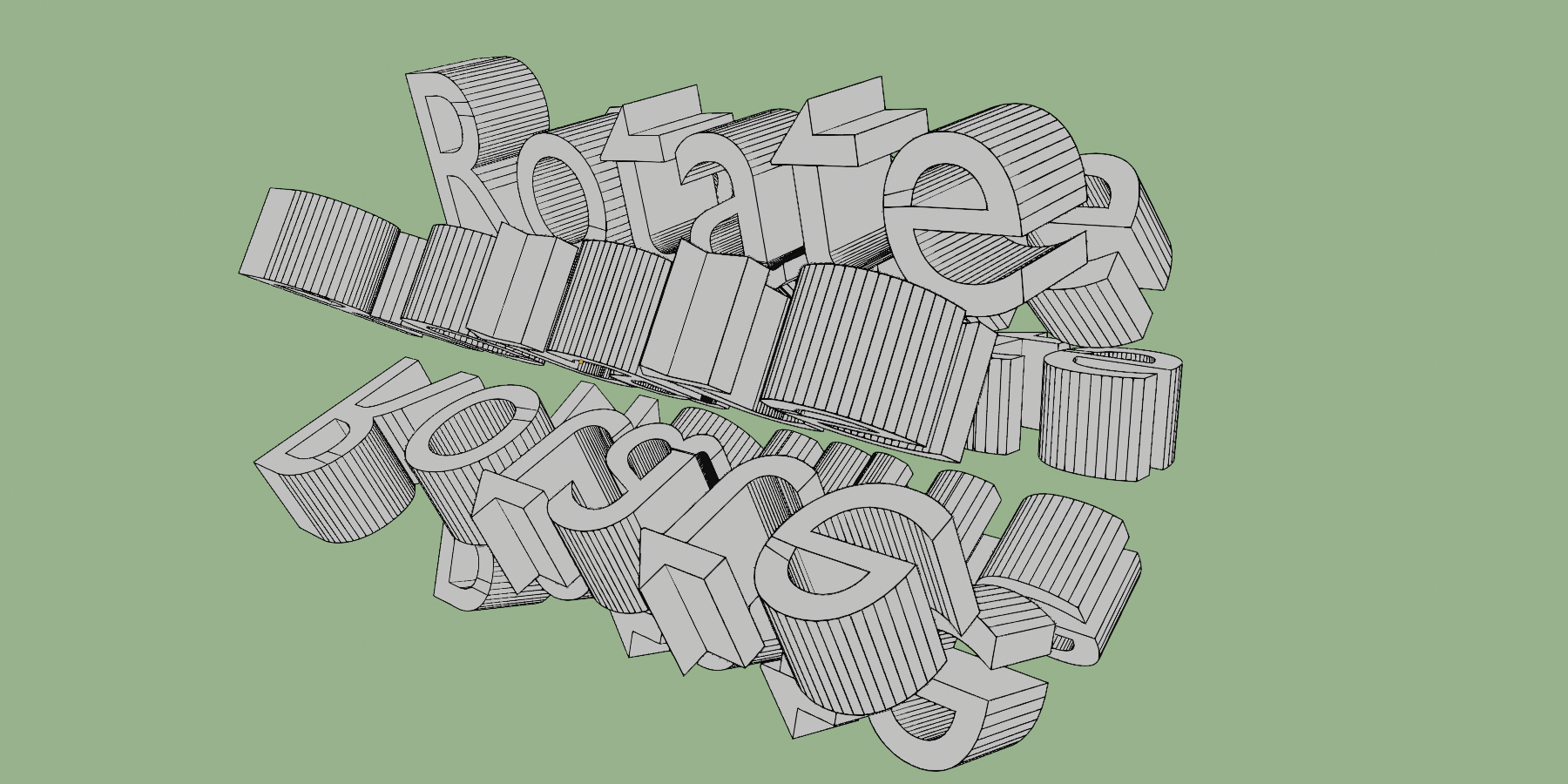
Rotate creates a circular array. Select faces or an object, then choose a face or edge as the rotation center and run Rotate.
Plane to Plane
Select one face on each of two mesh objects. Plane to Plane places the first face over the other, carrying its linked geometry with it. The orientation can be adjusted.
Mirror
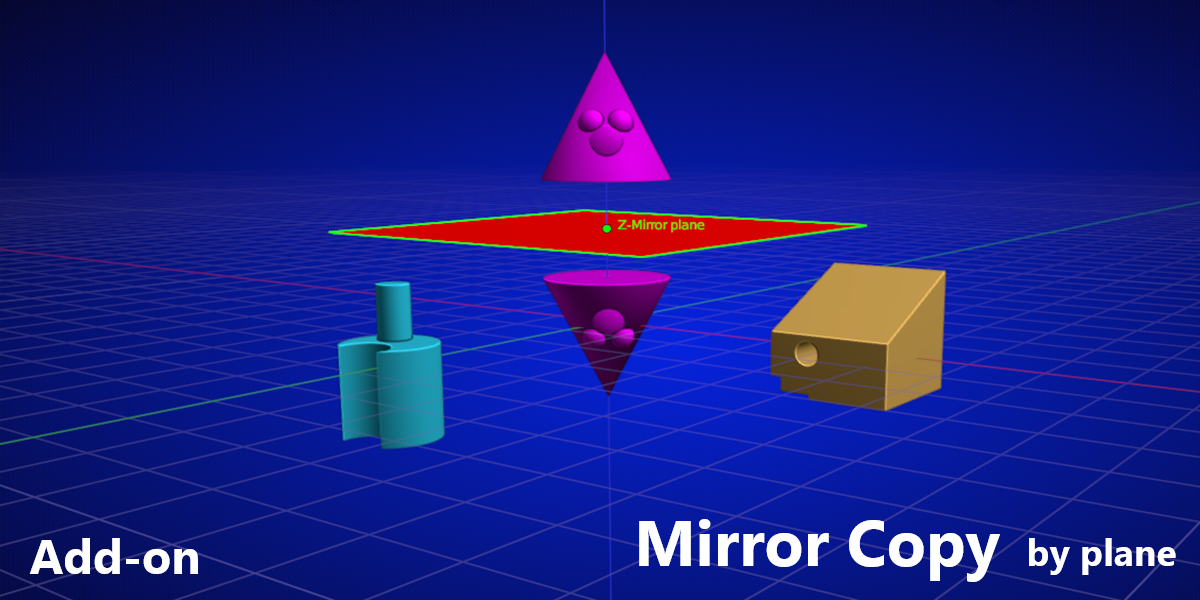
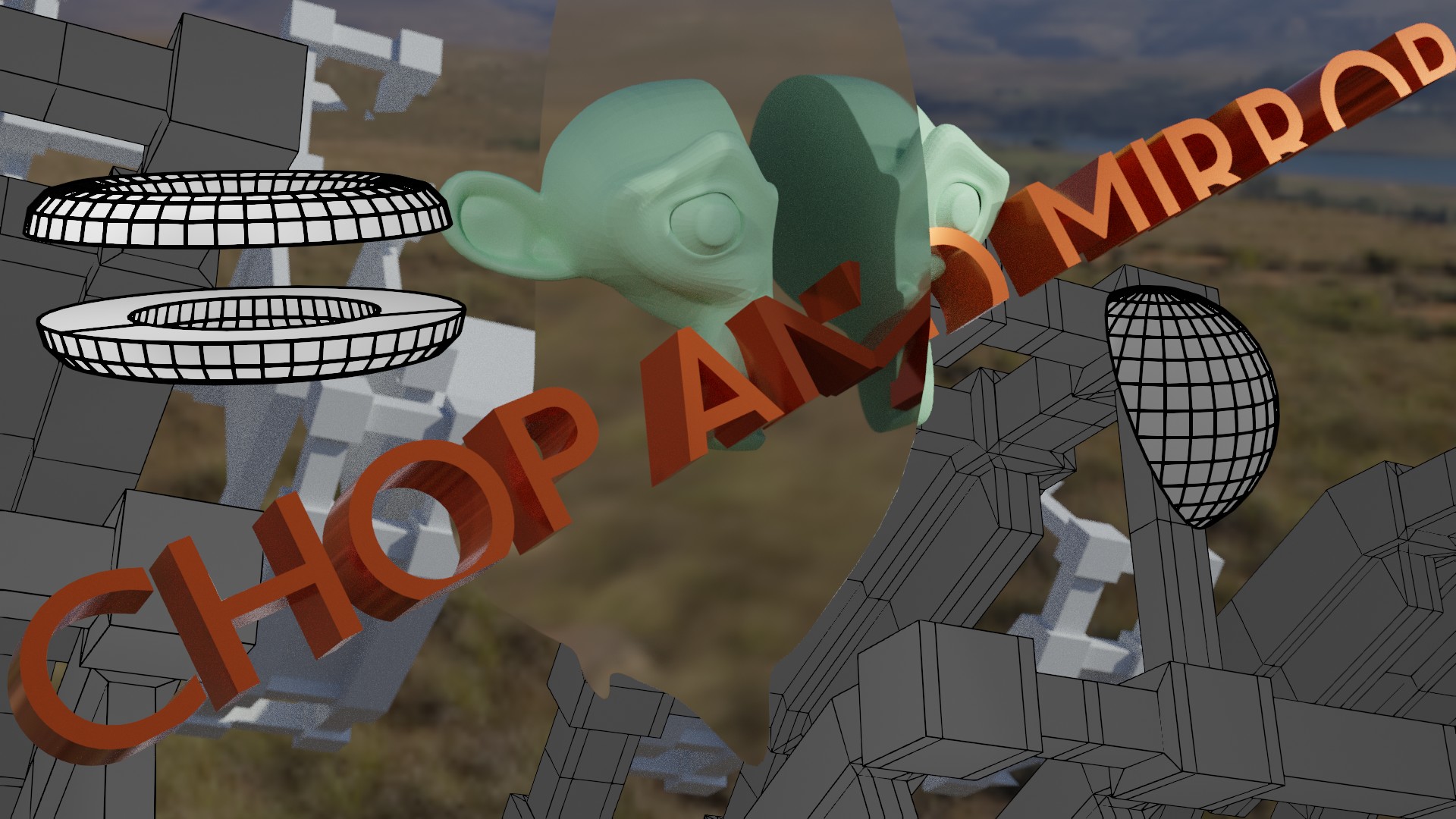
Mirror reflects mesh geometry across a chosen plane, vertex or edge, along with its linked geometry. For disconnected geometry, select it first and choose the mirror reference last.
Install and find the add-on
Download the mesh_stuff.zip add-on and choose Install from Blender's Preferences menu. After installation, look for the Mesh Stuff tab in the side panel under the Edit tab. The add-on is visible and works only in Edit Mode.
Version and license
The Superhive listing records version 0.0.4 as tested with Blender 4.4 in an update dated April 28, 2025. That records a test with Blender 4.4; it does not confirm compatibility with later releases. The listing identifies the license as GPL. See the Mesh Stuff product page on Superhive for more product information.