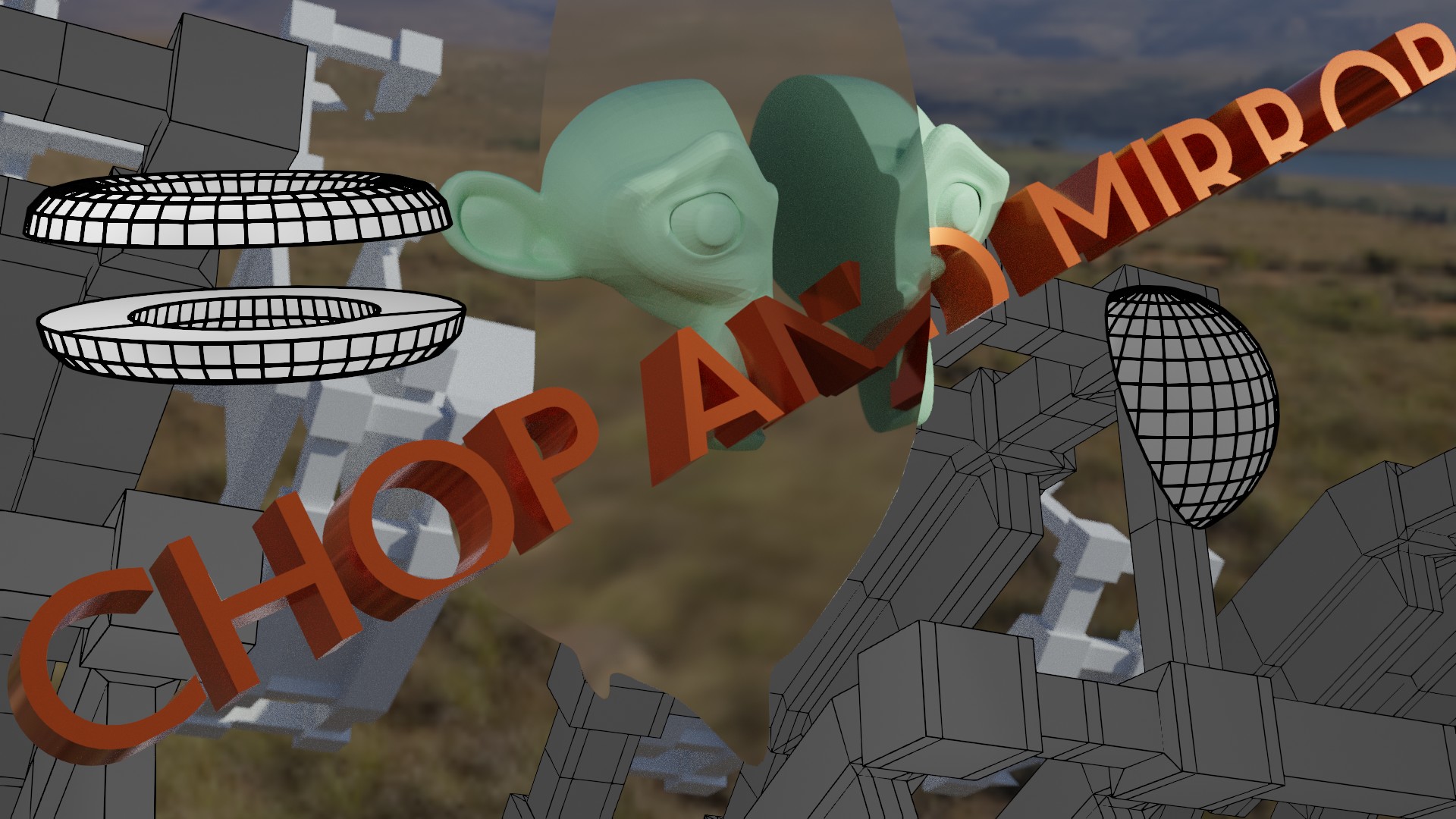
Mirror/Chop is a Blender add-on from Tiemen's addons for cutting and mirroring mesh geometry in Edit Mode. It puts both operations in a “Chop and Mirror” menu in the side panel’s Edit section. The menu appears only while you are in Edit Mode.
Chop meshes with a defined plane
To set the chop plane, select three vertices or a plane, then press Chop. A pop-up lets you swap the cut side, leave the cut plane open or close it, and move the plane along its normal. You can limit the cut to the object connected to the chop plane or apply it to all meshes in the scene.
Mirror linked geometry
For mirroring, choose a plane on a mesh; the linked mesh is mirrored across that plane. To include other mesh objects, select them before choosing the mirror plane. Options let you merge vertices where the mirrored geometry connects to the original, remove inner faces, and swap the X and Y directions.
Installation and compatibility
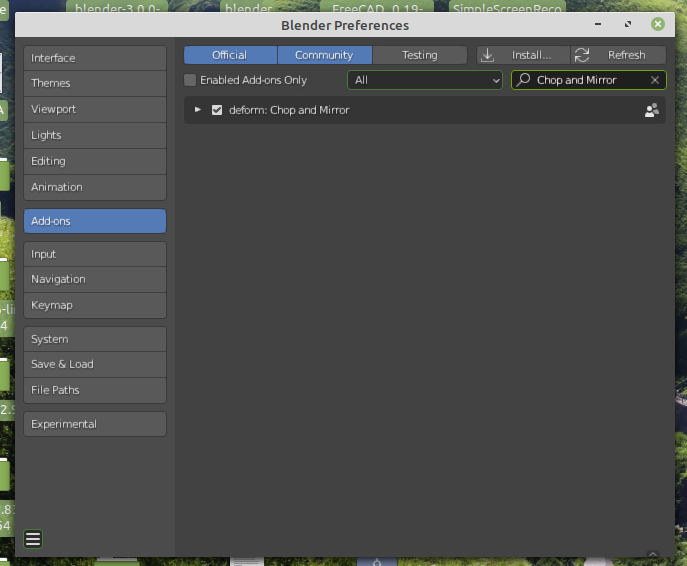
The product instructions say to download the add-on and install it through Blender’s Preferences menu. The Superhive listing names Blender versions 4.2 through 5.0 and a GPL license. Check the product listing for current compatibility and license details. Its documentation page describes the add-on as a tool for chopping and mirroring mesh shapes in Edit Mode.
Who may find it useful
Mirror/Chop is suited to Blender users who need a chosen plane to guide a mesh cut or reflection while editing geometry. Its controls focus on those two operations, including how the cut is applied and how mirrored geometry meets the original.