Snap Line Tool is a Blender add-on maintained by mano-wii that extends Blender’s Snap controls for drawing mesh edges; it can also create faces in documented cases. The Blender Extensions catalog lists it under Mesh. Version 6.8.1 requires Blender 4.2.0 or later.
What it adds to a mesh workflow
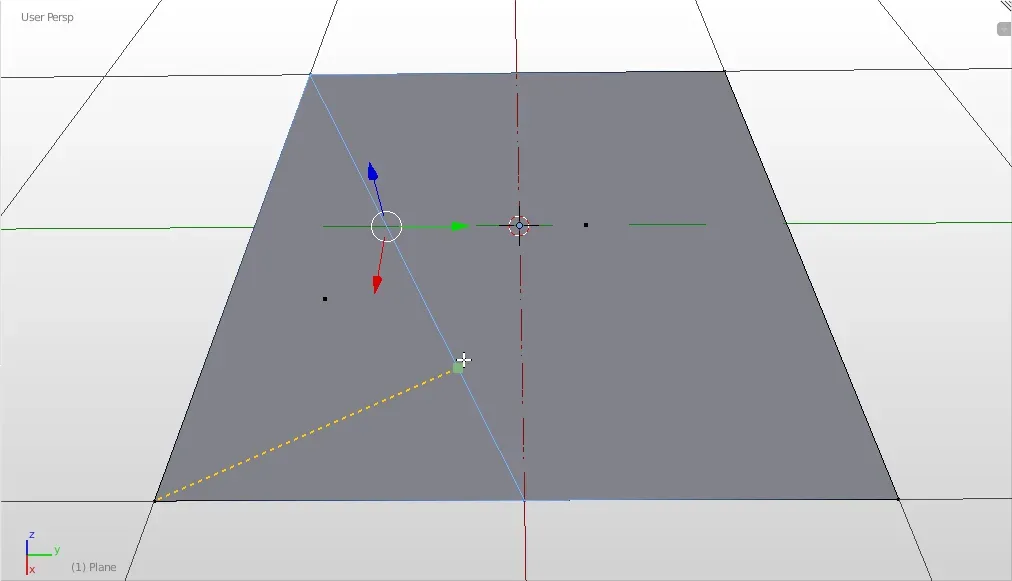
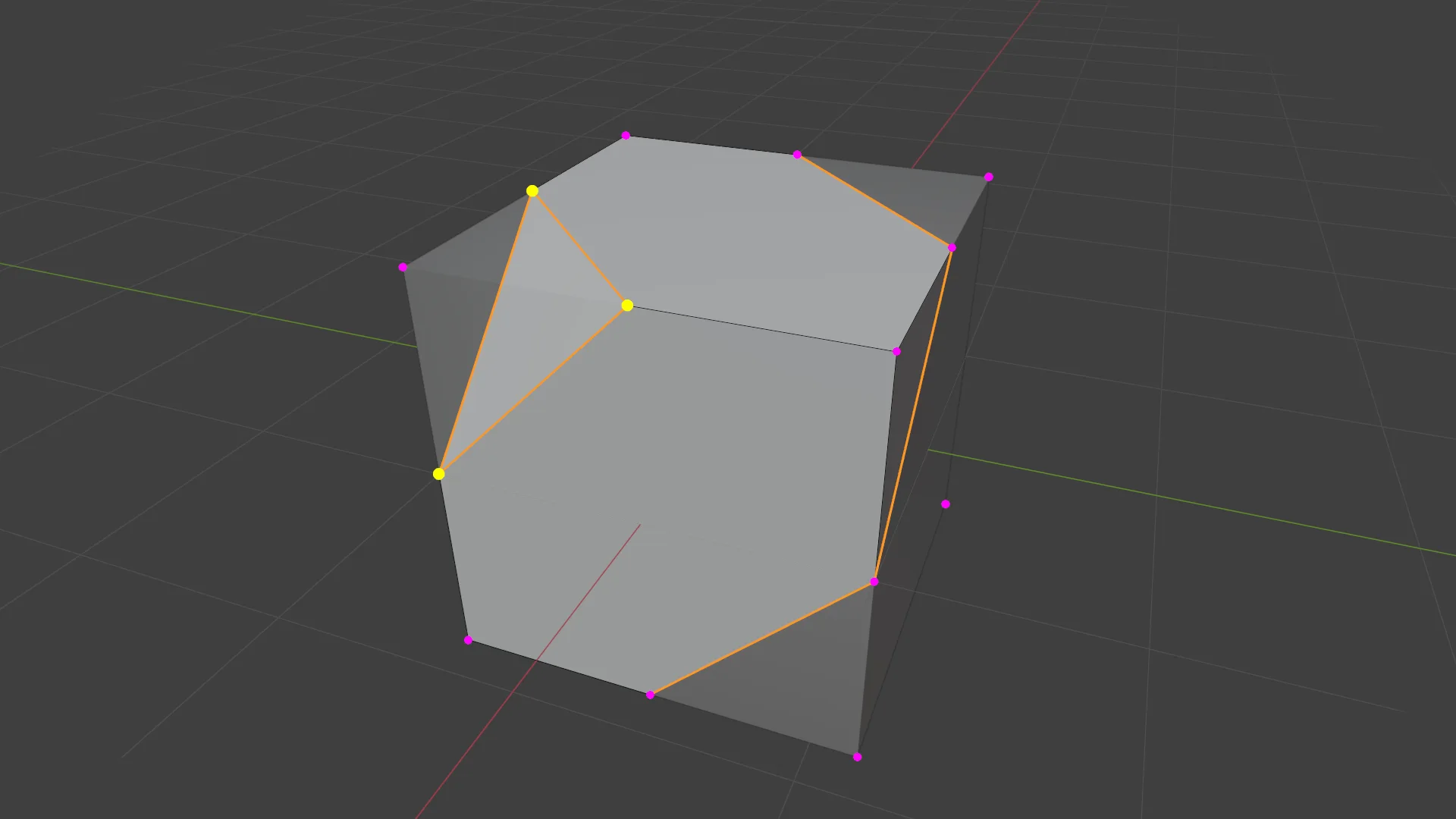
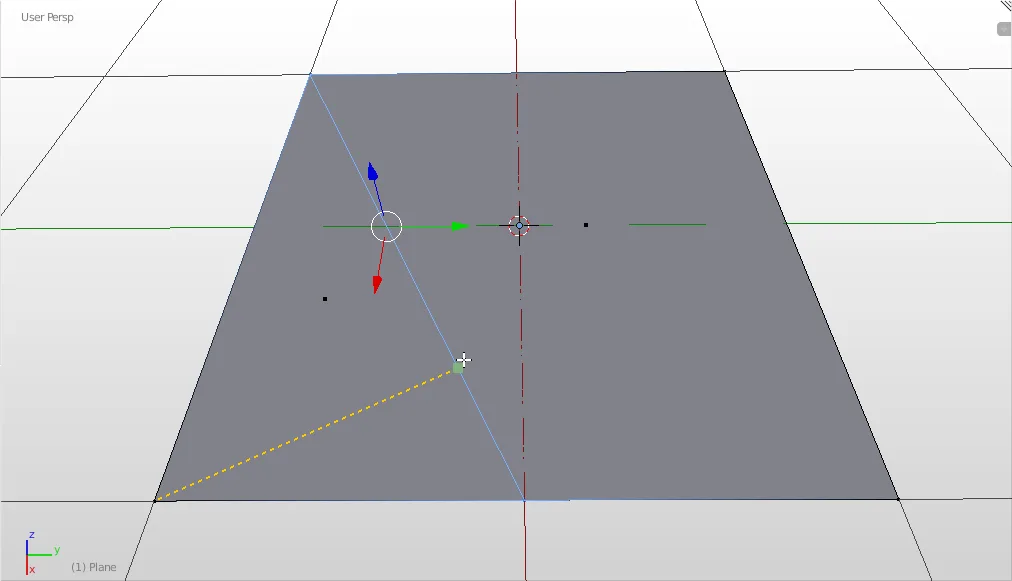
The Blender Extensions listing links to Blender’s 4.1 Manual page for the line tool. It describes snapping to mesh vertices, edges and faces, including an edge’s center or perpendicular. In the documented Edit Mode workflow, movement can be constrained to X, Y or Z; Shift constrains movement toward an edge when the cursor is over one. After the first point, enter a line length and press Return. Create Faces forms faces for a closed segment, when the last vertex binds to an edge connecting another segment vertex, for an isolated edge loop, or when redrawn edges meet those conditions.
Version and compatibility
The official catalog record lists version 6.8.1 and Blender 4.2.0 as the minimum version. Check the Blender Extensions listing for the release details and compatibility information before adding it to a project.
Maintainer and license
mano-wii maintains Snap Line Tool. The catalog lists its license as GNU GPL-3.0-or-later. Review the license terms and release information on the listing if you plan to modify or redistribute the add-on.
Installation information
The extension listing offers drag-and-drop installation or a download for Blender’s Install from Disk flow, and links to Blender’s installation guidance. Follow the instructions for your Blender version.