Align faces between separate objects
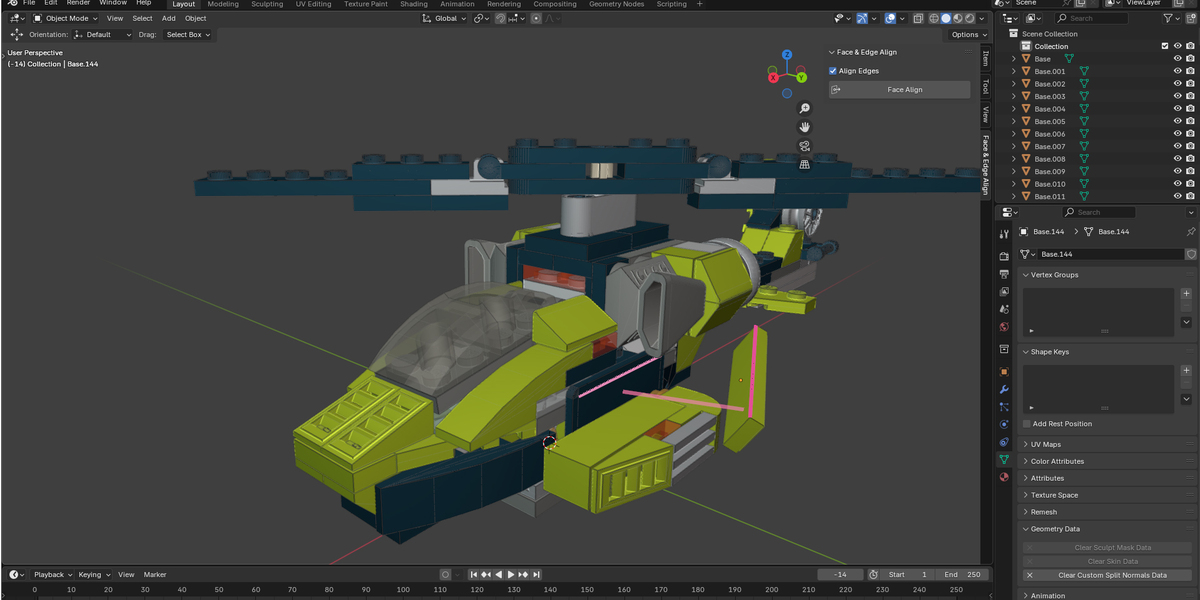
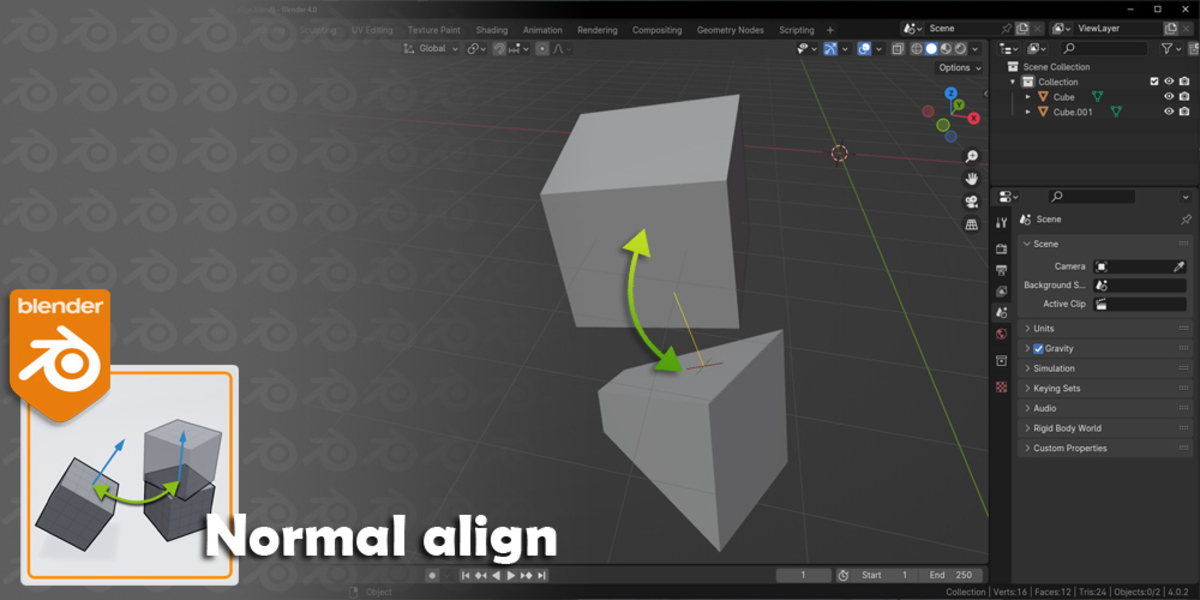
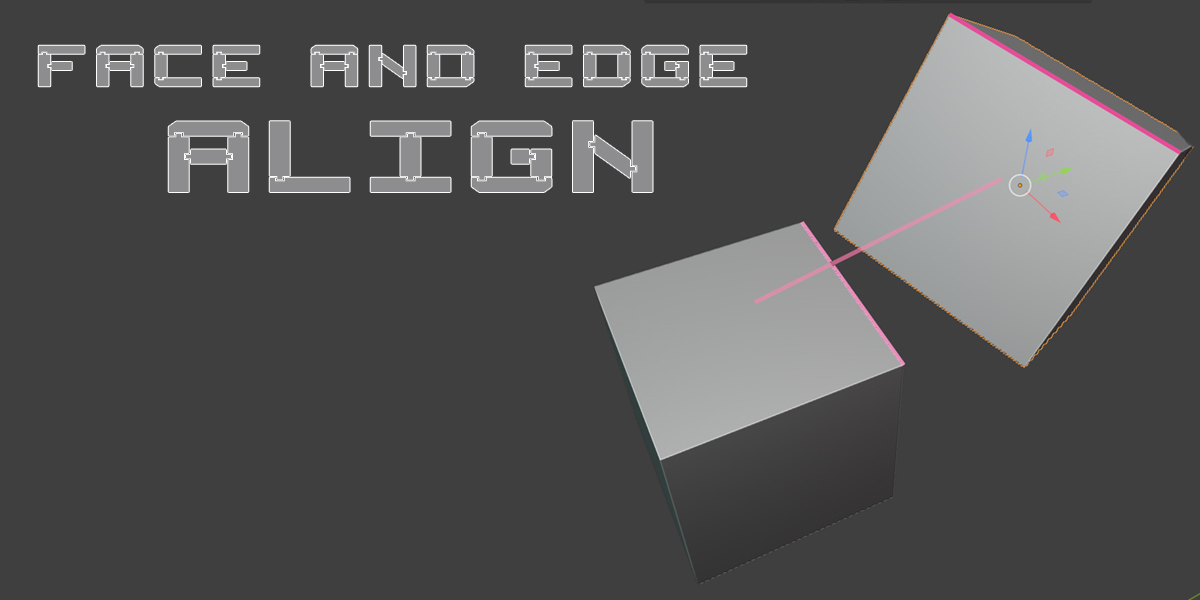
Face And Edge Align is a Blender add-on for matching a face on one object to a face on another. Select a face on the object to move, then select the target face. The add-on automatically orients the faces for contact, which can help when placing panels, furniture parts, mechanical components, or other objects that need to meet at a surface.
Choose how edges meet
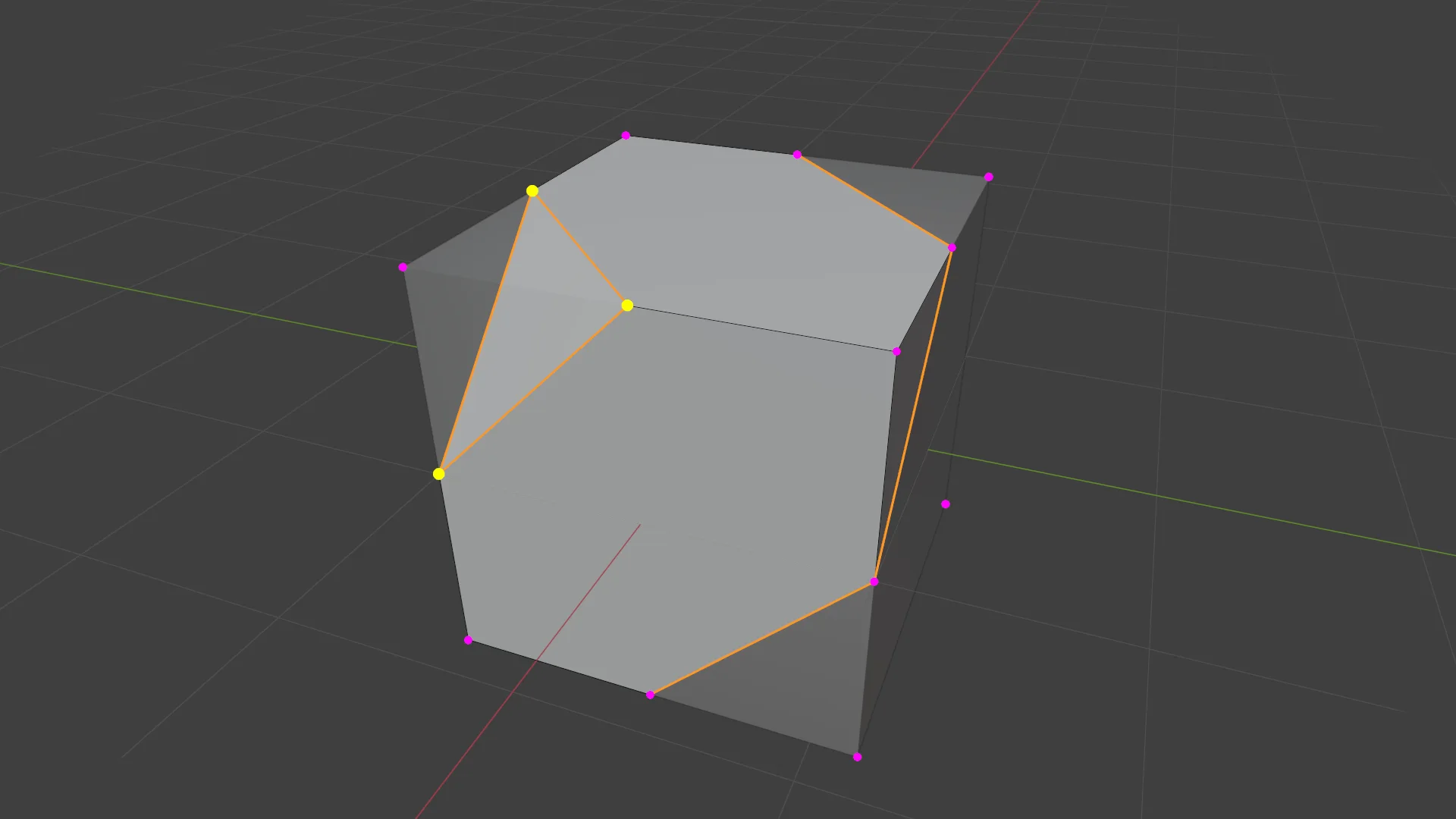
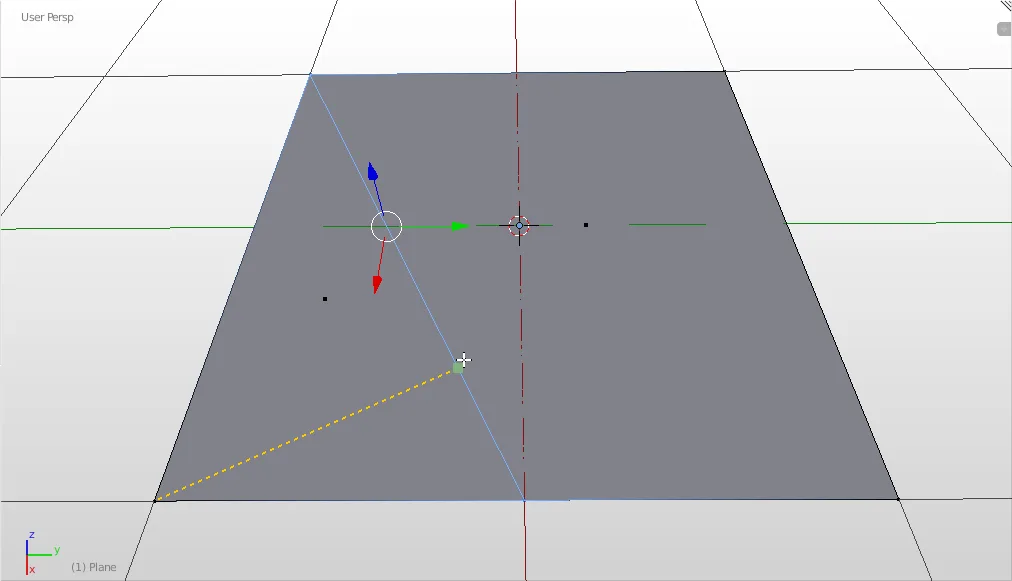
Two optional edge modes refine the alignment. Parallel Edge Mode keeps selected edges parallel while the faces align. Snap Edge Mode overlaps edges for a joint. The add-on also checks whether faces are coplanar and overlapping. Its correction options include trying multiple approaches, 180-degree face correction, and optimizing edge direction.
Follow the selection with visual feedback
Interactive pink highlighting shows which face or edge is under the pointer. A live preview, edge detection, markers, labels, and connection lines provide feedback during selection and alignment. The product listing describes support for mesh geometry ranging from cubes to complex models and imported assets.
Blender compatibility
The Superhive product listing names Blender versions 3.6 through 5.0. Check the listing for current compatibility and product details before installing.