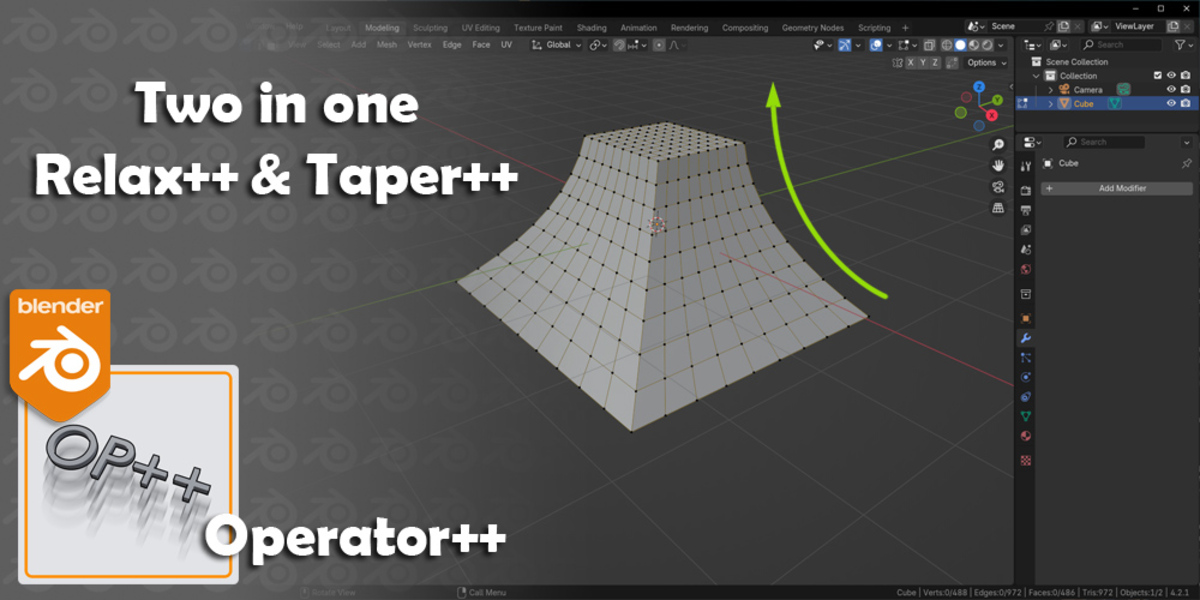
Operators++ is a Blender add-on by AR Utilities with two mesh operators: Relax++ and Taper++. They work directly on selected geometry and add controls to relax and taper operations. Taper++ also avoids setting up a group and modifier for a quick modeling adjustment.
Relax mesh topology with Relax++
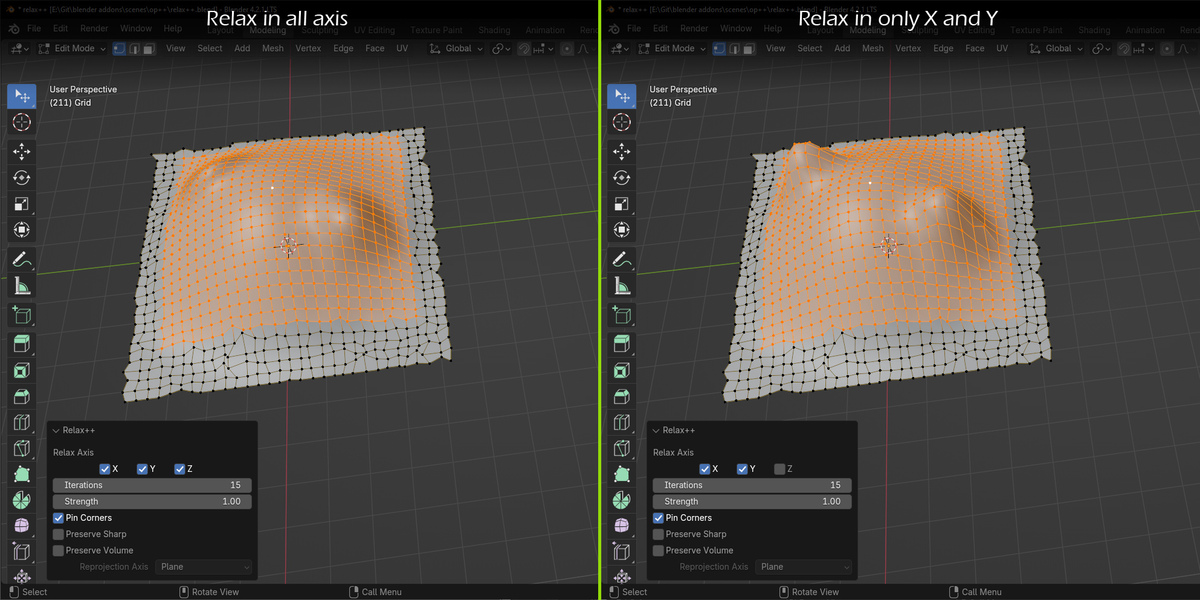
Relax++ redistributes mesh topology with controls for each axis in the active object’s local space. Set the strength from 0.0 to 1.0 and choose from 1 to 64 iterations. Pin Corners keeps vertices on the selection edge from moving. Preserve Sharp keeps sharp edges from blending with non-sharp edges.
Preserve Volume reprojects the relaxed result onto the base mesh to constrain it to the original surface. Choose Plane, Normal, Mixed Normal, Centre or Cursor as the Reprojection Axis. Plane is usually suited to flat selections without overhangs; Normal is often suited to curved selections. Depending on the geometry, preserving the shape can reduce the quality of the relaxation.
Taper selected vertices with Taper++
Taper++ applies its effect to selected vertices. Choose a Taper Orientation of Local, Cursor or World, and a Taper Centre of Centre, Origin or Cursor. The primary Taper Axis determines where the taper changes; Affect Axis selects one or both of the other axes. For example, with Z as the primary axis, the taper affects X, Y or both.
Strength controls the effect, while Curve adds positive or negative curvature. Minimum Scale sets the lower scale limit: zero prevents the taper from inverting, and a higher value can prevent faces from becoming infinitely thin. Limit Negative and Limit Positive take effect when their values exceed 0.0; each stops the taper from increasing beyond its set distance from the centre in the corresponding direction.
Version and Blender compatibility
The listing identifies version 1.0.0 as the initial release, gives the license as GPL, and lists Blender 3.6, 4.0, 4.1, 4.2 and 4.3. Check the Superhive product page for current compatibility, license details and developer documentation.