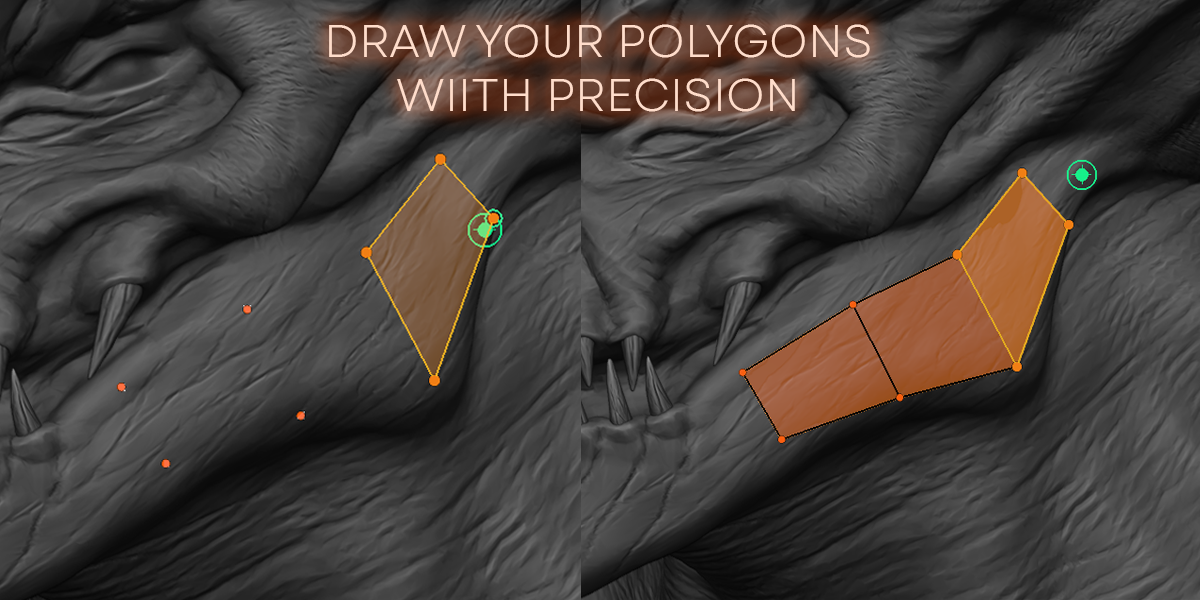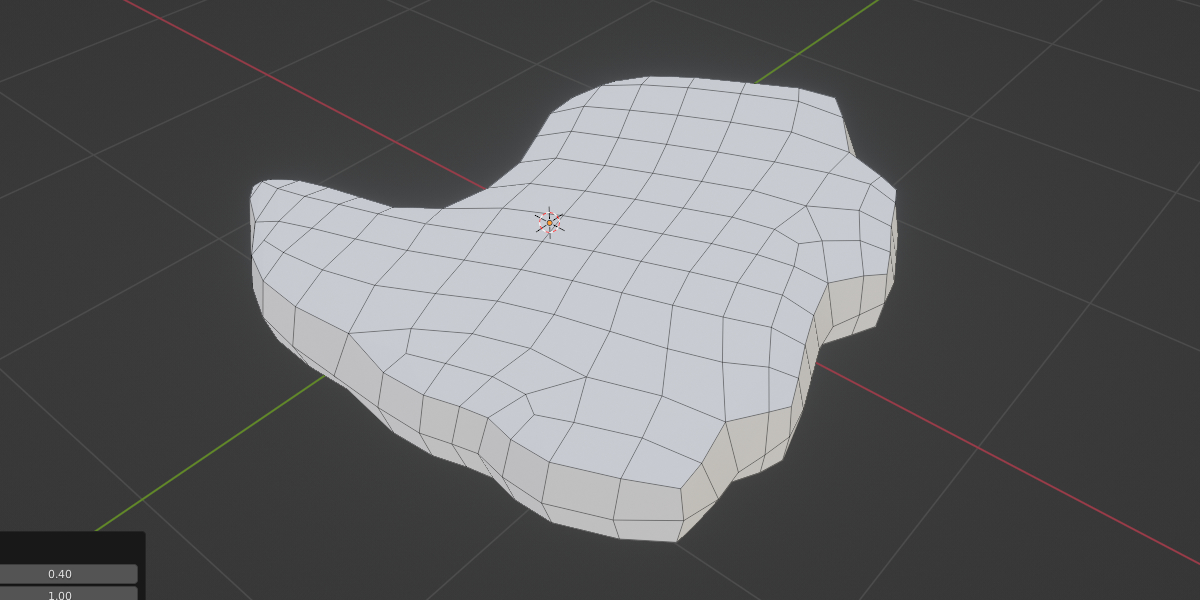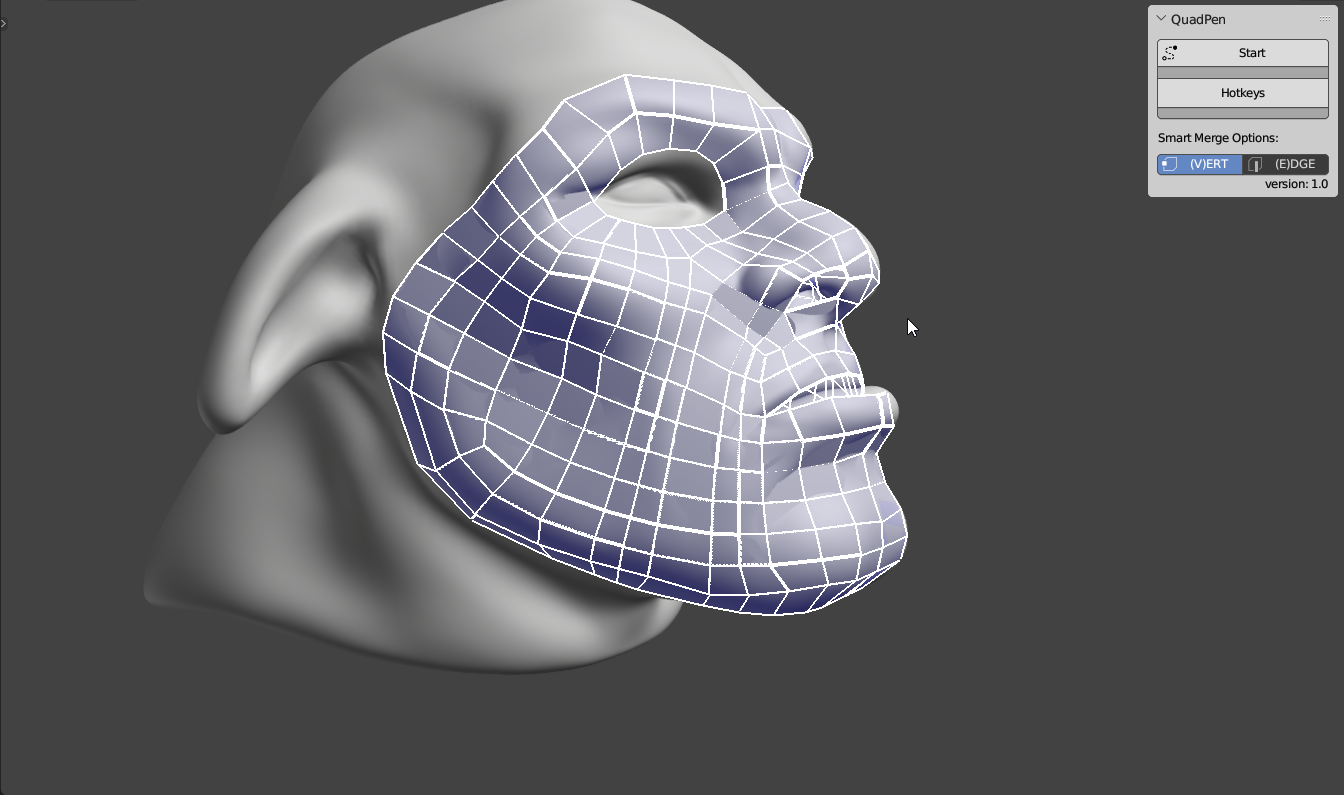
Quadpen - Retopology Tool is a brush-based Blender add-on for drawing quad topology over an existing mesh. In the 3D Viewport, you can draw quads and guides, then adjust segments, guide direction and nearby geometry .
Draw and refine quads in the viewport
Left-click to draw quads. The middle mouse button adjusts the segment count, while Ctrl with mouse movement changes the brush size. Guide tools let you straighten or reroute a guide with Alt, manipulate it with the snake feature using Ctrl, and smart-merge nearby vertices or edges with Shift. Press R to relax selected guides or vertices, or C to start a loop cut.
Quadpen shortcuts
| Control | Action |
|---|---|
LMB | Draw quads |
MMB | Adjust segments |
Ctrl plus mouse movement | Change brush size |
Ctrl while drawing | Use snake guides |
Alt | Straighten or reroute guides |
Shift | Smart-merge nearby geometry |
R | Relax guides or vertices |
C | Start loop cutting |
Z | Undo |
Esc | Exit the modal operation |
Installation and Blender versions
Install the QuadPen ZIP through Blender's Edit > Preferences > Add-ons panel and enable the add-on. Then open the 3D Viewport toolbar with N, select QuadPen and click Start. The product listing names Blender 3.5 and 4.0 as supported versions. Version 1.1 added Blender 4.0 support and a GPU API fix. Check the published documentation and product listing for current installation and compatibility details.