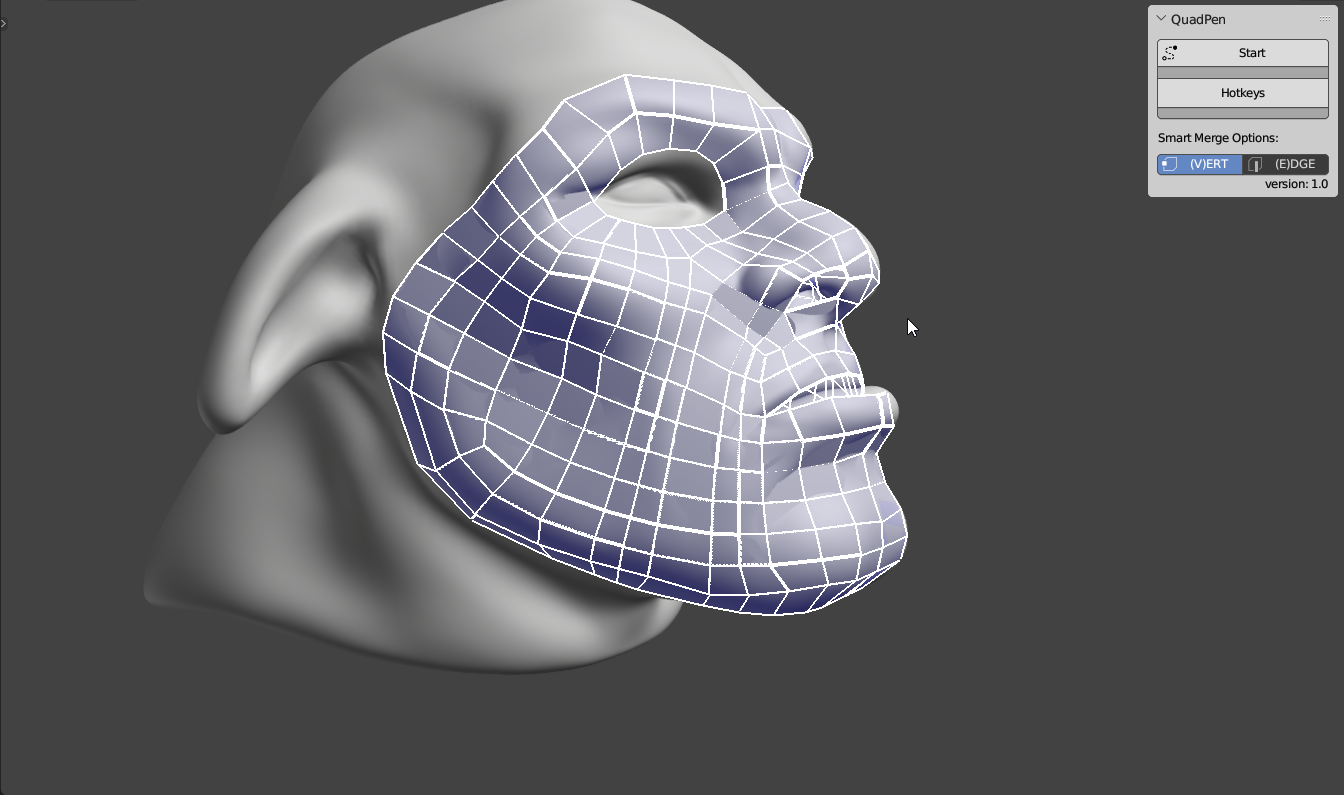
Poly Engine is a Blender add-on for building retopology directly over a sculpt in the 3D viewport. Assign a mesh as the Live Surface, then use PolyDraw to place and move vertices while they stay snapped to the reference.
Start with a Live Surface
Enable the add-on in Blender Preferences, open the PolyEngine tab in the N-panel, assign a mesh object, such as a sculpt or scan, as the Live Surface, and press Start Poly Engine. The developer documentation says a mesh object is required and that the add-on handles mode switching when activated.
Tools for placing and adjusting topology
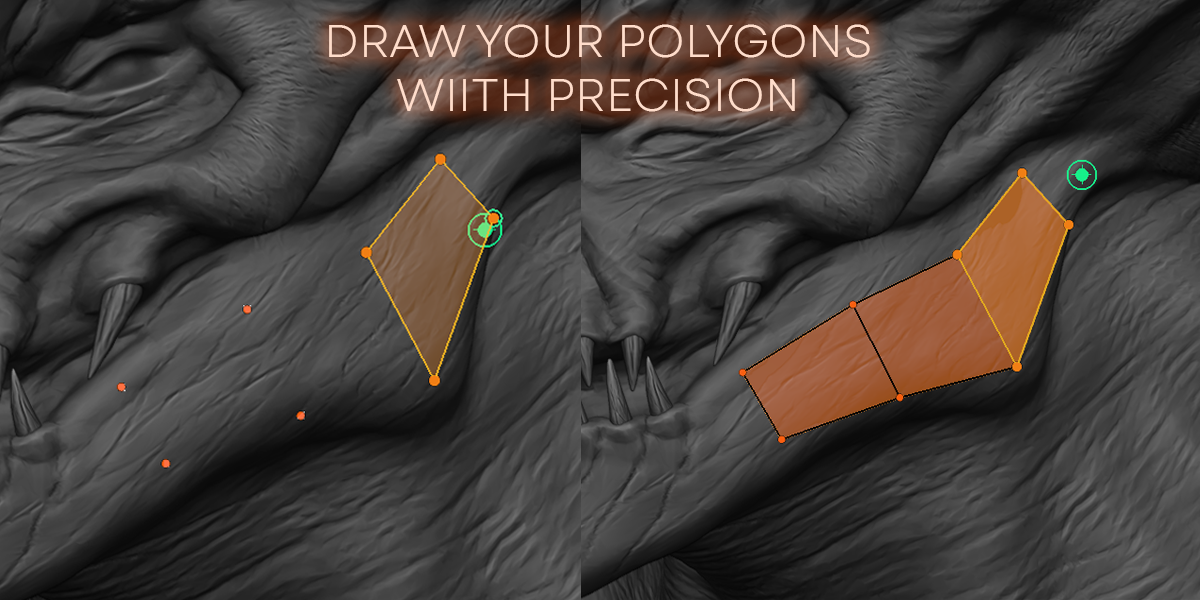
- PolyDraw: CTRL-click places a vertex. SHIFT-click creates a quad from the four nearest vertices. In Mixed mode, CTRL+SHIFT-click creates a triangle. Choose Quad, Tri or Mixed mode from the panel.
- Move and merge: Drag without a modifier to move the vertex, edge or face beneath the cursor. Release near another vertex to merge; the merge distance is adjustable.
- Edge loops: Hold ALT and hover over an edge to preview a loop on quad faces, then click to insert it.
- Relax brush: Hold R and brush over uneven vertex spacing. Scroll while holding R to change brush size, and adjust strength in the panel.
- Quick Bands: Click a chain of points on the Live Surface to create a quad strip. Scroll to change its column count, use SHIFT+scroll to adjust width, press Backspace to remove the last point, and Enter to commit the strip.
- Point Slide: Push or pull existing vertices within the brush radius. Moved vertices remain snapped to the Live Surface; scroll changes brush size and SHIFT+scroll changes strength.
- Ghost Symmetry: Enable X symmetry to see a faint mirrored overlay. It is a visual guide and does not create mirrored geometry.
Quick Bands is intended for longer directional runs such as arms, legs, fingers, panel lines and clothing seams. For setup steps and tool controls, see the developer documentation
Blender compatibility
The developer documentation describes support for Blender 4.0 through 5.x, while the marketplace product details list Blender 4.0 to 5.2. Check the current product listing for the version range before installing.